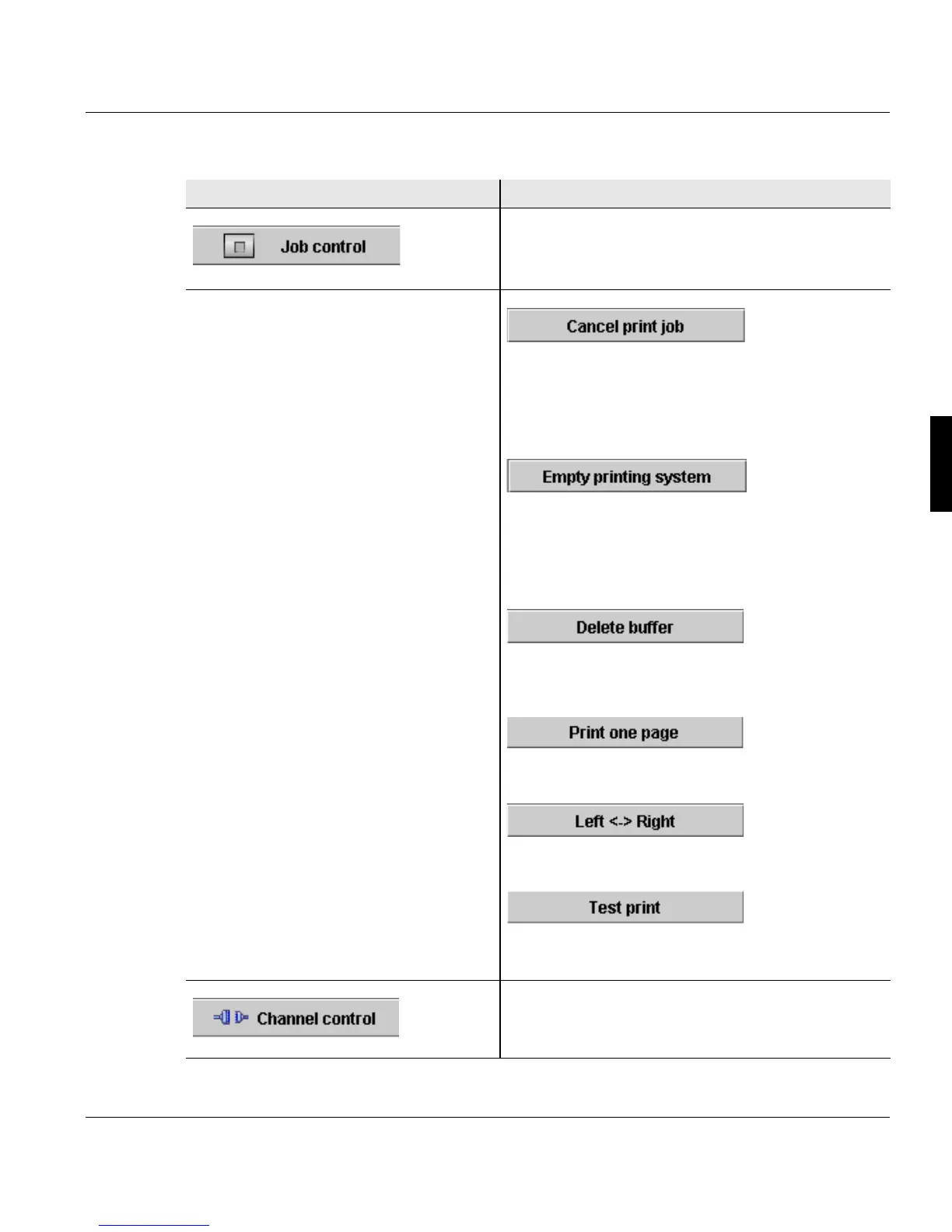
4.2.1.2 Center area buttons and displays
A29246-X20-X-4-7680 / fa400.fm 67
Button Function
Switches to the <Emulations> menu.
The following buttons are available here under
"Job control":
Cancels the current print job.
The data in the page buffer is erased.
Requirement: The printing system is in "Stop"
status.
Only in PCL mode and only if the printing system
is in "Not ready" status:
Cancels the current print job. The data in the
page buffer is still printed out.
Only in I-Mode:
deletes the existing data in the printing system.
Performs a test print with the entered number of
pages.
Switches to the <Channels> menu.
The following buttons are available here:



 To Next Page