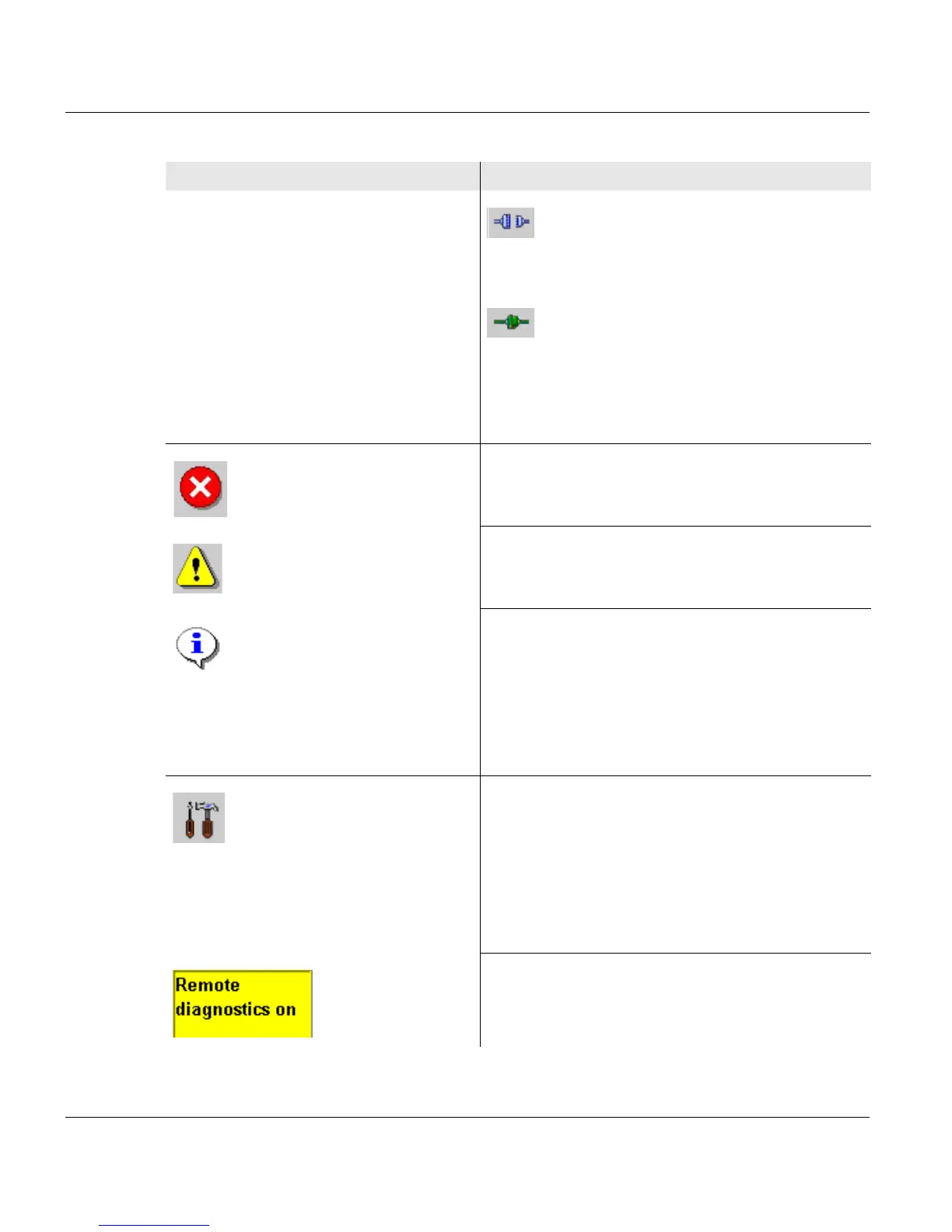
4.2.1.2 Center area buttons and displays
68 A29246-X20-X-4-7680 / fa400.fm
Activates the channel.
The clutch icon is closed.
Deactivates the channel.
The clutch icon is opened.
During the time needed to activate/deactivate a
channel, the clutch icon is shown in yellow.
Flashes when there is an error message.
Flashes when there is a warning.
Flashes when there is information.
When there is no error message, warning or
information, this button is hidden.
Clicking this button switches to the <Errors and
warnings> menu (see section 8.2 Processing
messages on the operator panel, page 338).
Indicates that remote access is activated. This
allows the service center to perform a remote
diagnosis during printer operation.
The button appears only when a remote
diagnosis has been arranged. Clicking the
button deactivates remote access directly
without having to go through the menu.
Also indicates that remote access is activated.
Button Function



 To Next Page