Manual Version e1-4.3.0.ae-R3. Page
Adding a User
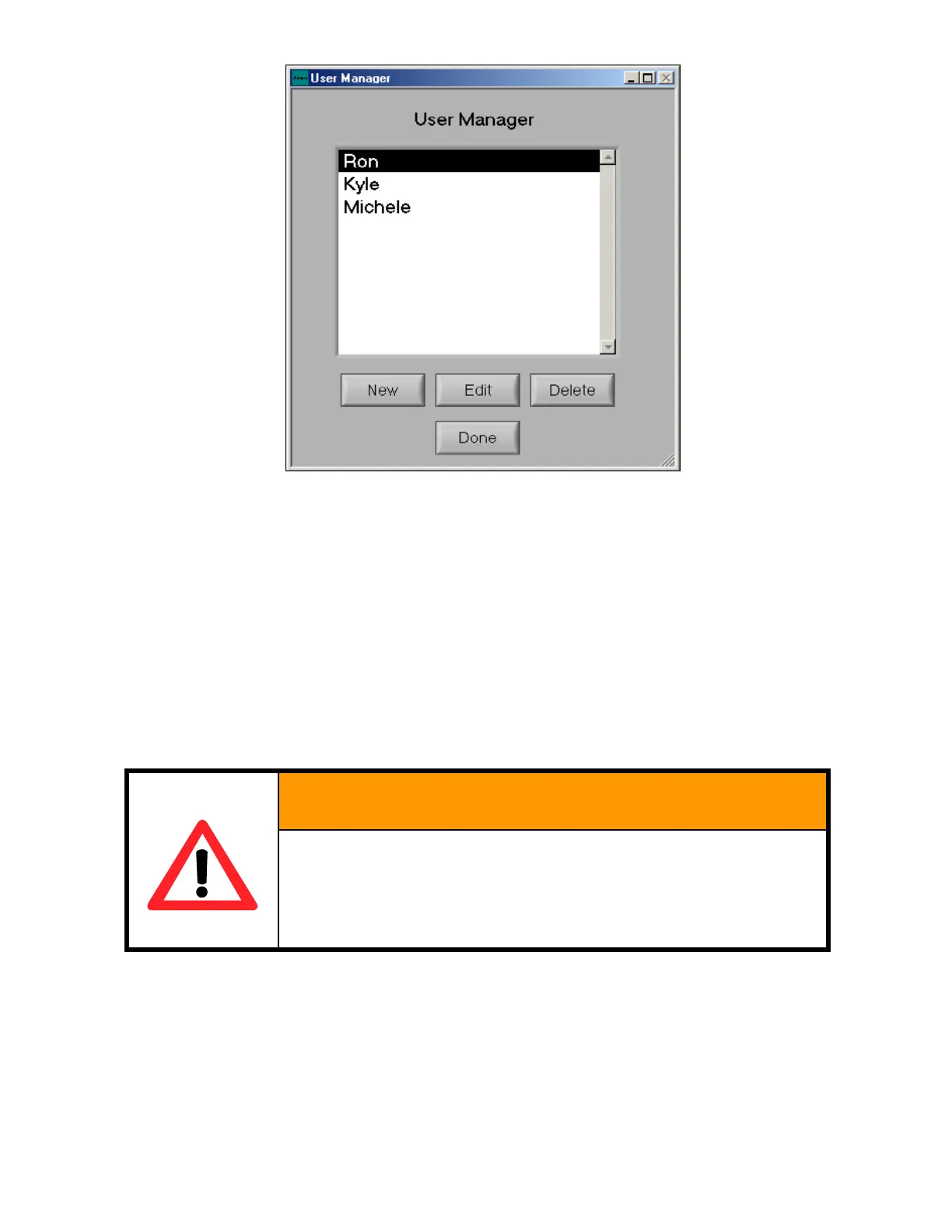
A new user can be added to the system by clicking on the new button within the user manager.
The edit user screen will appear as shown on next page. The name of the user should be entered into
the User Name box and a password then entered, if desired. If no password is entered, a reminder
message stating that the user has no password will be displayed and if this is OK. The users default
recipe can then be selected and the amount of XeF2 can be entered for the user’s starting point, if
necessary, or is typically left at 0. Later, this value can be examined to show the total quantity of XeF2
used by the user.
Four options (privileges) are available for users.
Maintenance Access gives a user permission to access the maintenance menu thus giving them the
ability to execute such functions as changing the machine configuration, changing the xenon difluoride
bottle, and viewing the full log.
MAINTENANCE MODE SHOULD ONLY BE PROVIDED
THOSE INDIVIDUALS WHO UNDERSTAND THE RIS
EXPOSURE TO XEF2 AND ARE FULLY TRAINED IN
USE OF THE MAINTENANCE ACTIVITIES FOR TH
Global Recipe Write Access allows a user to save an etch recipe in the global recipe location so that all
other users can select the corresponding etching conditions. This also means that the user could
potentially alter the recipes in the global recipe area.
Allow Configurable Etch gives the user the ability to create their own recipe and save it in their file. If
none of these options are selected the user may only use the default recipe assigned to them.



 To Next Page