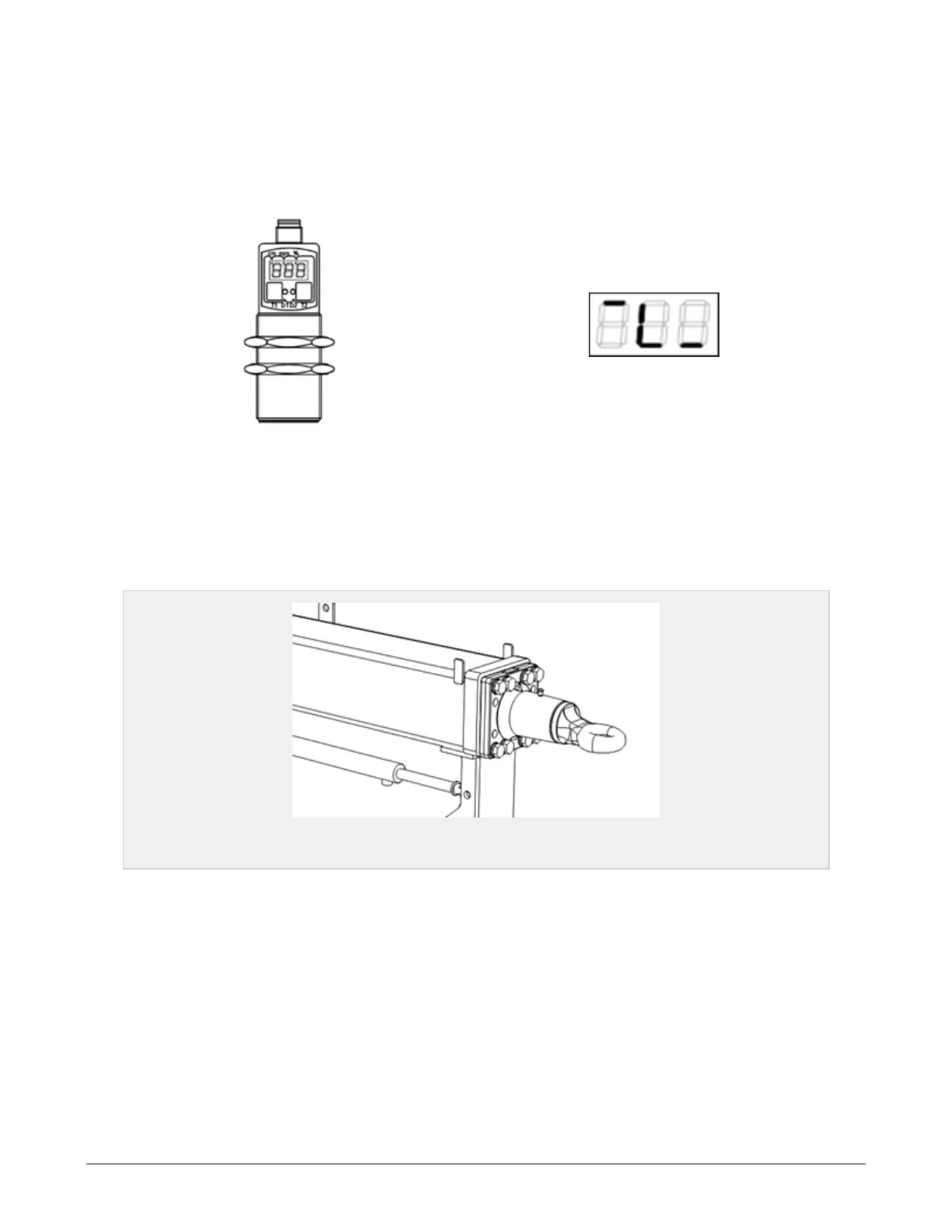
4. When the desired distance is set, press both buttons simultaneously two more times and make sure
the output mode is set to “Normally closed” (symbol shown below). If not, press up or down to
change.
5. Then press both buttons simultaneously one more time until the LCD blinks ”End”.
6. Press both buttons one last time.
The sensor shows its state in its right LED. If the sensor is OK and reads nothing the LED will shine green. If
the sensor detects an object the LED will shine yellow.
3.8 DRAWBAR
3.8.1 Telescopic drawbar
To be able to extract the telescopic drawbar, pull and hold the transport safety lock pull cord while enga-
ging the hydraulic cylinder (lever 6).
Figure 3.8 :
Telescopic drawbar
The safety lock pull cord is located in close proximity to the hydraulic levers.
3 SETTINGS AND HYDRAULIC ADJUSTMENTS 31


 To Next Page