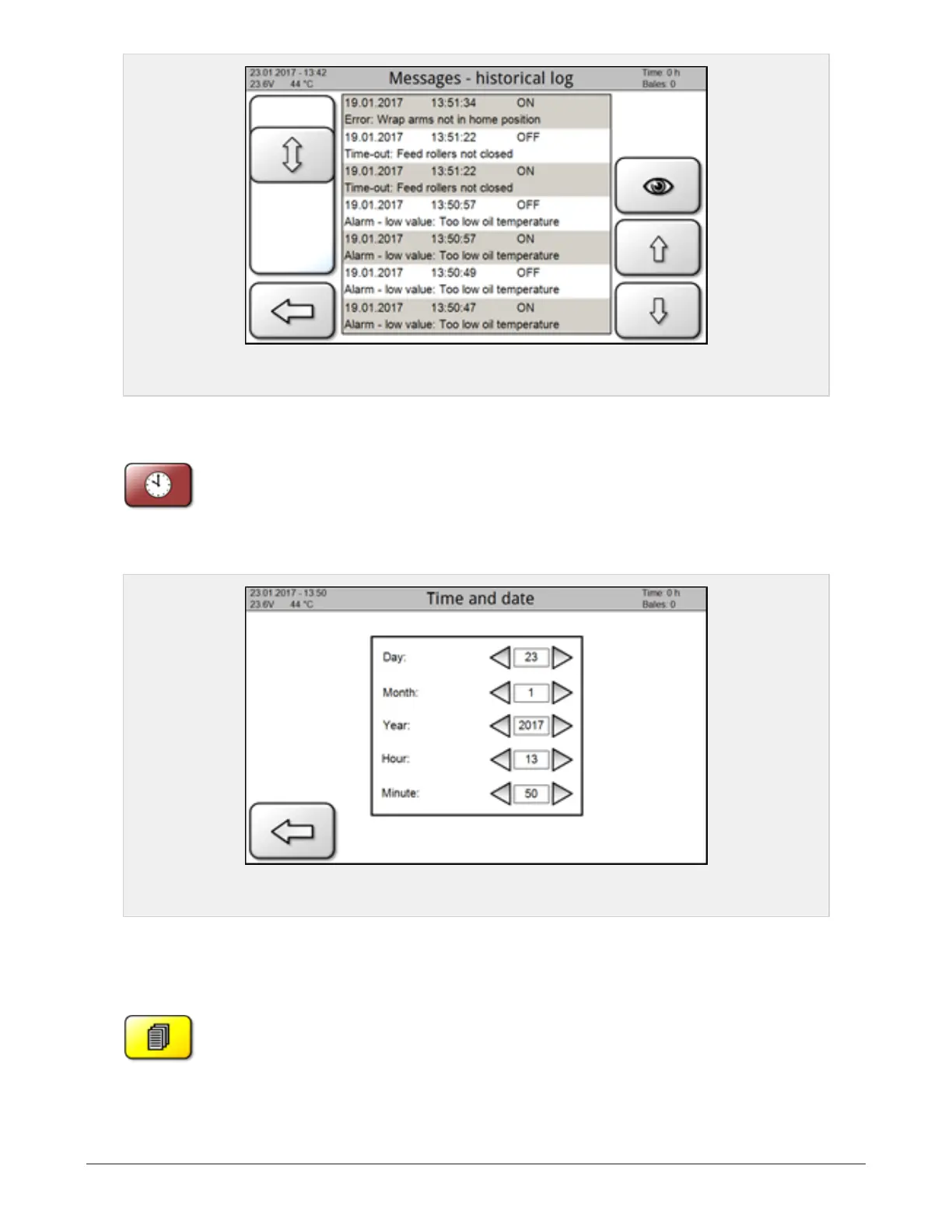
Figure 6.11 :
Message screen
6.1.12 Time and date
From main page; press menu and then the icon for Time and date settings.
The values can be changed up and down by pressing the arrows on the right hand side and left hand side
respectively.
Figure 6.12 :
Time and date screen
6.1.13 User data
From main page; press menu and then the icon for User data. This page shows data from the
baling process that automatically are stored to the activated database. This may be per job, per
customer or any other desired time interval.
The icon to the right, at the top, deletes all the data stored to the activated database.
6 CONTROL SYSTEM 59



 To Next Page