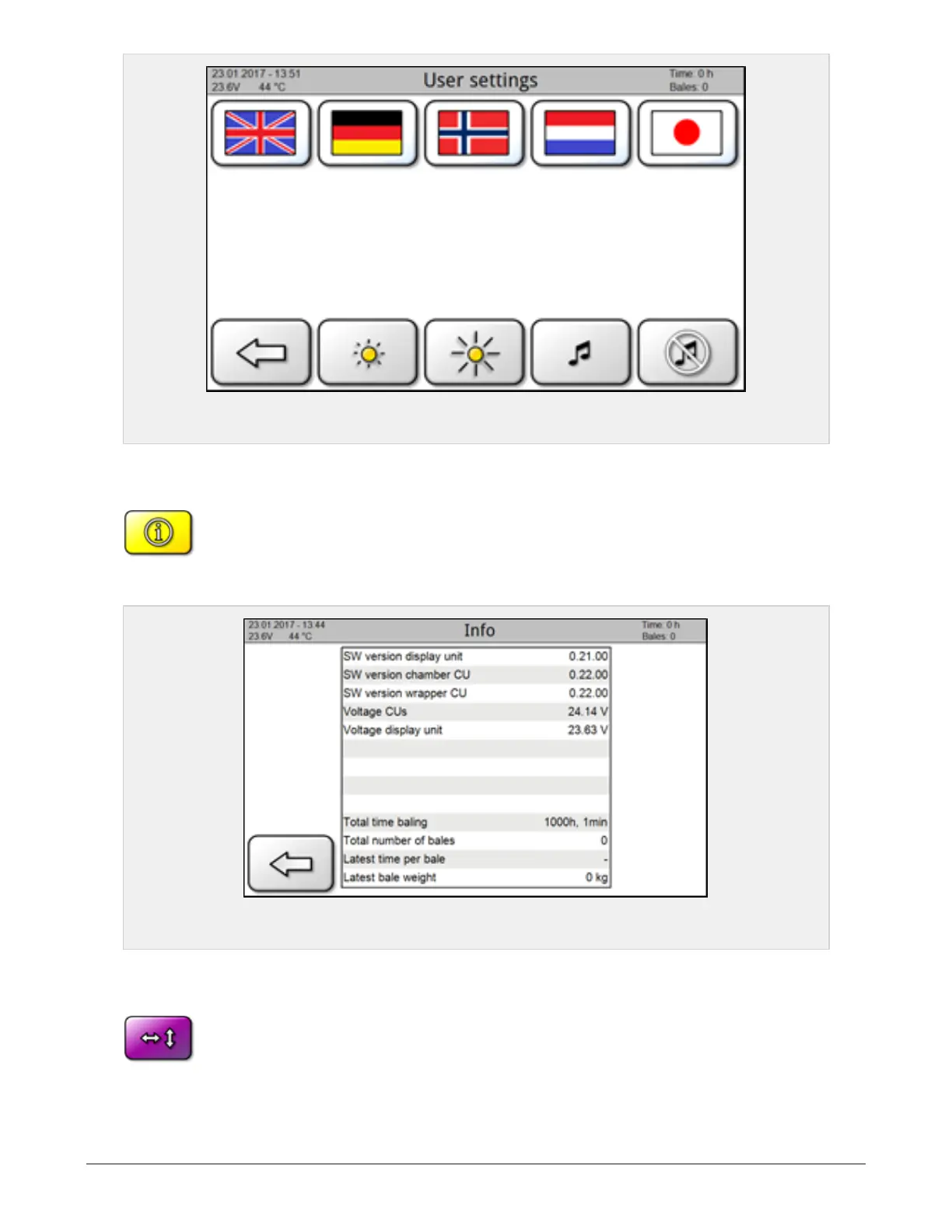
Figure 6.3 :
Language and screen settings page
6.1.5 System information
From main page; press menu and then the icon for System information
This page shows information about the installed software (SW), voltage and logged data.
Figure 6.4 :
System information screen
6.1.6 Manual controls
From these pages the machine’s various functions may be operated manually by
pressing and holding the respective icon.
Page 1
6 CONTROL SYSTEM 53



 To Next Page