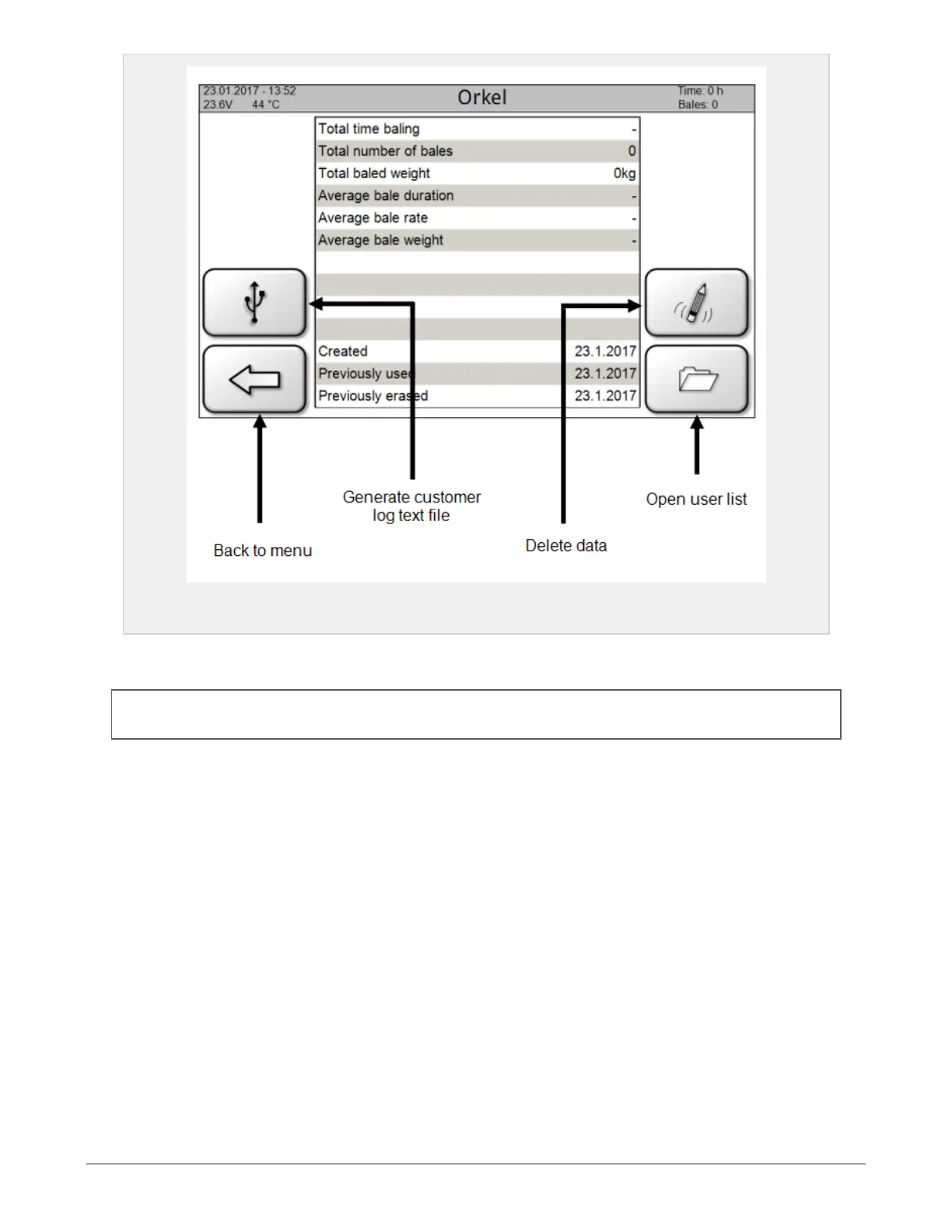
Figure 6.13 :
User data page
When pressing the upper left icon, the control unit generates a printable text file containing the customer
log.
NOTE: Insert the mini-USB-USB-adapter and flash drive into the control unit. The text file prints directly on
the flash drive when pressing the «generate»-button.
The icon in the lower right corner opens the user list, where customer databases can be created, activated
and deleted. The selected database can be activated by moving the marker to the desired database and
pressing the upper right icon.
6 CONTROL SYSTEM 60



 To Next Page