Service Manual 11 Electrical Equipment
11.5 Software
1/09 PERFECTA 115 / 132 / 168 / 225 – TS 85
PERFECTA Schneidemaschinenwerk GmbH D-02625 Bautzen Schäfferstr. 44 Tel.: +49-3591-556-131 to -133 Fax: +49 3591-556-139
11.5.5 Calibrating the touch screen
Actuating the grey field above the enter key on the user interface five times will take
you back to the Windows level. Press "OK" to acknowledge any error message pos-
sibly occurring and leave the grey start window by pressing "Exit".
On the Windows desktop, double-click the "TOUCH" icon and select "Calibration 9".
A grey screen with six crossing lines will appear. The points of intersection will, one
by one, show a coloured box. Touch these boxed exactly at the intersections of the
lines. After that, the colour will turn into yellow.
After all boxes have become yellow, calibration will be complete, and you can click
"OK" to close this window.
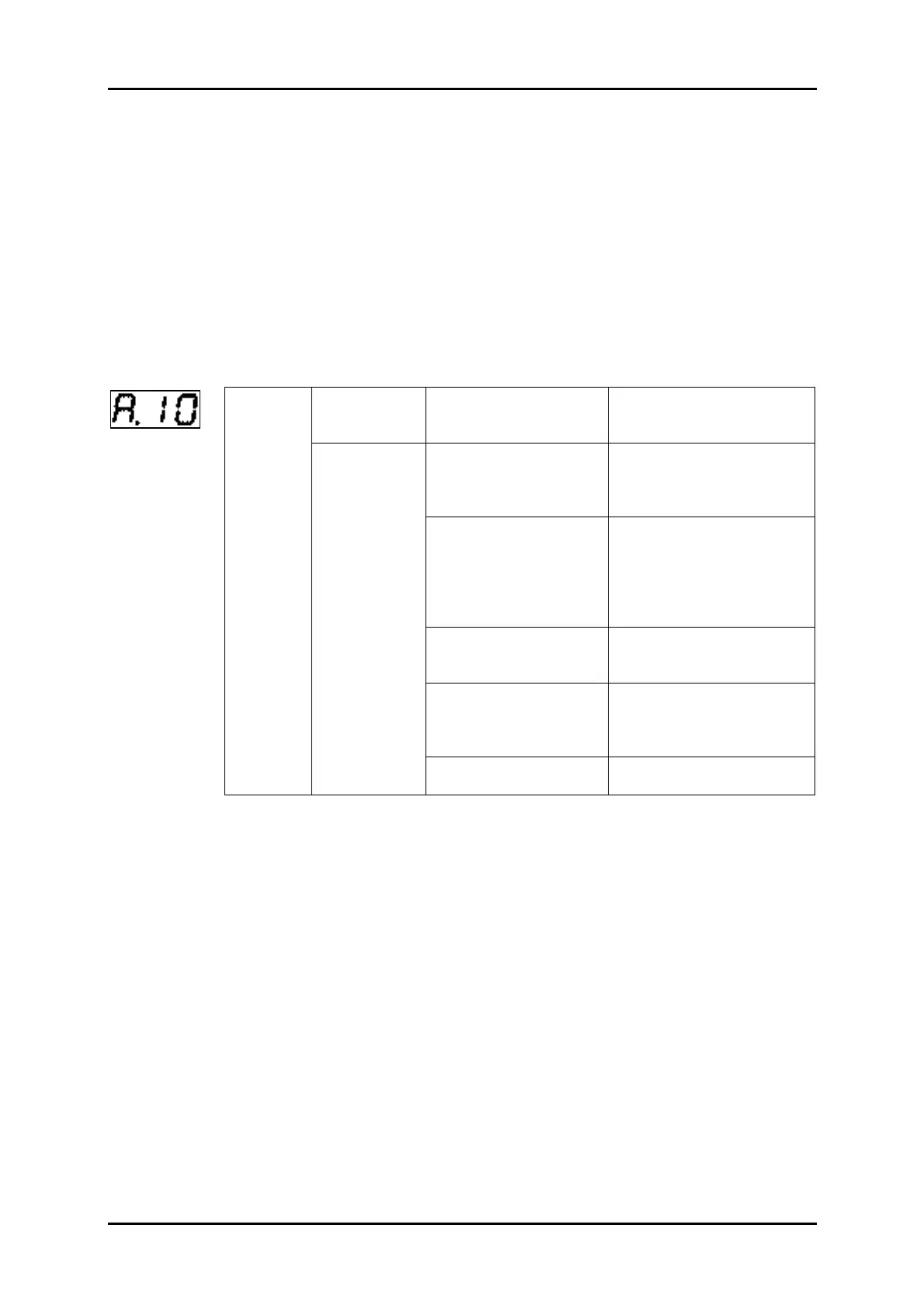
11.5.6 SMART-STEP error message
Occuring
during
powering up.
Control panel error.
Error in the power circuit
transistor module.
Replace the servo driver.
Error in the current
actual value circuit.
Error in the power circuit
transistor module.
Replace the servo driver.
The servo motor supply
cable is short-circuited
or earthed between
phases.
Repair the short-circuited
or earthed cable. Measure
the insulation resistance on
the servo motor, and replace
the servo motor in case of
a short-circuit.
Wrong wiring between
the U, V as well as W
phases and earth.
Correct the wiring.
The servo motor winding
has burnt.
Measure the winding resis-
tance, and replace the
servo motor if the winding
has burnt.
Over-
current
Occuring
when the
servo motor
is started.
Nominal power is ex-
ceeded.
Reduce the load.



 To Next Page