Service Manual 13 Errors
13.1 Error messages
1/09 PERFECTA 115 / 132 / 168 / 225 – TS 92
PERFECTA Schneidemaschinenwerk GmbH D-02625 Bautzen Schäfferstr. 44 Tel.: +49-3591-556-131 to -133 Fax: +49 3591-556-139
13. Errors
13.1 Error messages
If an error occurs, the latter will be displayed as a clear-text message. You can use
the "Clear" key to acknowledge such error messages.
Any error messages coming from the safety module, additionally indicated by the
blinking of all front panel LEDs, must be cancelled by turning off the main switch of
the machine.
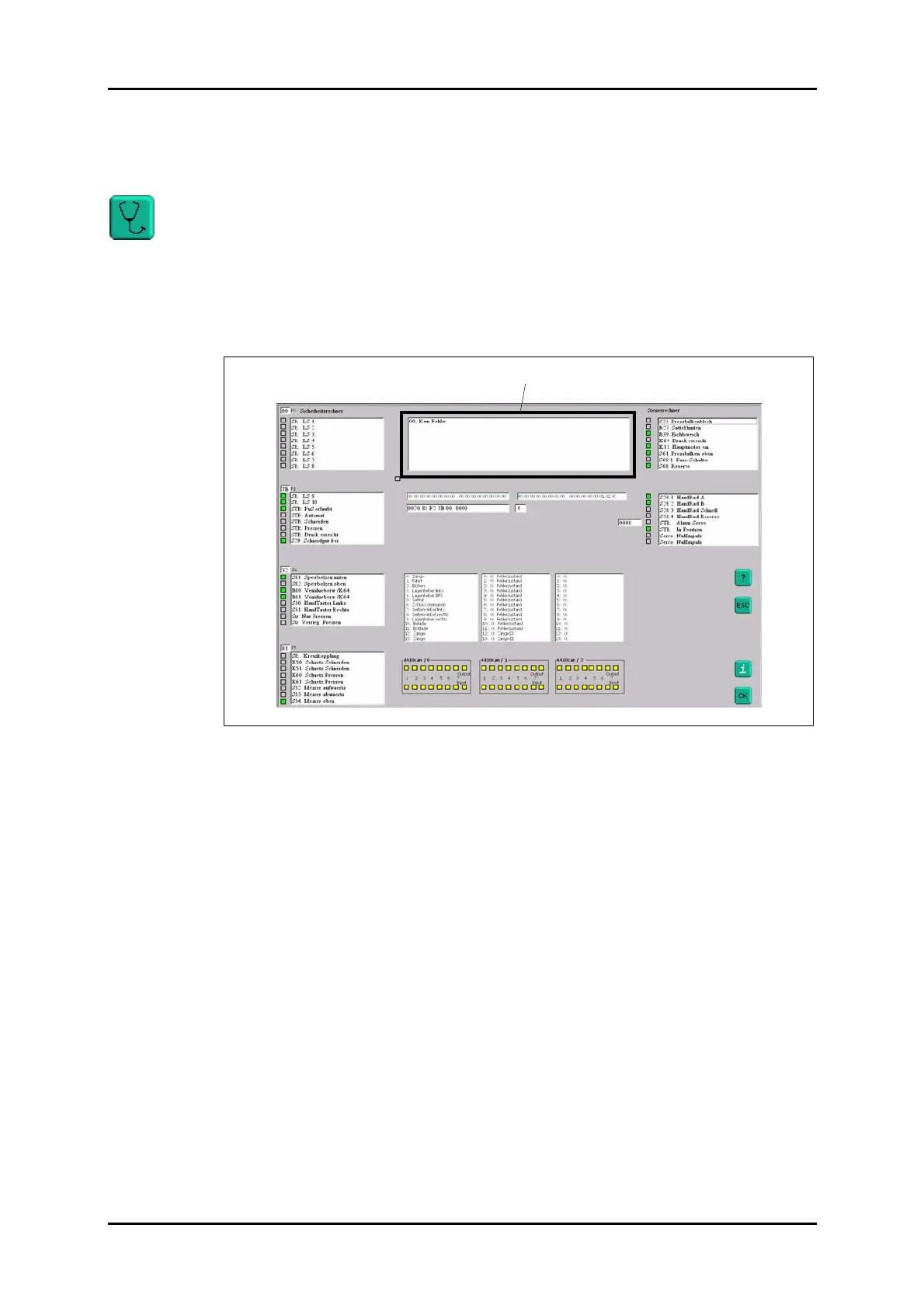
After an error message has been displayed, and you have pressed the "Clear" key to
acknowledge it, you can read a detailed error cause in the "Diagnostic" menu.
Figure 61: "Diagnostic" menu.
Error message display window



 To Next Page