7088-8000
-139
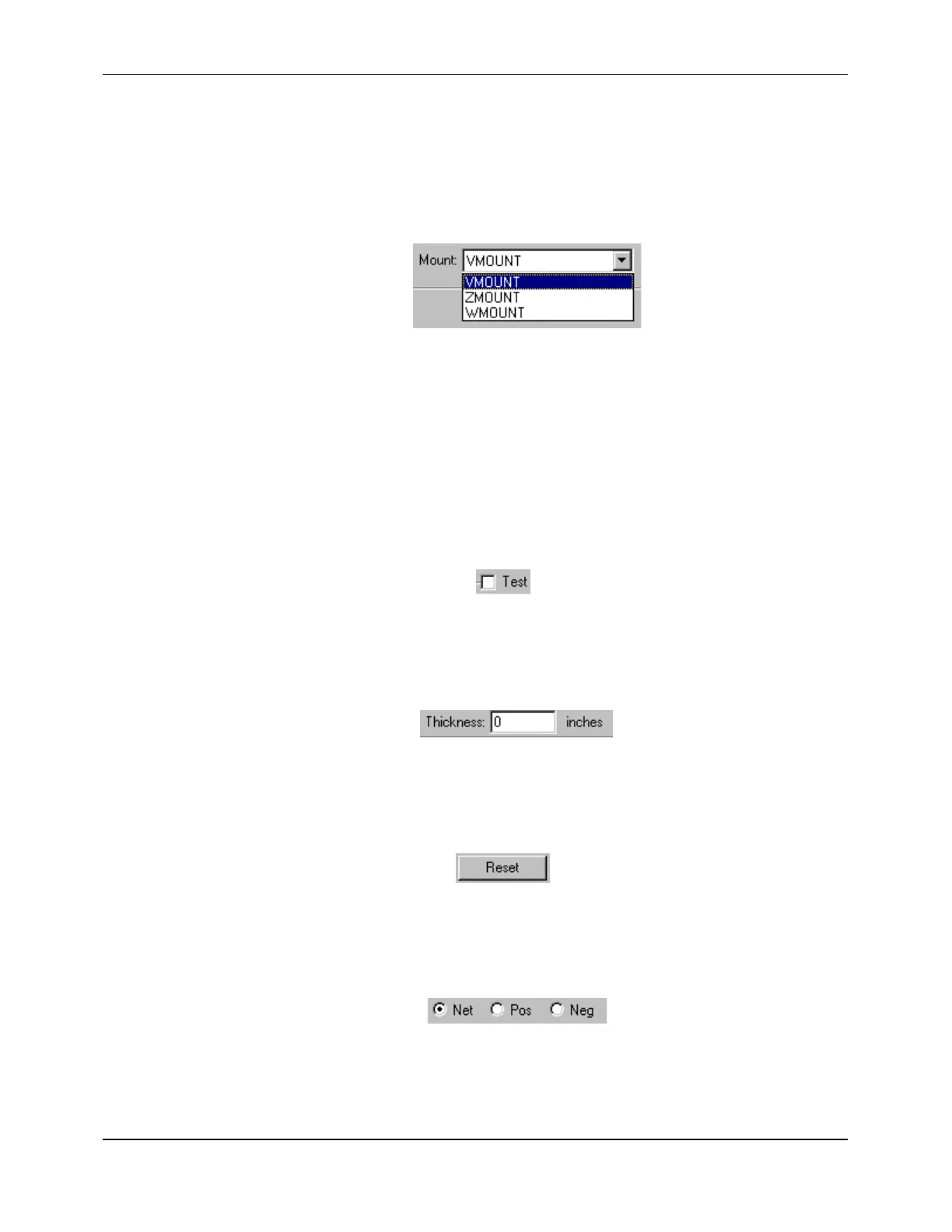
Pull-down list A list of additional selections for an option. If a pull-down list is
available, it can be displayed by clicking on the down arrow to the
right of the current selection (Figure F-4).
Figure F-4 Pull-Down List
Pull-down menus The
FILE
,
EDIT
,
COMMUNICATIONS
, and
HELP
options displayed
at the top of the screen. Clicking on one of these menus displays a
pull-down list of available functions.
Boxes and Buttons
Check box A small box to the left of an option that allows the option to be
selected (checked) or cleared (unchecked) by clicking on the box
(Figure F-5).
Figure F-5 Check Box
Text box A box which allows characters or numbers to be entered from the
keyboard (Figure F-6).
Figure F-6 Text Box
Command button A rectangular button that can be clicked on to carry out an action
(Figure F-7).
Figure F-7 Command Button
Radio button Small circular button identifying an individual selection in a group
(Figure F-8). Only one radio button can be selected per group.
Figure F-8 Radio Buttons


 To Next Page