7088-8000
-175
F.6 RS232 Communications
This section describes RS232 communications for
TimeGATE
™
and how to transmit a
communications test message for diagnostic purposes. The baud rate and com port are the
only RS232 parameters that can be selected for
TimeGATE
™
. Parity is preset at none, the
character size is preset at 8, and the stop bits are preset at 1. (All selections are N,8,1.)
Com port 1 or 2 can be selected. In addition, baud rates of 1200, 2400, 4800, 9600, or
19200 can be selected.
IMPORTANT:
Prior to connecting
TimeGATE
™
to a DCT6088 or DCT7088, ensure that
the
TIMEGATE
selection in Menu 46 is active. To activate the
TIMEGATE
selection in these flowmeters:
!
Access Menu 46.
!
Select
TIMEGATE
from the flowmeter display.
!
Access Menu 00.
F.6.1 WHEN
TimeGATE
™
CANNOT CONNECT
When starting
TimeGATE
™
(Section F.3), the Welcome Screen is displayed, followed by
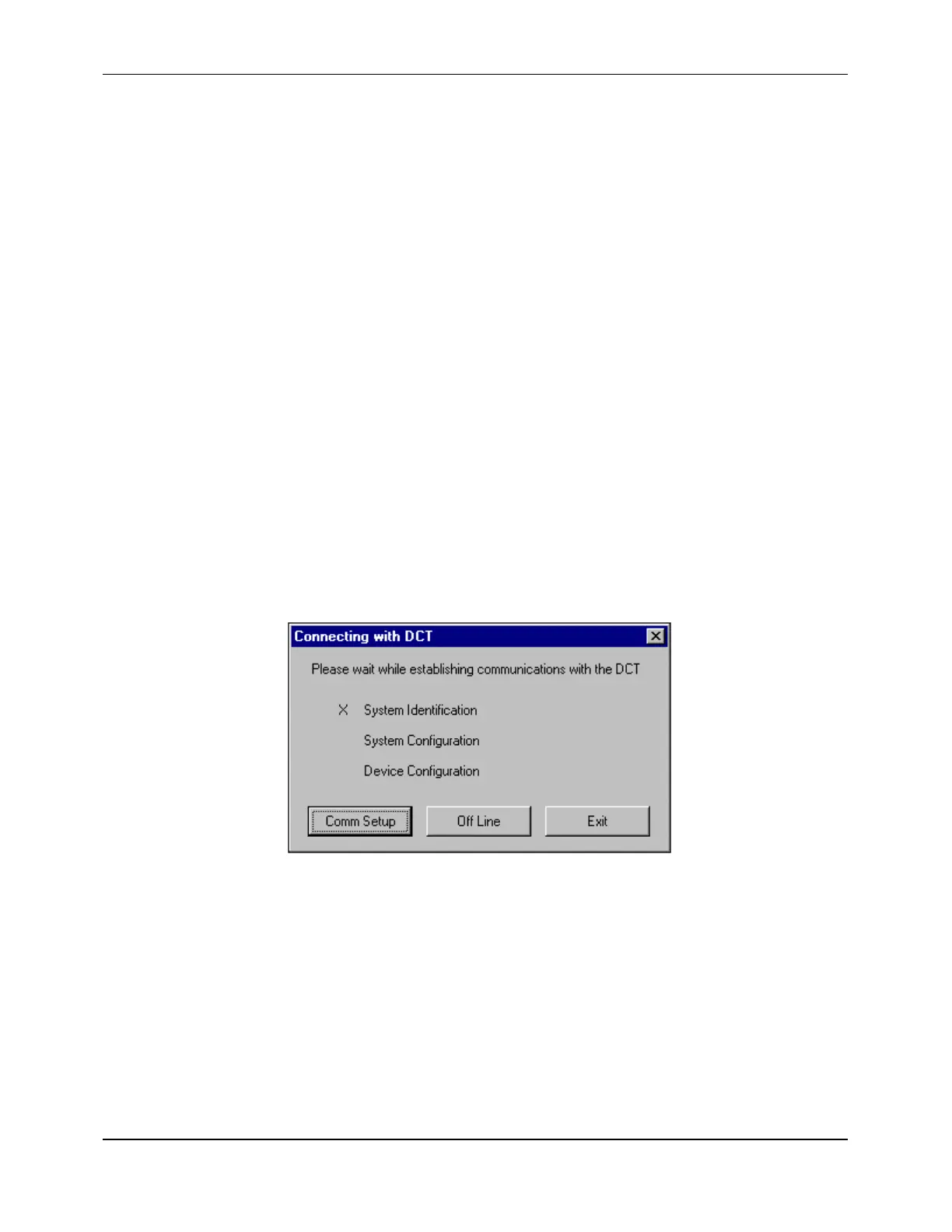
the Connecting Screen (Figure F-24). If the units connect properly, an
X
is momentarily
displayed to the left of
SYSTEM IDENTIFICATION
, and
TimeGATE
™
connects.
Figure F-24 Connecting Screen
If the
X
is not displayed,
TimeGATE
™
does not connect and the Connecting Screen
remains, offering the following options:
!
EXIT
- To quit
TimeGATE
™
!
OFFLINE
- To access the
TimeGATE
™
screens in an offline session without connecting
to the flowmeter (Section F.6.3)
!
COMM SETUP
- To change the com port or baud rate settings of the PC


 To Next Page