7088-8000
-53
file numbers can be viewed to determine which data
log files are present. These files can be deleted from
the flowmeter or can be transferred in ASCII format to
an IBM-compatible PC for record keeping or analysis.
The files are transferred using the PolyLink flowmeter
data link utility (Appendix A).
The following selections are available in Menu 80:
!
START
(or
STOP
)
!
AUTO
!
INTERVAL
!
VIEW
The
START
(or
STOP
) selection provides control for
manually starting or stopping the data logger. (The
appropriate selection is displayed depending on the
whether the data logger is currently recording.)
To manually start the data logger, select
START
.
To manually stop the data logger:
1. Access Menu 80.
2. Select
STOP
.
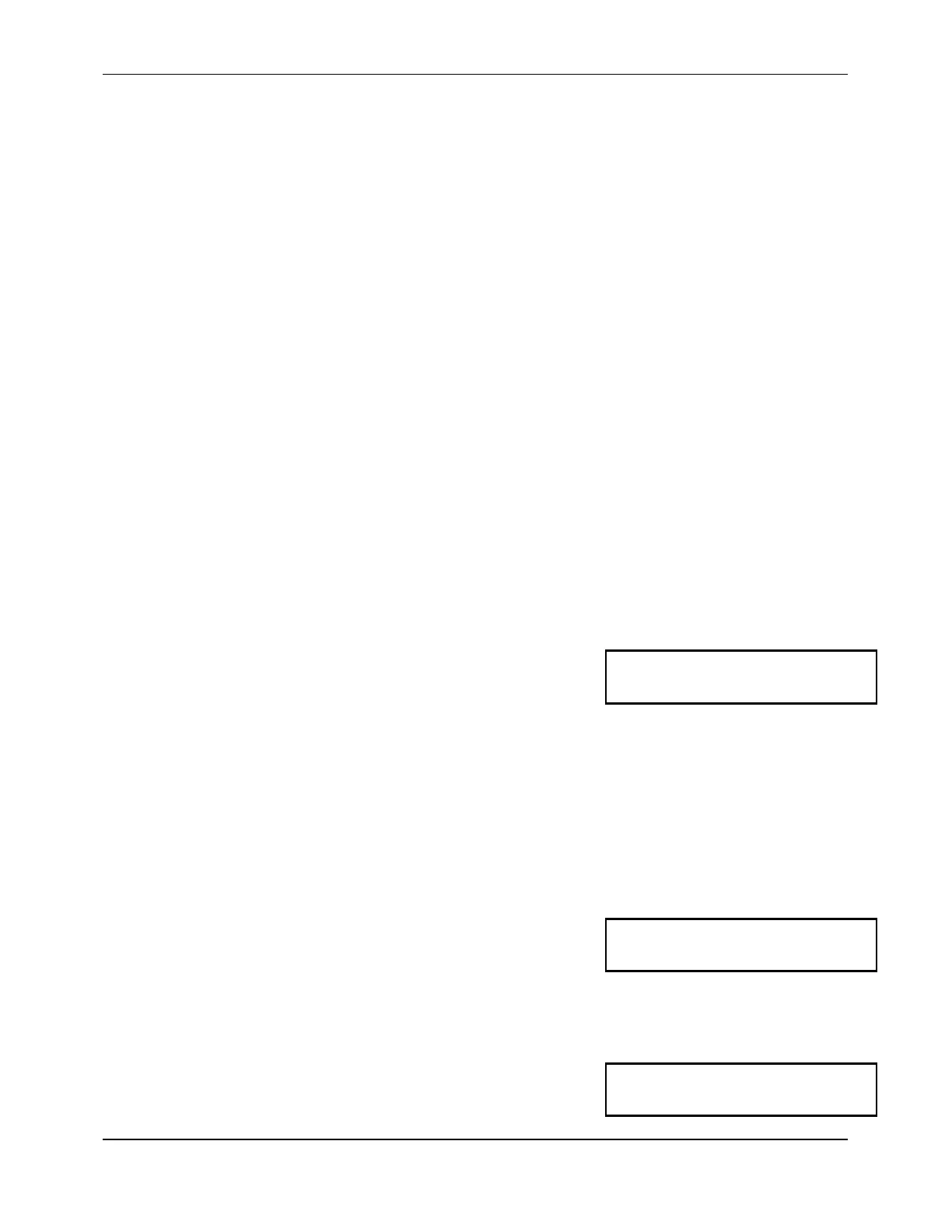
The following is displayed:
3. Press the
5
key.
The
AUTO
selection allows the data logger to be
programmed for a future start and stop time.
To use the
AUTO
function:
1. Access Menu 80.
2. Select
AUTO
.
The current programmed start and stop times are
displayed:
3. Press
ENTER
.
Stop Log
Are you sure?(5=Yes)
Start: 5 7:08:30
Stop: 6 23:15:00
Start Log?
Day? 5


 To Next Page