PrismJET 54 Gen2 OPERATION MANUAL Maintenance
6.1 Replacing consumable components 221
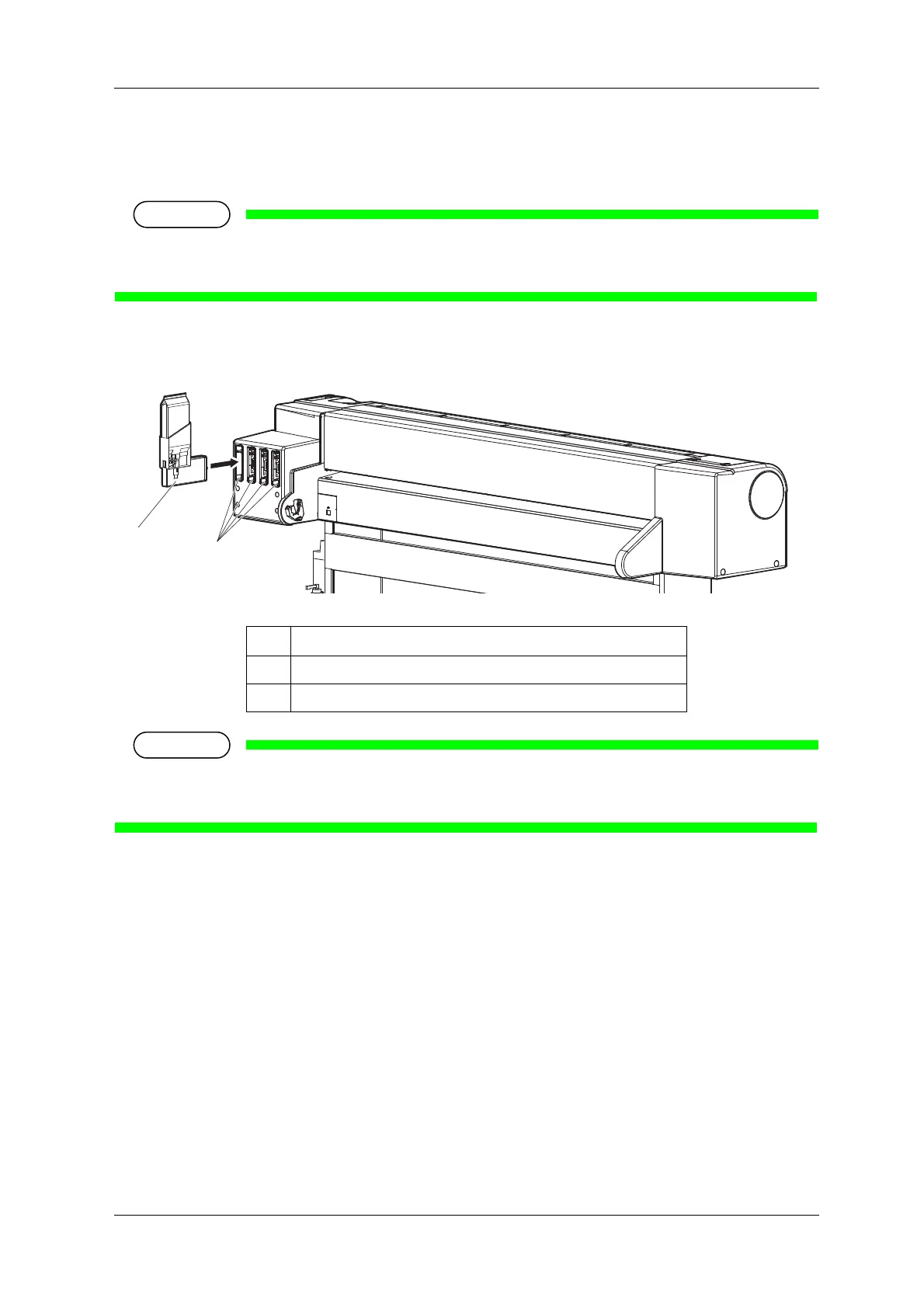
b. Replacing high capacity pack adapter (option)
1. Confirm that the printer is turned ON.
• Do not replace high capacity pack adapter when the printer is turned OFF.
The remaining ink may not be detected correctly, causing abnormal printing.
2. Remove the high capacity pack adapter that you want to replace from the slot.
• Do not remove only ink bag while high capacity pack adapter is installed on the printer. The
information of the remaining smart chip card will be rewritten and the ink bag will not be usable.
No. Name
1 High capacity pack adapter
2 Ink cartridge slot



 To Next Page