Before using PrismJET 54 Gen2 OPERATION MANUAL
86 3.6 Adjust Print
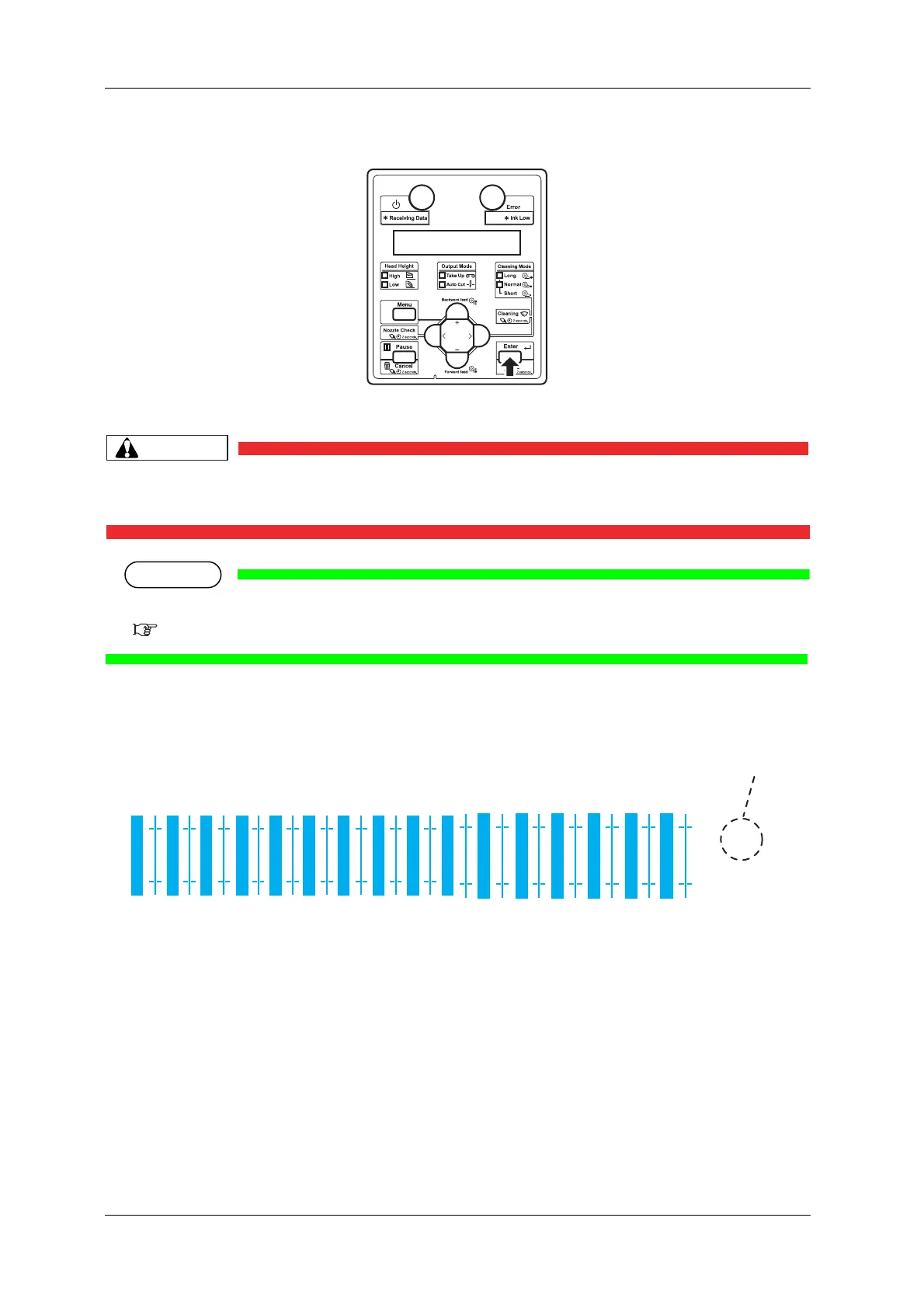
3. Press the [Enter] key on the Operation panel.
• “Warming Up Skip ->E” is displayed on Operation panel.
• While “Warming Up” is displayed, do not touch Platen and Media guide.
They become very hot and you could burn yourself.
• You can start printing during warming up.
4.4.8 Start Printing during Warm up
• A confirmation pattern for print quality adjustment is printed.
(Starts printing after warming up is complete.)
• After the confirmation pattern is printed, Operation panel returns to “Adj. 1: Confirm Ptn”.



 To Next Page