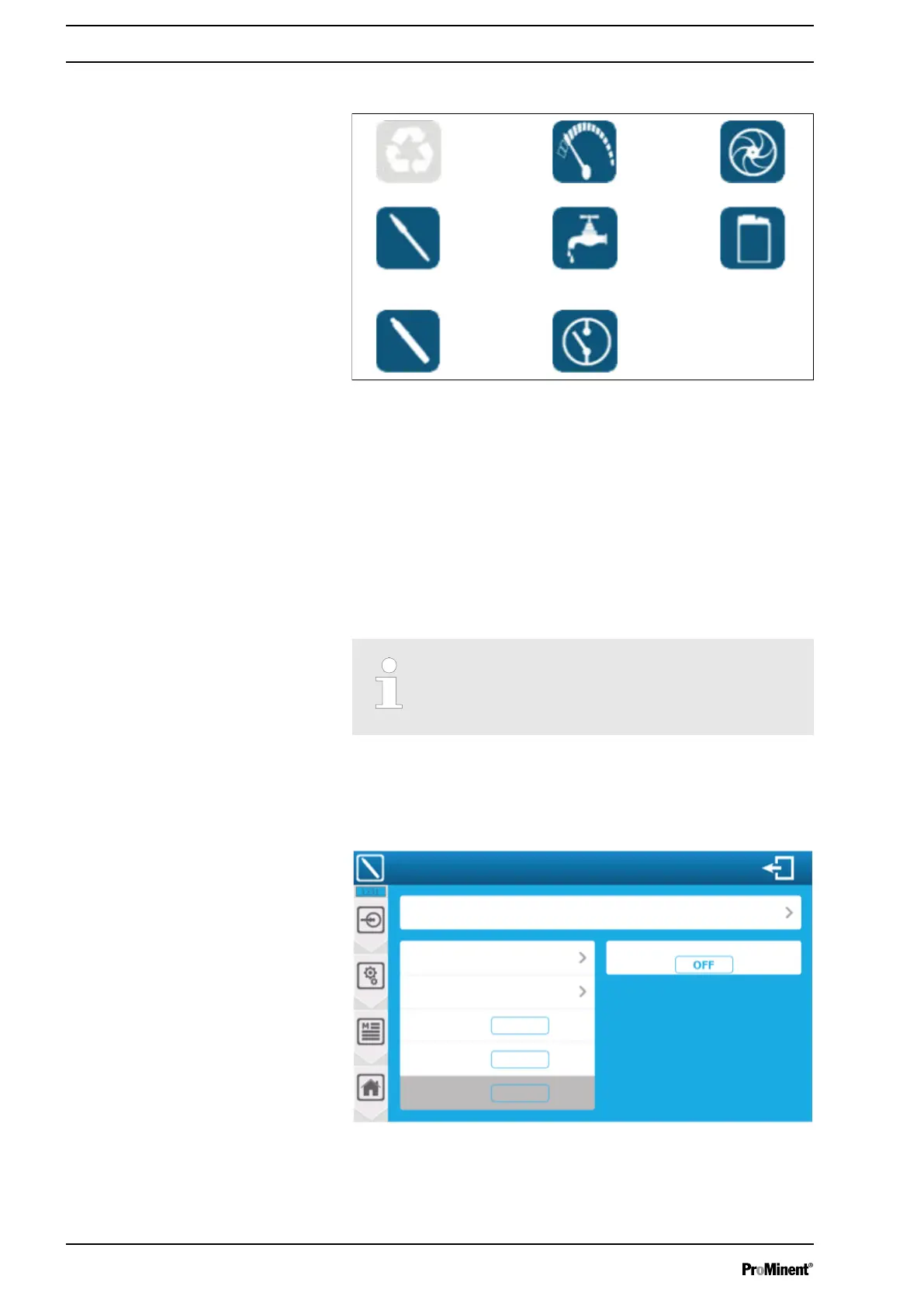
8.1.2.1 General input symbols
Fig. 69: General symbols
1 Unused entry
2 Input with a potentiometric sensor
3 Input with a 4 ... 20 mA sensor
4 Input with a volume sensor
5 Input with a flow sensor
6 Input with a flow switch
7 Enter R.I.C. command and contact
8 Input with a level switch
8.1.2.2 Configuring 4 ... 20 mA analogue or potentiometric inputs
The AI3 and AI4 4 ... 20 mA inputs are not isolated
when the above option is enabled. Make sure that
the sensor selected for these inputs is an isolated
sensor.
You can configure the 4 ... 20 mA analogue or potentiometric
inputs here. Press the selection button to be set and set the
respective input within the possible parameters.
To remove a sensor from the selection: select " NO " from the func‐
tion list and save your configuration by pressing "SAVE".
A3114
Setting the analogue input
PI 1 pH sensor
Scaling: Customer
Unit: pH
Min. value
Max. value
Slope
Start delay time
0 pH
14 pH
1.14 mV/pH
Fig. 70: Configuring 4 ... 20 mA analogue or potentiometric inputs
Setting measuring and control parameters
82














 To Next Page