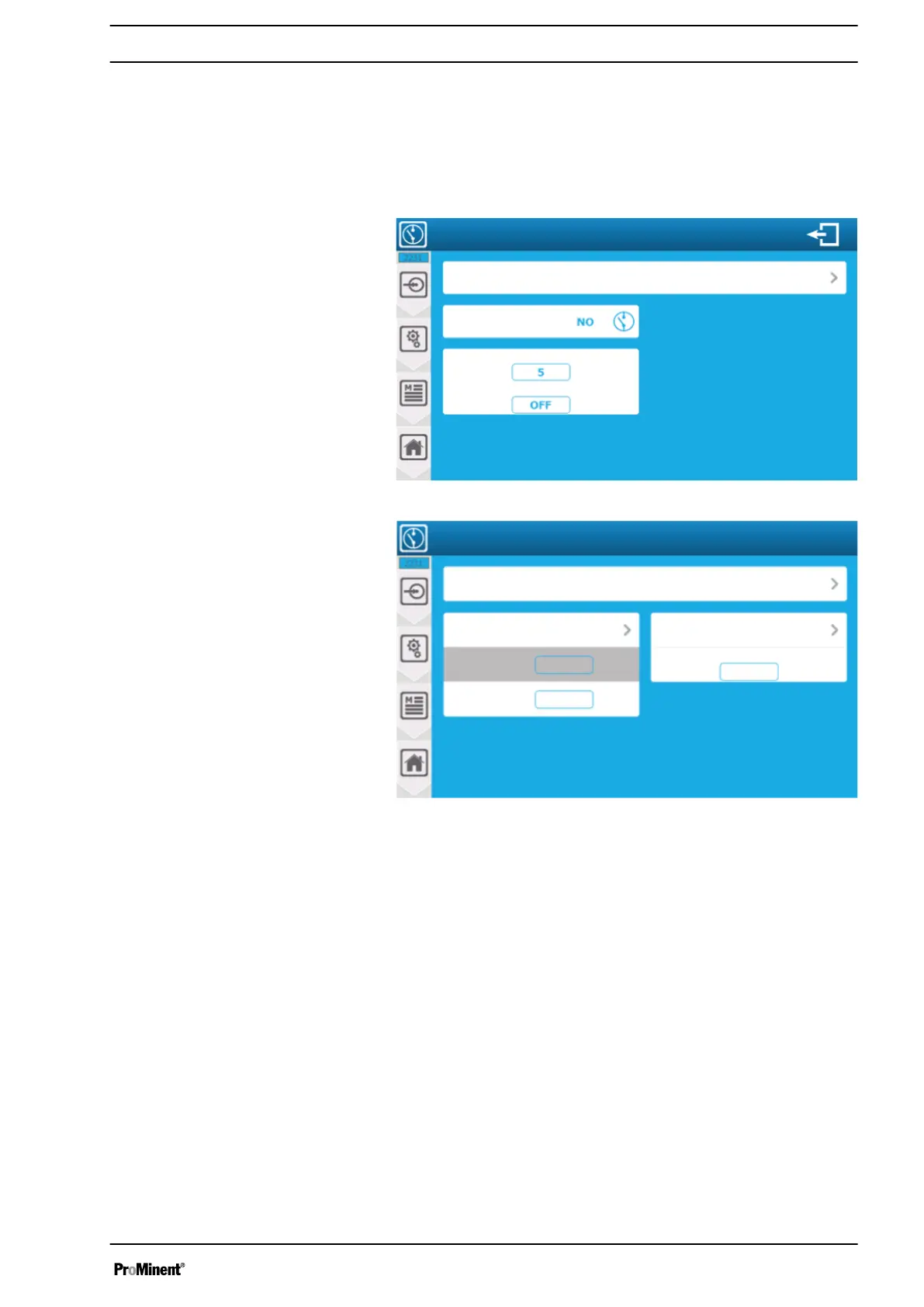
8.1.2.3 Configuration of the digital input
You can configure the digital inputs here. Press the selection
button to be set and set the respective input within the possible
parameters.
To remove a sensor from the selection: select " NO " from the
sensor list and save your configuration by pressing "SAVE".
A3115
Setting the digital input
DI1 function – Water circulation system
Contact in a de-energised state
Activation delay time
Deactivation delay time
Seconds
Seconds
Fig. 71: Standard case
Unit: l/h
A3116
Setting the digital input
DI1 function – Flow
Min. flow volume: 0 l/h
l/h
Max. flow volume: 100
Volume per pulse ratio
Pulse/l
10000
Unit: pulse/l
Fig. 72: Special case of a pulse flow
Volume per pulse ratio of 1,0000 pulse/l: enter the pulse weight for
the flow calculation. This is the actual value (1.0000). This value is
directly related to your flow rate and your system. Refer to the flow
volume documentation to calculate the current value. Press the
display field to open the numeric keyboard and enter the required
value.
8.1.2.4 Menu:
‘TIMERS’
configuration and installation
The
‘TIMERS’
menu provides access to the configuration of the
TIMERS, which can be used to control relay or parameter opera‐
tion.
Setting measuring and control parameters
83














 To Next Page