EasyManua.ls Logo

PSI PP4050 XP - Page 46

PSI PP4050 XP
236 pages
Print Icon
To Next Page IconTo Next Page
To Previous Page IconTo Previous Page
Loading...
Printer Operation
2-3
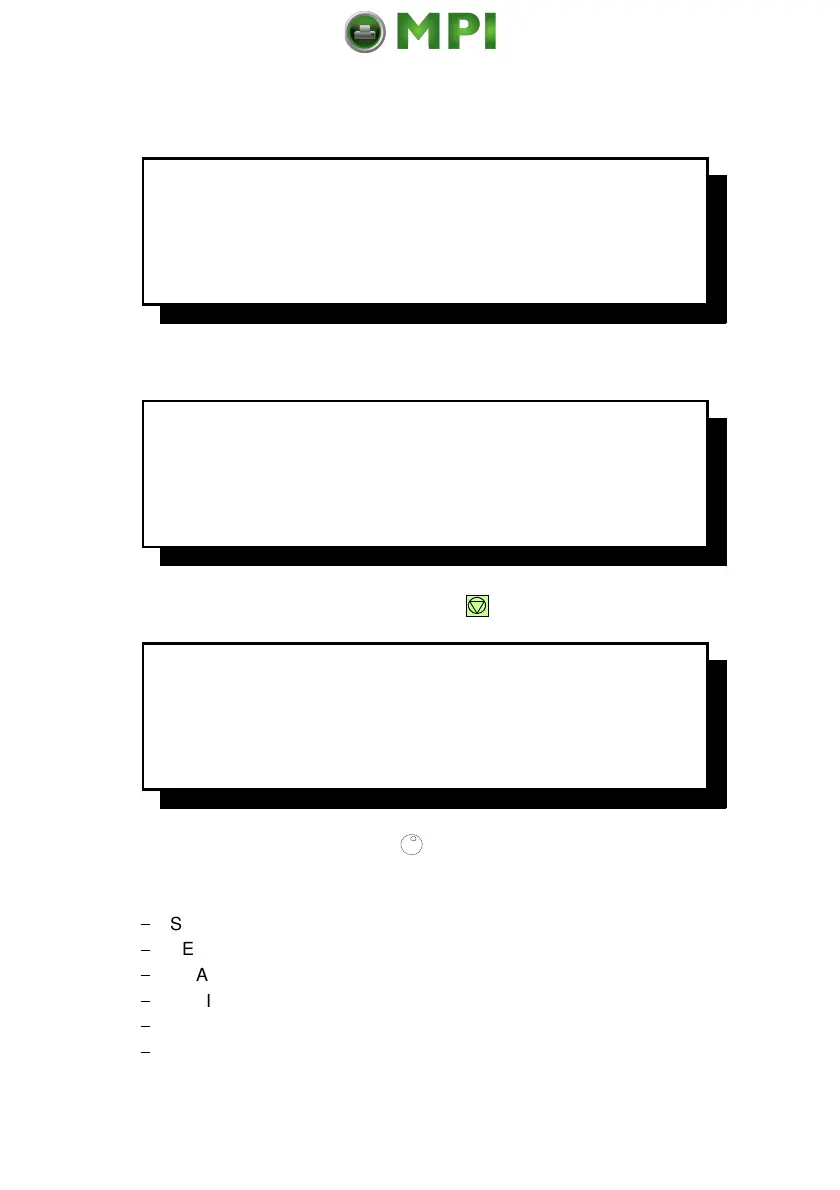
Example: The printer is warming up.
O
N
L
I
N
E
(
1
)
1
6
.
0
0
x
1
2
I
N
C
H
L
O
W
E
R
-
-
>
B
O
T
T
O
M
0
2
W
A
R
M
I
N
G
U
P
Example: The printer receives data for a print job.
O
N
L
I
N
E
(
1
)
1
6
.
0
0
x
1
2
I
N
C
H
L
O
W
E
R
-
-
>
B
O
T
T
O
M
D
A
T
A
Example: Display content after pressing
(90).
O
F
F
L
I
N
E
(
1
)
S
E
L
E
C
T
P
R
O
F
I
L
E
C
U
T
F
O
R
M
F
O
R
M
F
E
E
D
In this state it is possible to turn
(91) to shift next following lines onto the
display.
$
SELECT FOLD LOWER
$
SELECT FOLD UPPER
$
CHANGE PROFILE
$
BASIC SETTINGS
$
TEST MODE
$
RESET PRINTER
Mantenimiento Periféricos Informáticos SL C/Canteras, 15 28860 Paracuellos de Jarama Tel: 00 34 917481604 WEB: https://mpi.com.es

Table of Contents