EasyManua.ls Logo

PSI PP4050 XP - Page 47

PSI PP4050 XP
236 pages
Print Icon
To Next Page IconTo Next Page
To Previous Page IconTo Previous Page
Loading...
Printer Operation
2-4
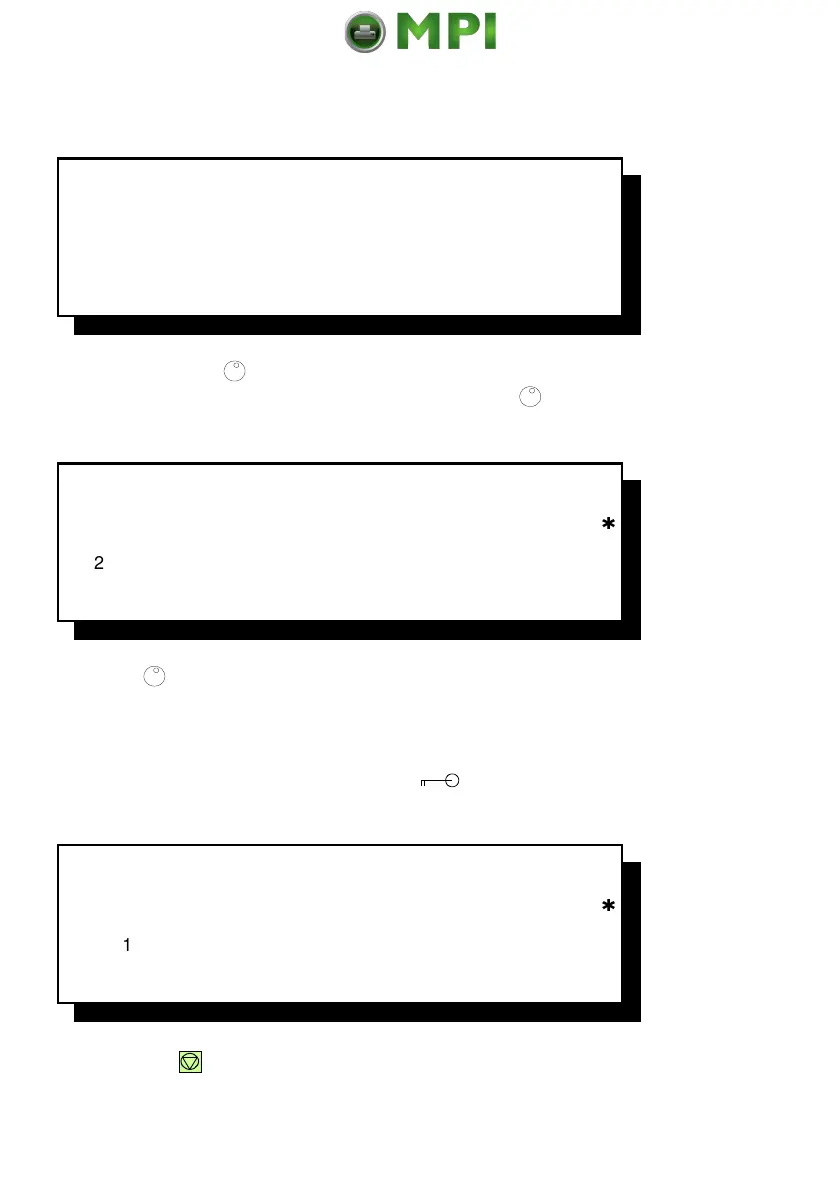
Example: Select Profile
O
F
F
L
I
N
E
(
1
)
S
E
L
E
C
T
P
R
O
F
I
L
E
C
U
T
F
O
R
M
F
O
R
M
F
E
E
D
Example: By turning
(91) the desired menu point is showing in line two.
After selecting the menu point
Select Profile
by pressing
(91) you get the
following information:
S
E
L
E
C
T
P
R
O
F
I
L
E
1
7
2
3
By turning
(91) the display content change to the values available 1 up to 50
(only three of them are displayed at a time).
Example: After selecting the desired
Profile Number
(for example 10, because
this number stands in line two) press the key
(95) and the following
information is getting:
S
E
L
E
C
T
P
R
O
F
I
L
E
1
0
7
1
1
1
2
After pressing
(90) the printer use Profile number 10.
Mantenimiento Periféricos Informáticos SL C/Canteras, 15 28860 Paracuellos de Jarama Tel: 00 34 917481604 WEB: https://mpi.com.es

Table of Contents