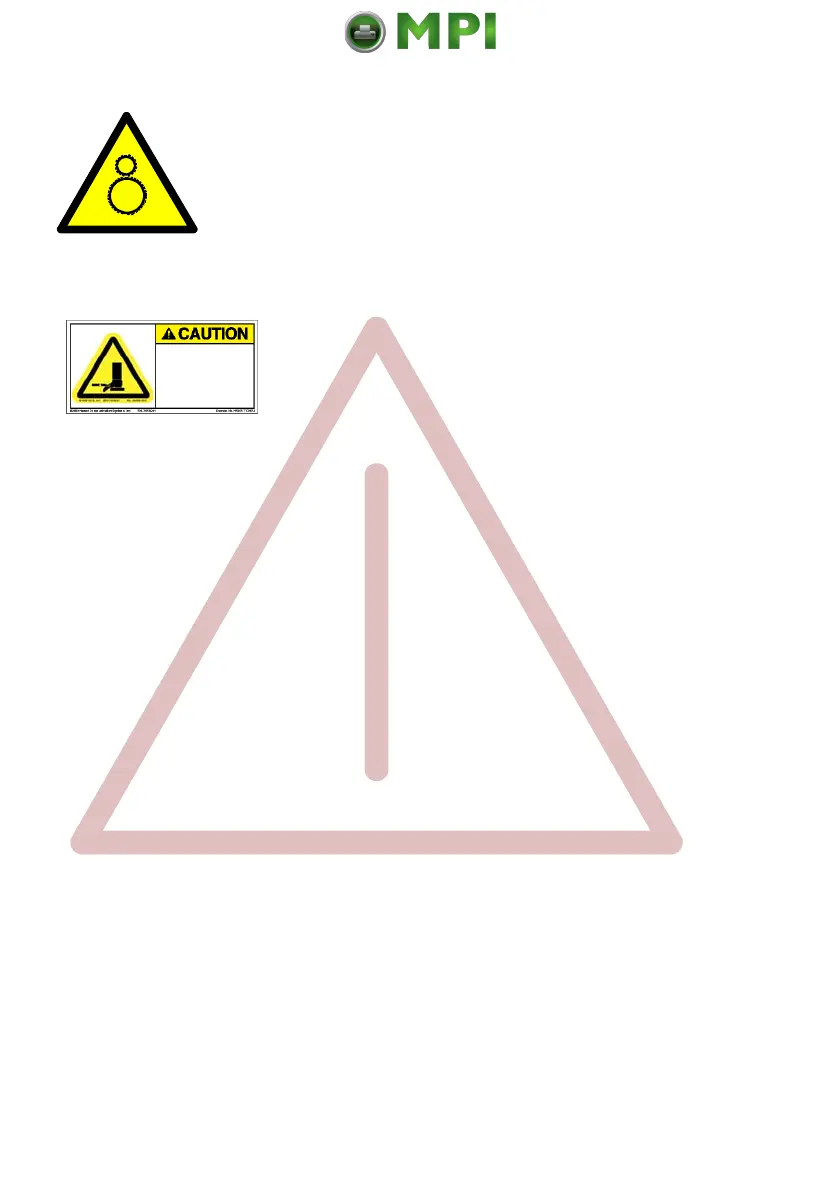
oving lift can crush.
eep feet clear.
ee instructions manua
Safety Regulations
IV
Caution, the chain of the motor to move the paper exit tray
up and down will start automatically or after pushing the
key at the front side of the table.
Caution, the paper exit tray moves up and down
automatically or after pushing the key at the front
side of the table. Keep your feet clear when the
paper exit tray moves down. Ensure that the cables
at the rear of the printer do not interfere with the
paper path within the stacker.
The feet of the laser printer PP 4050 / PP 4060 should be positioned into the
depressions of the stacker's table.
Note:
Open windows, airing, and also draught disturb the paper flow!
Mantenimiento Periféricos Informáticos SL C/Canteras, 15 28860 Paracuellos de Jarama Tel: 00 34 917481604 WEB: https://mpi.com.es



 To Next Page