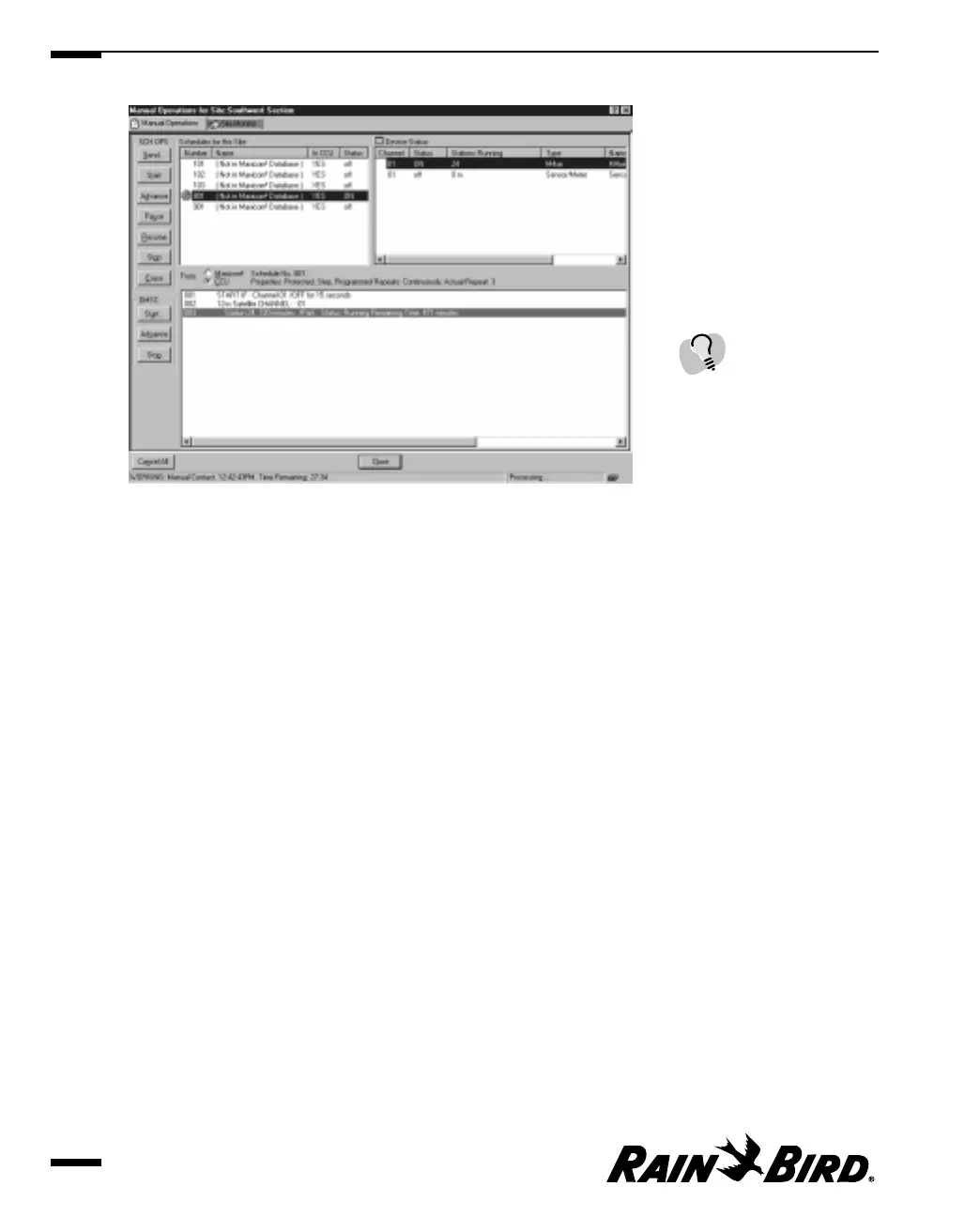
Manual Operations Dialog Box
3
Use the SCH OPS buttons to the left of the window to control schedule
operations manually.
4
When you are finished operating schedules manually, click the Close button to
close the dialog box or monitor the site as described in “Monitoring and
Operating Site Channels,” on page 7.26.
Viewing and Editing Site Data
7.24
To advance the activity you
have set up to the next
station, click the Advance
button; to stop the activity
you have set up, click the
Stop button.



 To Next Page