Viewing Information about Your Version of Maxicom
2
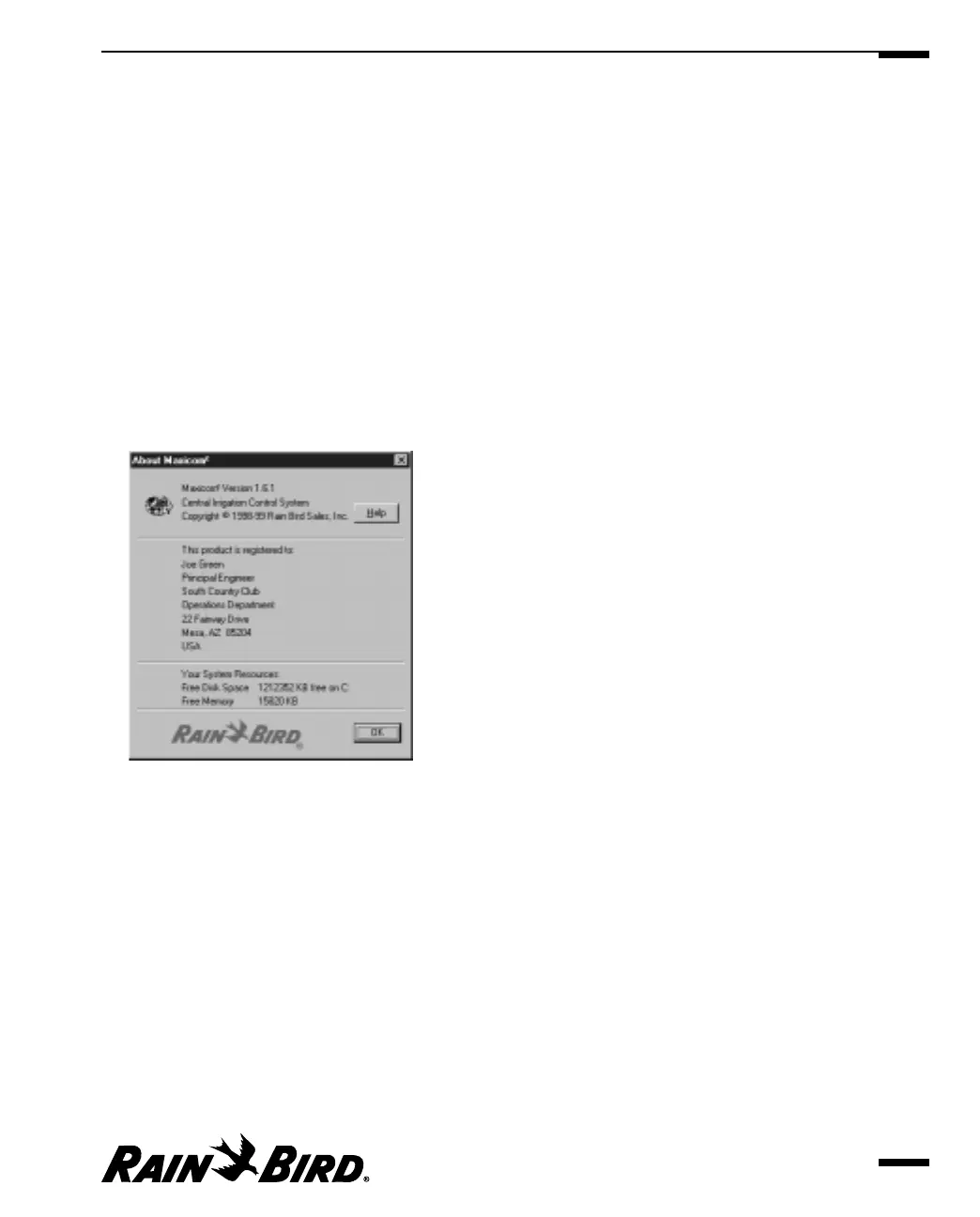
You can quickly see the following information about your version of Maxicom
2
:
• version number
• copyright notice
• registered user information
This section will remain blank until you enter your registration information.
See “Setting Registration Properties,” page 3.6.
• system resource information
To see this information:
1 Select the About Maxicom
2
option from the Help menu.
The About Maxicom
2
dialog box is displayed.
About Maxicom
2
Dialog Box
2 When you are finished reading the information, click the OK button.
The About Maxicom
2
dialog box closes.
Saving Your Work
In most Windows software programs, it is assumed that you do not want to save
your work, so saving work is an extra step. Maxicom
2
is different. To ensure that
your work is saved and to save you the extra step of saving your work, Maxicom
2
assumes that you want to save the work you have done, unless you select to
cancel it.
Getting to Know Maxicom
2
2.35



 To Next Page