Instrument Functions
R&S
®
NRP2
132User Manual 1173.9157.02 ─ 03
Trigger
Opens the "Trigger" dialog box. For description refer to chapter 4.2.6, "Trigger settings",
on page 85.
Slot
Selects a timeslot for which the power values in the info panel are displayed.
Trace Func ...
Opens the "Trace Function" subdialog, see chapter 4.5.3.4, "Trace function settings",
on page 118.
4.5.7.3 T'Slot diagram settings
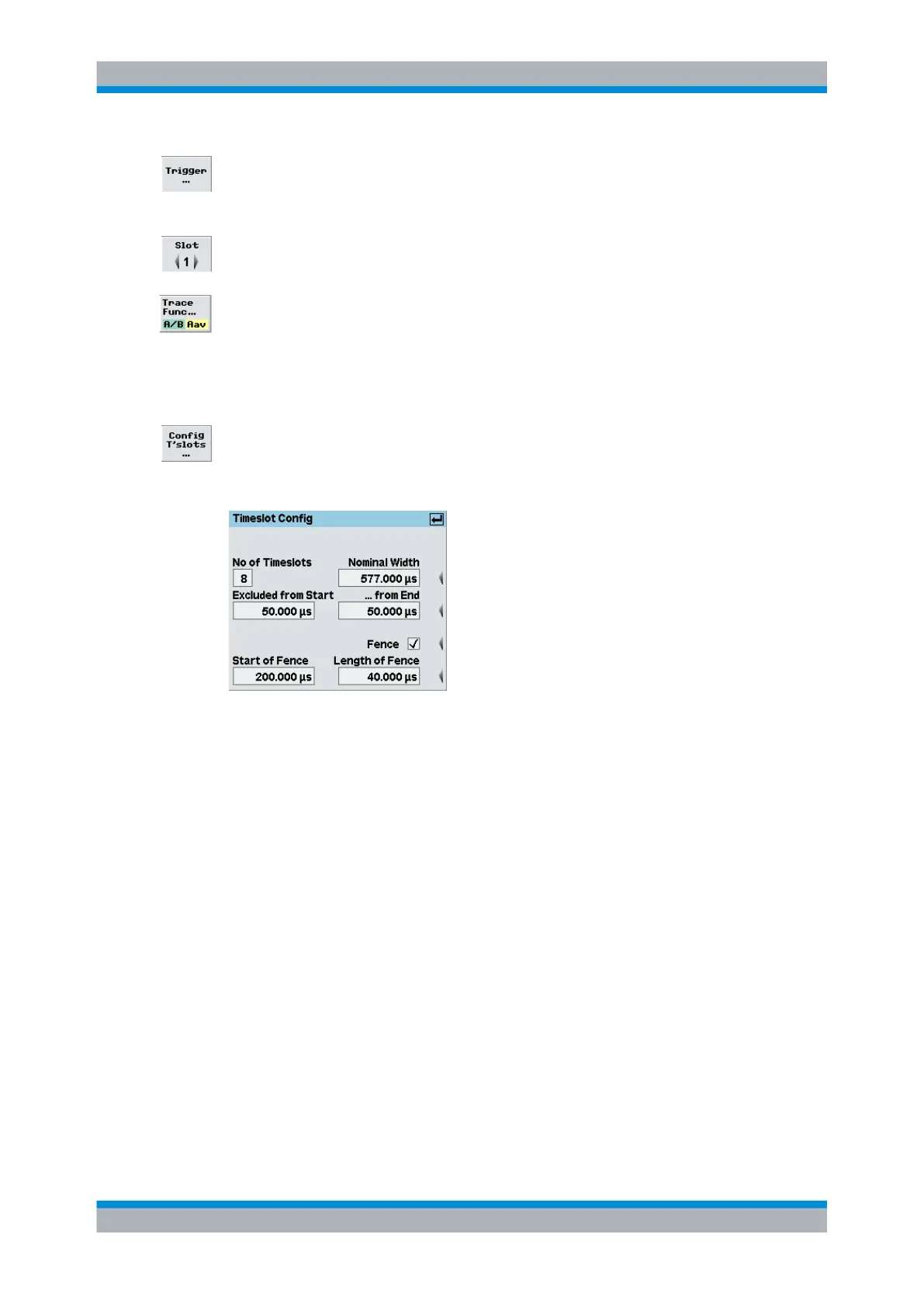
► Configure timeslot measurement in the "Timeslot Config" dialog box which is opened
via the Window→Graph→"Display"→"T'slot" control panel ("Trace&Statistics" sensor
mode).
Fig. 4-60: Timeslot Config dialog box
No of Timeslots
Defines the number of subsequent timeslots within a frame, i.e. a period of the signal.
SCPI command:
[SENSe<[1]..4>][:POWer]:TSLot:COUNt on page 275
Nominal Width
Defines the length of a timeslot.
Displaying traces



 To Next Page