1-17
Basic Settings
1
ComColor Series User’s Guide 09
● Image quality
Specify the image resolution.
[Standard (300 × 300dpi)]
Suitable for documents and other originals with text.
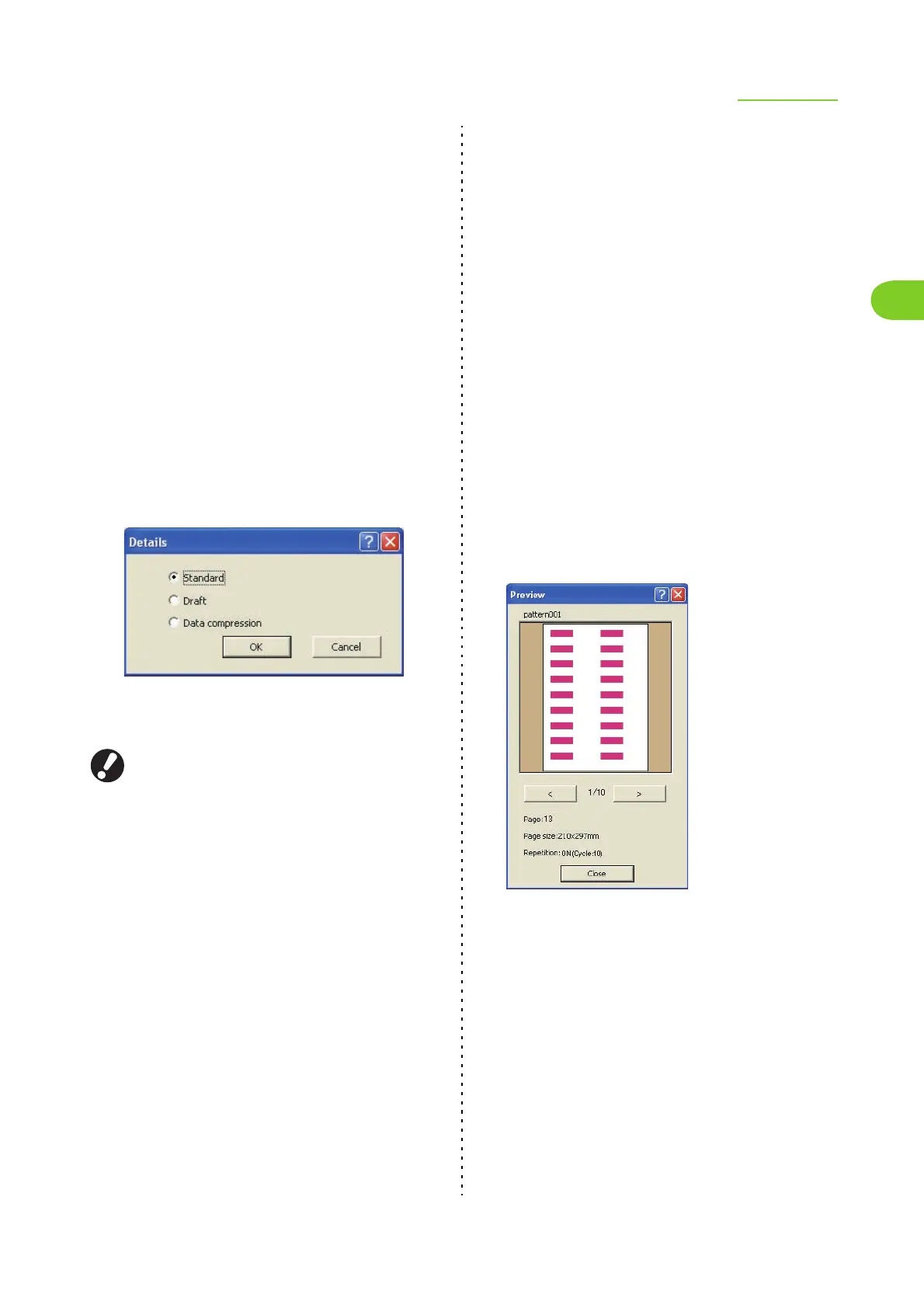
Click [Details] to display the [Details] dialog box. The
[Draft] or [Data compression] functions enable you to
specify the ink amount and data size.
[Standard]
Do not configure the data size or ink amount.
[Draft]
Prints so that you consume less ink. When less ink is
used, print density lowers and neutral colors become
uneven.
[Data compression]
Specify this to prioritize network communication
speed over quality. When file size of the print data
becomes smaller, neutral colors become uneven.
[Fine (300 × 600dpi)]
Suitable for photos and similar originals.
Printing will take longer if you select [Fine (300 ×
600dpi)]. You cannot configure the details (Draft and
Data compression).
● Print density
Specify the print density.
Select from the following.
[-2] (light), [-1], [0 (Standard)], [+1], [+2] (dark)
● Barcode area definition
Specify the method of processing barcodes.
Set the print density of the barcode area so that a
printed barcode can be read.
You can specify a barcode printing area by
installing the attached printer driver "Barcode area
definition application".
A file in which a barcode area is specified can be
registered to the printer driver on the printer's
[Properties]-[Environment] tab screen. A registered
file is displayed on the [Barcode area definition]
pull-down menu. ("Barcode area file entry"
(p. 1-37))
For details, see "Using the Barcode Area Definition
Application" in the "Basic Guide".
[Barcode area definition]
Select the check box, and select an area definition file
to print from the pull-down menu.
[Preview]
You can preview a selected barcode area definition
file.
[Barcode area proof]
Check on printouts (printouts with shades on a
barcode print area) whether the barcode area
definition is out of alignment, and whether letters or
illustrations lie over the 1 mm (0.04") around the
barcode.













 To Next Page