1-26
1 Printer Driver
ComColor Series User’s Guide 09
● Paper folding
Select this when folding paper in two.
Select [2-fold] and click [Details] to display the [Details]
dialog box.
Specify the paper fold direction.
The optional multifunction finisher is required to
use the "Paper folding" setting.
<Size of Paper that can be Folded>
• A3, B4, A4, Ledger, Legal, Letter, Foolscap and
custom size*
*
The administrator must register the paper size
in advance. Ask your administrator.
• Paper weight: 60 g/m
2
- 90 g/m
2
(16-lb bond -
24-lb bond)
[OFF]
Paper is not folded.
[2-fold]
Each sheet of paper is folded in two.
■ Fold direction
When you have selected [2-fold], specify the printed
surface of the fold direction.
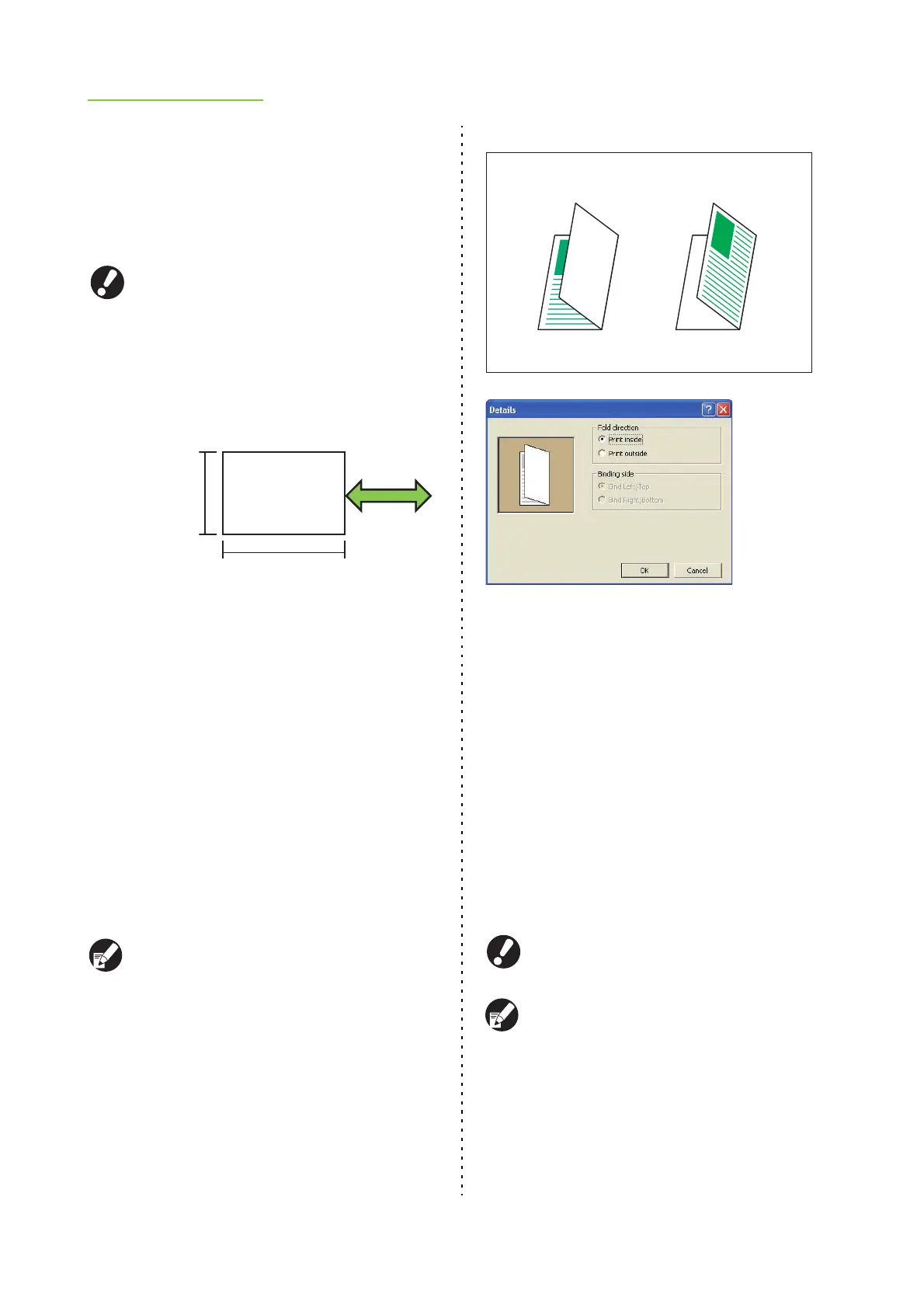
[Print inside]
Fold the paper with the printed surface on the inside.
[Print outside]
Fold the paper with the printed surface on the outside.
When both sides have been printed, the first page
is the printed surface.
2-fold
● Output tray
Specify the output tray for printouts.
When you have specified [Auto], printouts are
output to the appropriate tray automatically based
on the configured functions. Normally, select [Auto].
● When using an optional stacking tray, select from
the following options.
[Auto], [Face down tray], [Auto-ctrl stacking
tray/Wide stacking tray/High capacity stacker]
● When using an optional multifunction finisher,
select from the following options.
[Auto], [Face down tray], [Top tray], [Stacking
Tray]
[Output tray] is displayed only when optional
output equipment has been connected.
When the staple, punch, paper folding, or booklet
binding settings have been configured, the output
trays that can be selected in [Output tray] vary
depending on the settings. (p. 1-21 "Booklet
binding", p. 1-24 "Staple", p. 1-25 "Punch", p. 1-26
"Paper folding")
280 mm - 457 mm
(11" - 18")
Paper feed and
output direction
210 mm - 330 mm
(8 1/4"- 13")
Print inside Print outside













 To Next Page