2-5
Overview of Copy Operations
2
ComColor Series User’s Guide 09
● 5 Press the [START] Key
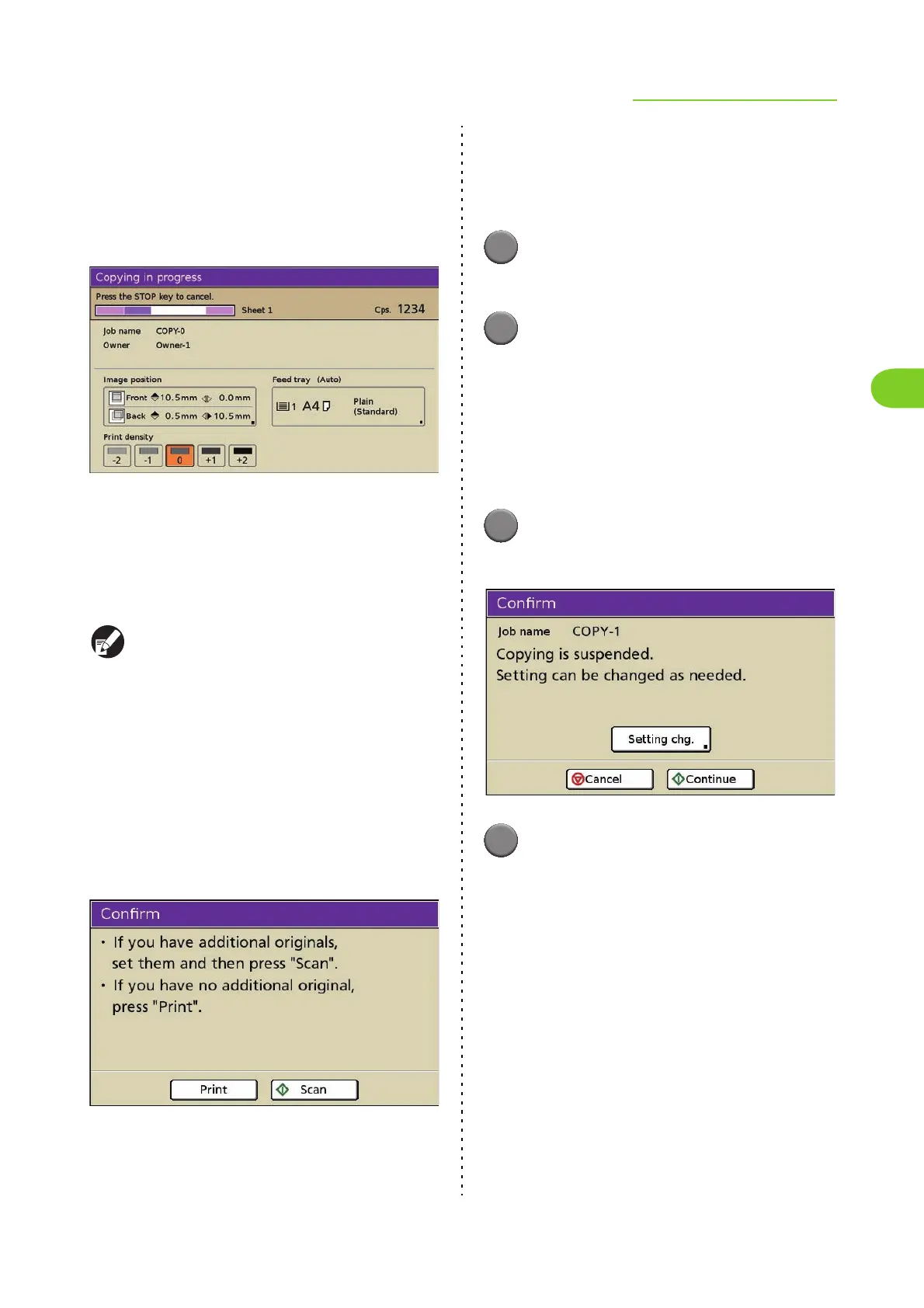
The [Copying in progress] screen is displayed,
and copying of the original starts.
The current status, including the number of copied
pages, is displayed on the screen.
• When pressing the [START] key while printing
another job, the message "Processing a job.
Printing starts automatically." is displayed.
Copying starts as processing is completed.
• When copying has been completed, the copy
mode screen is displayed.
Pressing the [Interrupt] key pauses printing of the
current job and enables you to perform another
copy.
■ When using the platen glass to scan
an original with several pages
After scanning a sheet of an original, the
confirmation screen is displayed. When there is
another page of the original to scan, load the next
page and press [Scan].
After all originals are scanned, press [Print].
■ Loading the Next Copy Job
During copying, once scanning of the original has
been completed, you can begin scanning of
another original.
1
Press [Close] while the [Copying
in progress] screen is displayed.
2
Load the next original and press
the [START] key.
The message "Processing a job. Printing starts
automatically." is displayed and the original is
copied as the next job.
■ Canceling Copying
1
Press the [STOP] key.
The [Confirm] screen is displayed.
2
Press [Cancel].
Copying is canceled.
• To continue copying, press [Continue].
• To change the settings, press [Setting chg.].
When changing [Image position] and other
settings, see "Image position" (p. 4-13) in
"Printer".













 To Next Page