111
Touch the [OK] button.
The window returns to the [Functions] window.
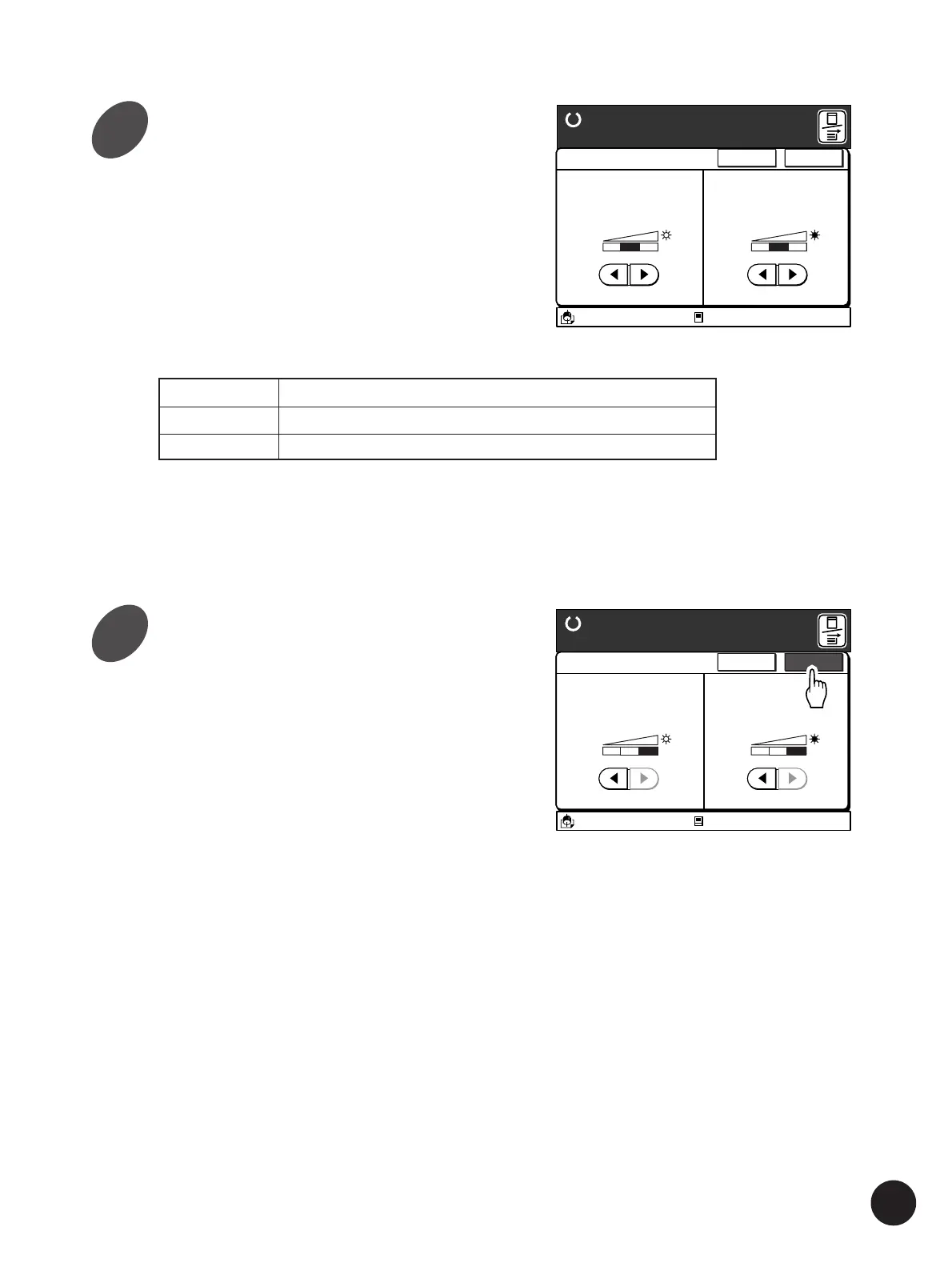
Touch the [
h
] or [
j
] button on the
function to be adjusted.
The [Highlights] parameter adjusts the light areas
subject to strong light rays on the photograph, and
the [Shadows] parameter adjusts the dark areas
subject to weak light rays.
It is possible to set the highlight and shadow levels
independently. Using a combination of these two
parameters will greatly improve the reproduction
quality of photographs.
A3/Black
13:59
<Highlights>
The highlight level of
original photo images
can be changed
<Shadows>
The shadow level of
original photo images
can be changed
Cancel OK
123
Halftone Curve Adj
Ready to Make Master
123
Idle
M
A3/Black
13:59
<Highlights>
The highlight level of
original photo images
can be changed
<Shadows>
The shadow level of
original photo images
can be changed
Cancel OK
123
Halftone Curve Adj
Ready to Make Master
123
Idle
M
Producing Enhanced Photo Images
Lowers the highlight or shadow level of original photo images.
Keeps the current highlight or shadow level of original photo images.
Raises the highlight or shadow level of original photo images.
Level1
Level2
Level3
4
5



 To Next Page