81
[Book Shadow Edit]
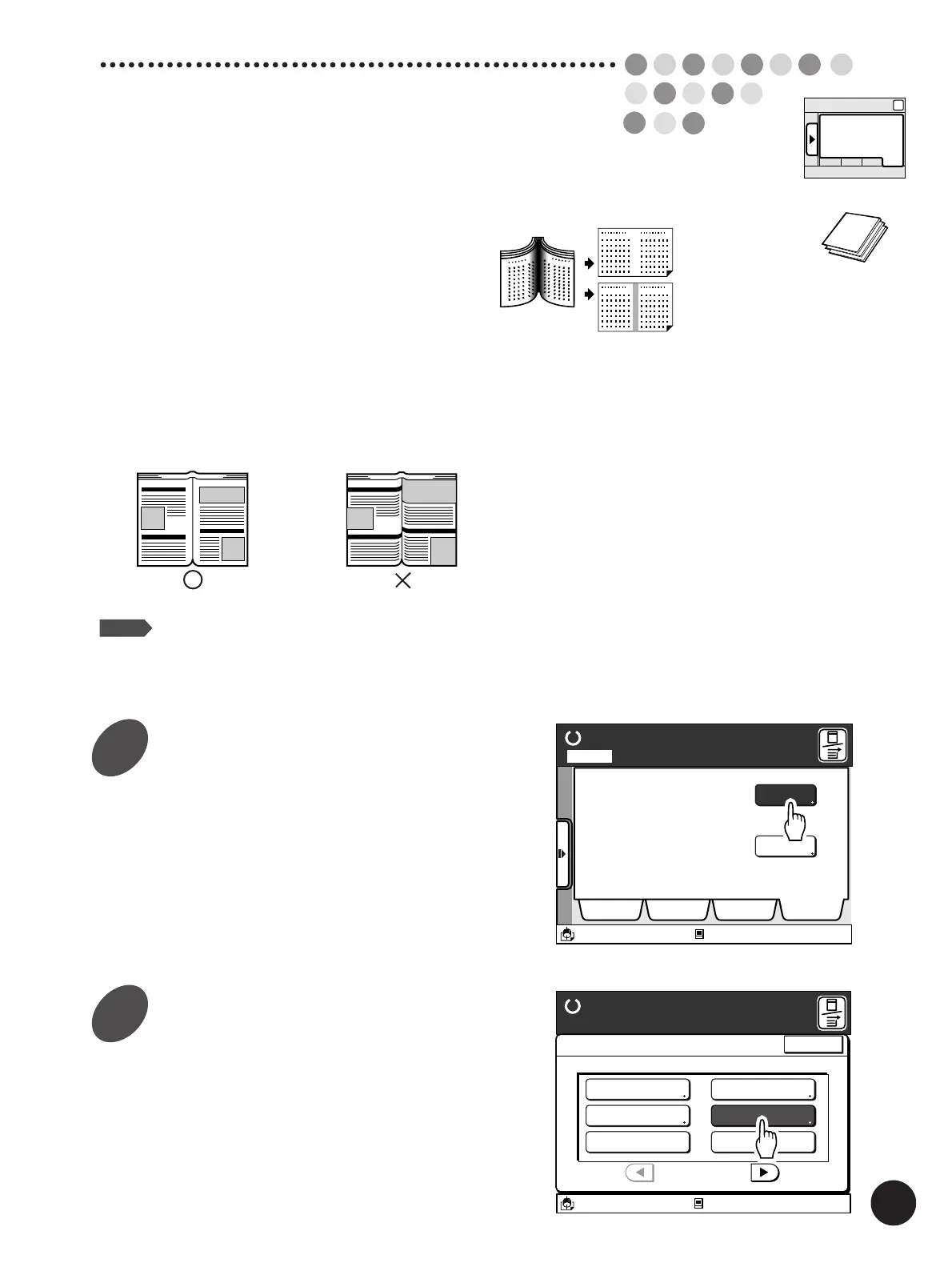
The Book Shadow Edit feature can be used to process
originals that are printed on facing pages of a book, such
as an atlas, printed report, or other types of bound
originals.
When this feature is active, the binding “spine” shadow can
be erased or lightened.
Important!
The original without a margin is not applicable to this
feature.
NOTE
The Duo mode and Auto scanning contrast
adjustment mode are not available for this
feature.
Reproducing Bound
Documents
Display the [Catalog] tab on the
sub-panel window and then touch
the [Functions] button.
The [Functions] window appears.
Touch the [Book Shadow Editor]
button.
The [Book Shadow Editor] window appears.
Sub-panel
Catalog
Ready to Make Master
A desired function can be
selected from the list
The properties of your RISO
printer can be changed
Functions
Properties
Selections Job List Program Catalog
A3/Black
13:59
Idle
M
Page No. 1Local
A3/Black
13:59
Close
Functions
P.1/3
Confidential Mode
Renew Page
Idling Action
Multi-Up Print
Book Shadow Editor
Semi-Auto (Master)
Ready to Make Master
Idle
M
1
2



 To Next Page