93
Press the Start key.
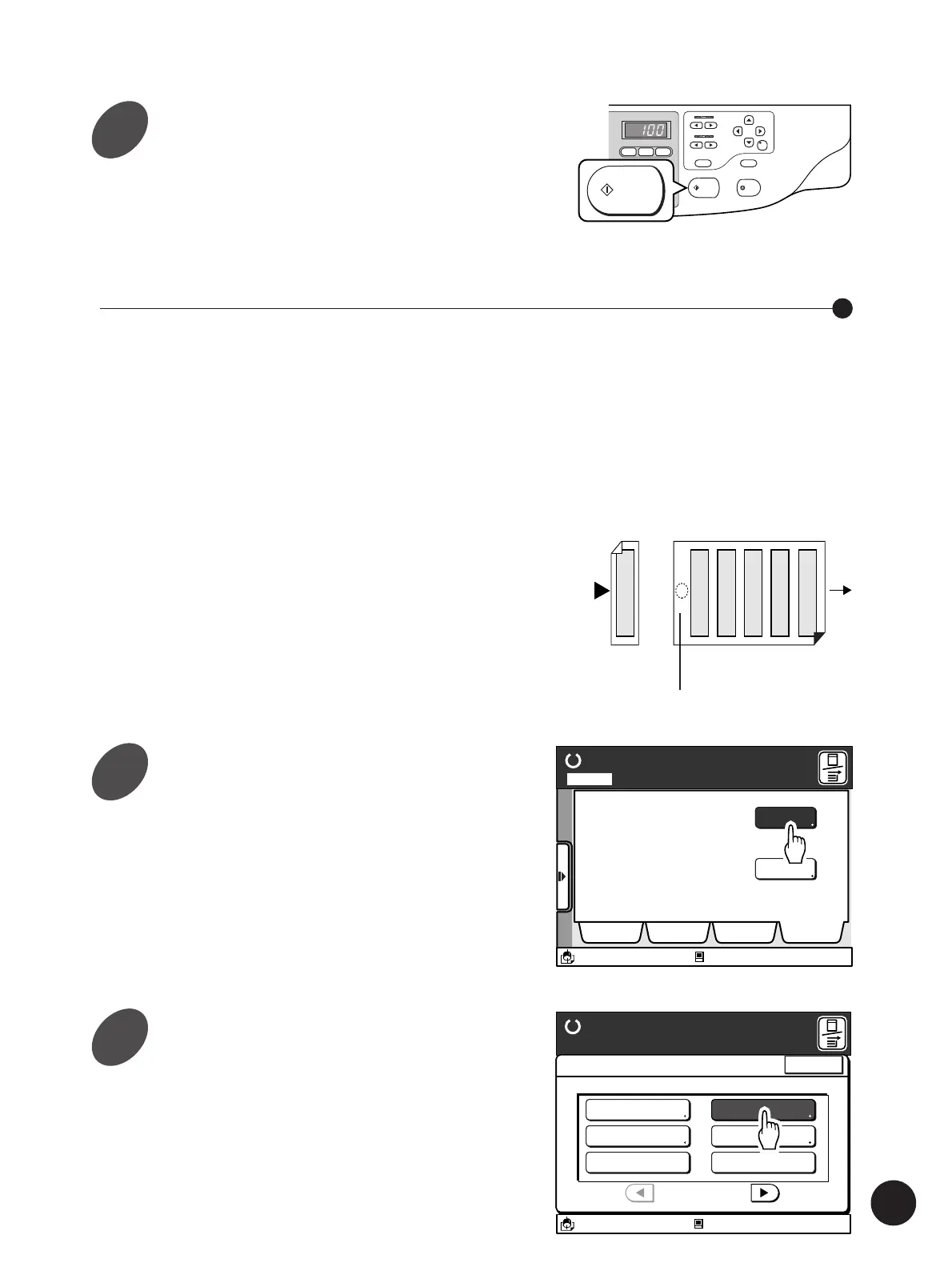
The number of duplicated images (tickets) per copy is
determined by the following formula:
[Length of the printing paper] ÷ [Width of the ticket]
The range of the width of the tickets to be specified is
shown on the Main Display. The length of the printing
paper is automatically sensed by the printer.
(Example)
Width of the original: 50mm
Length of the printing paper: 297mm (A4 size)
297(mm) ÷ 50(mm) = 5 (pieces) with 47 (mm) left over.
In this example, five pieces of tickets will be printed per
copy.
Printing Tickets
START
STOP
RESET
CENTER
PRINT
POSITION
SLOW
FAST
SPEED
DENSITY
LIGHT
DARK
TEST PRINT
12345
12345
12
3
START
Printing Originals Side by Side
Left over area
Display the [Catalog] tab on the
sub-panel window and then touch
the [Functions] button.
The [Functions] window appears.
Ready to Make Master
A desired function can be
selected from the list
The properties of your RISO
printer can be changed
Functions
Properties
Selections Job List Program Catalog
A3/Black
13:59
Idle
M
Page No. 1Local
Touch the [Multi-Up Print] button.
The [Multi-Up Print] window appears.
A3/Black
13:59
Close
Functions
P.1/3
Confidential Mode
Renew Page
Idling Action
Multi-Up Print
Book Shadow Editor
Semi-Auto (Master)
Ready to Make Master
Idle
M
Original Printing paper
11
1
2



 To Next Page