72
Producing Proof
Copies
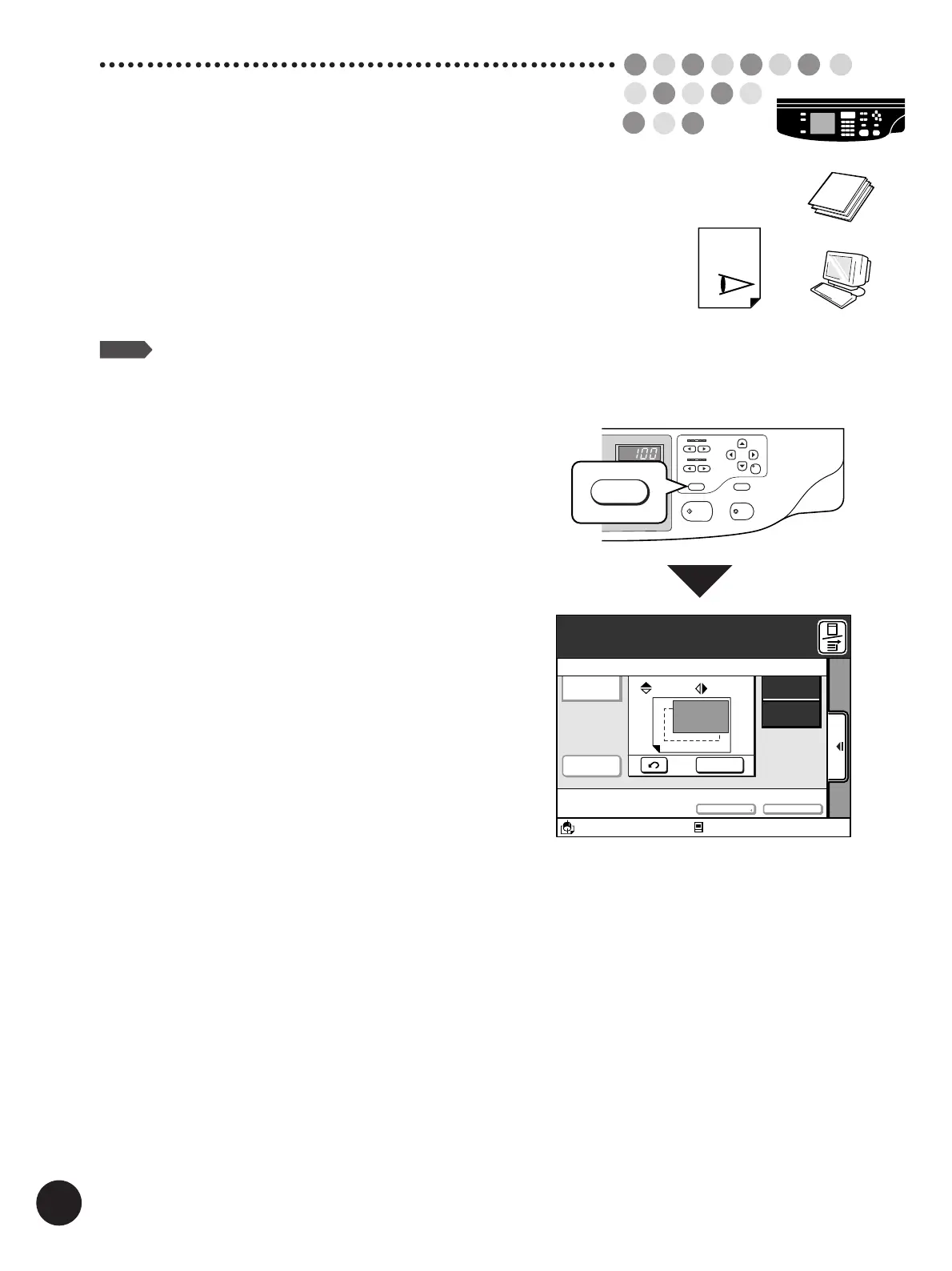
If changes have been made to the print position and other
settings, check the print quality by producing proof copies.
By holding down the Test Print key, you can print
continuously.
NOTE
Test printing does not affect the quantity in the
Print Quantity Display.
PRINT
TEST
START
STOP
RESET
CENTER
PRINT
POSITION
SLOW
FAST
SPEED
DENSITY
LIGHT
DARK
TEST PRINT
12345
12345
TEST PRINT
A3/Black
13:59
SORTER>
OFF
AUTO-GO>
OFF
Making Test Prints
Renew Page
Reserved
Fine
10. 0
mm
A
10. 0
mm
Aux. Menu Print Position Paper
Idle
M
A 3
Standard
Press the Test Print key.



 To Next Page