68
Changing
Print Density
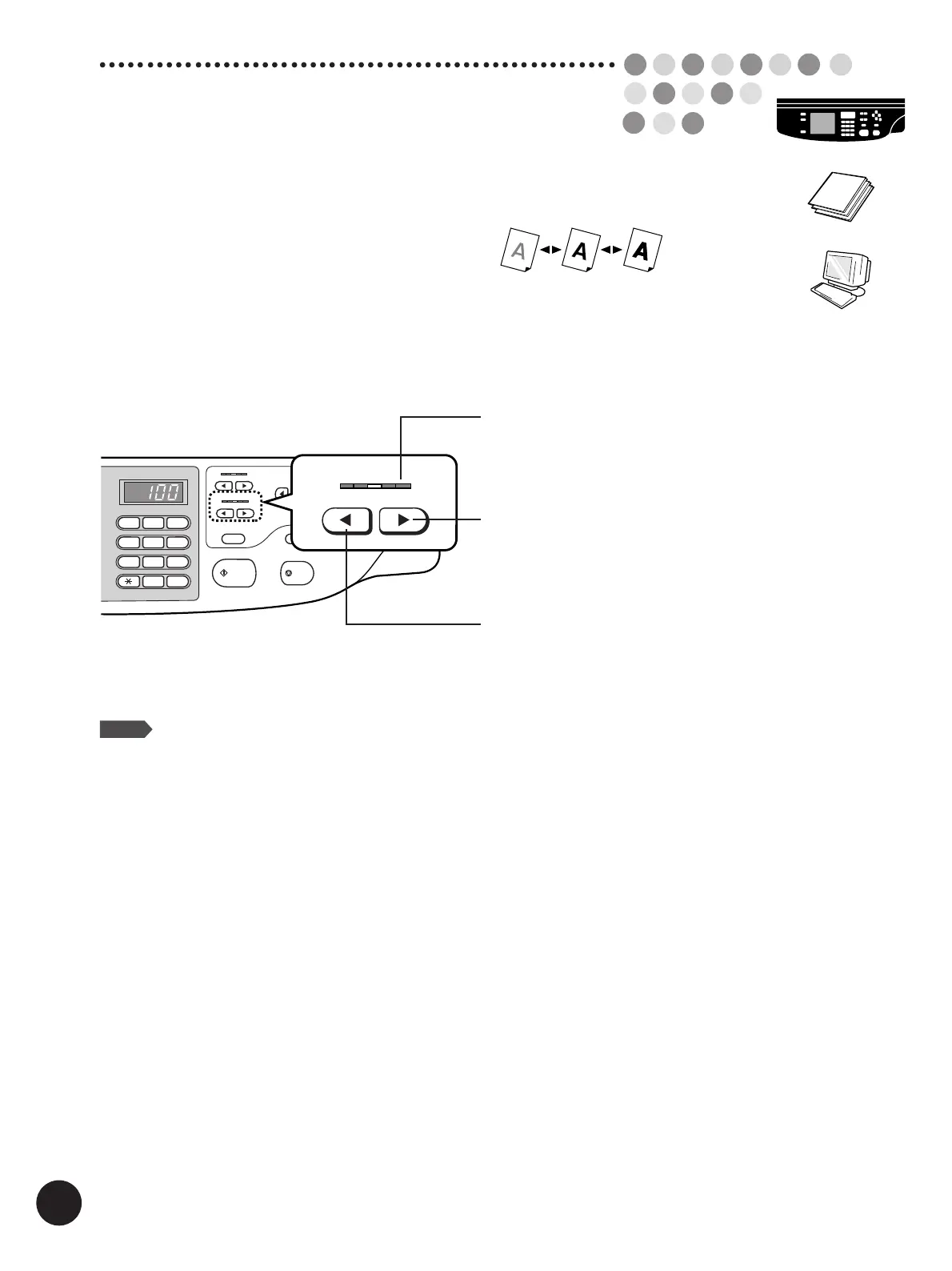
Print density can be set at any of five levels.
Press the Print Density Adjustment keys
to change print density.
START
STOP
SLOW
FAST
SPEED
DENSITY
LIGHT
DARK
TEST PRINT
12345
12345
12
3
4
5
6
7
8
9
0
C
123
4
5
DENSITY
LIGHT
DARK
Makes print density lighter.
Print Density Indicator.
Indicates the current print density level.
Makes print density darker.
When the print density setting is changed, press the Test
Print key to check the results with proof copies.
NOTE
You can customize initial settings.
☞ p.154... Customizing the Initial Settings



 To Next Page