34
This section explains the basic procedures for direct printing in the data mode.
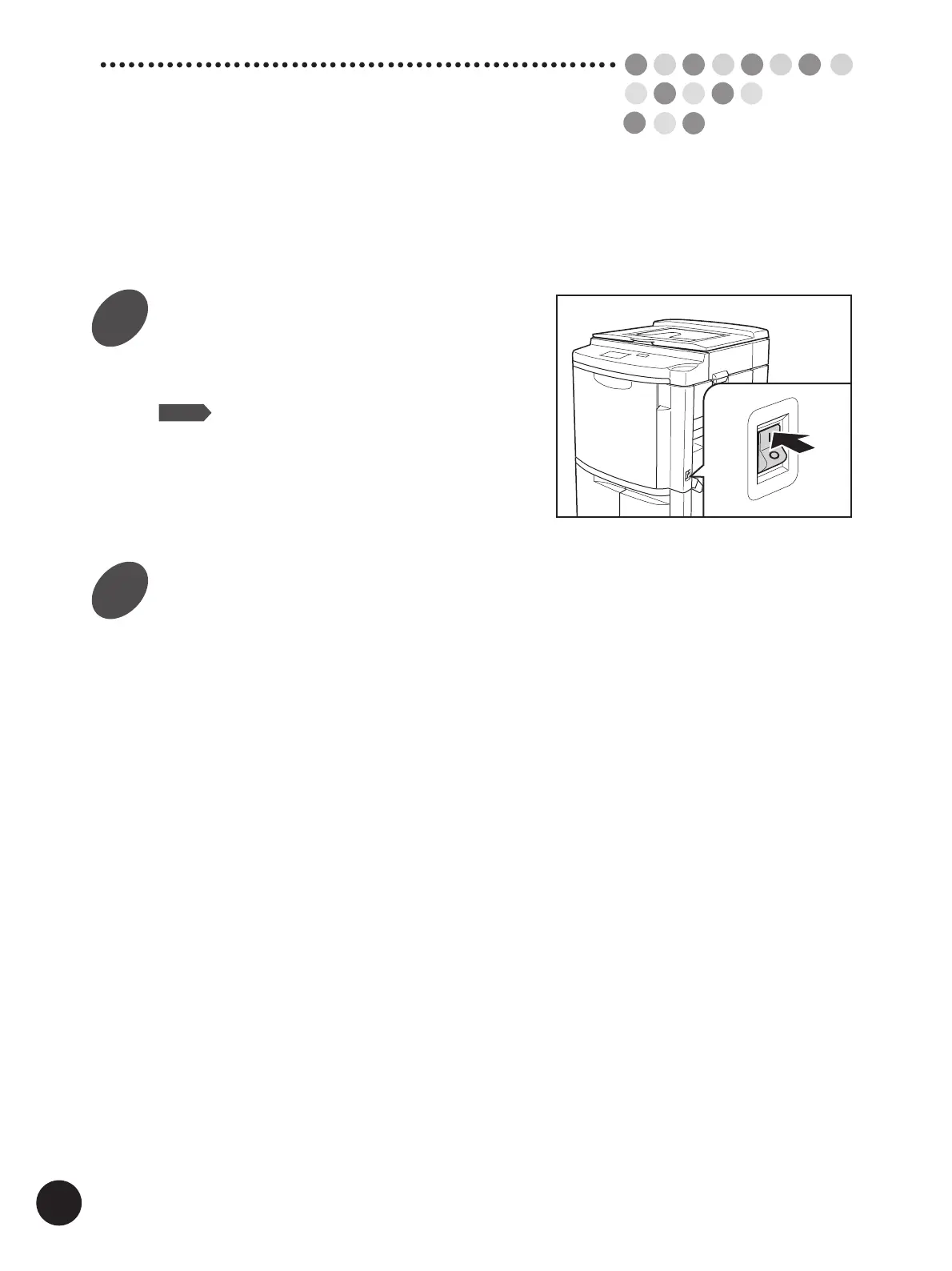
Turn the power switch ON.
The power switch is located on the lower right side
of the printer.
NOTE
When your printer is sleeping in the Auto
Sleep mode, the indicator on the Wake-
Up key lights.
In this case, press the Wake-Up key or
send document data to wake up your
printer. ☞ p.159
Check the current paper size and
print color.
If you require another size of paper and/or print
color, replace paper on the Paper Feed Tray and/
or the Print Cylinder(Drum).
☞ p.20 ...Setting Up the Paper Feed Tray
☞ p.171 ...Changing Print Color
B
asic Interface
Operation
1
2



 To Next Page