71
Automatic Printing
(Auto Process)
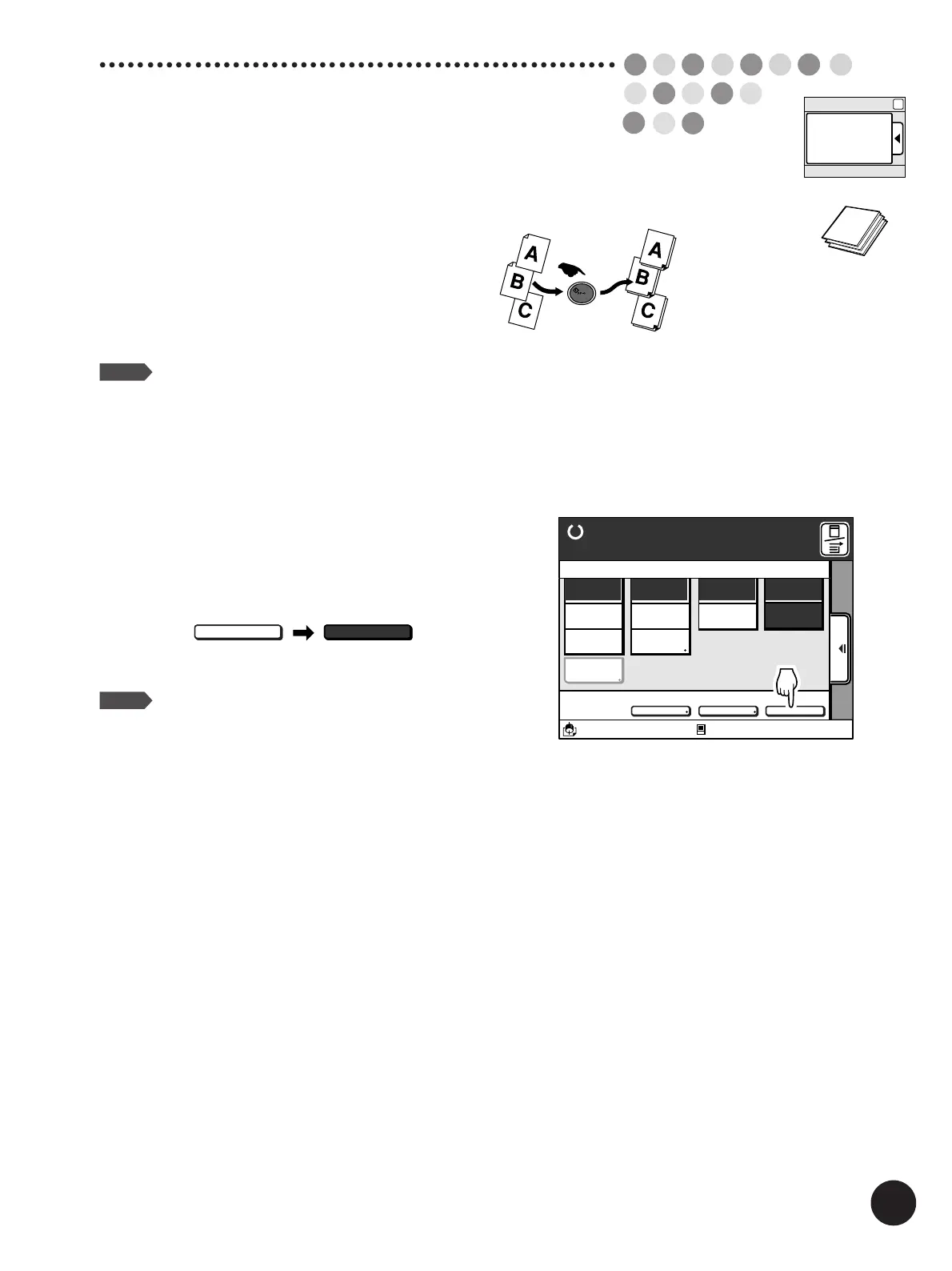
Touch the [AUTO-GO] button on the
Main-panel window.
NOTE
If the Auto Process feature is adjusted to be
activated as initial status in the [Properties]
window, the Auto Process feature will always be
activated even after the printer is reset or
restarted.
☞ p.154... Customizing the Initial Settings
If you do not need to check print samples before making
prints, touch the [AUTO-GO] button before pressing the
Start key to activate the Auto Process feature.
This feature enables nonstop operation from master-
making through printing.
NOTE
If you need to check or adjust the print position,
cancel the Auto Process feature by touching the
[AUTO-GO] button again or activate the [Semi-
Auto(Master)] feature in the [Properties] window.
☞ p.114... Changing Process Flow on the
Printer
A3/Black
13:59
MULTIUP>
OFF
SORTER>
OFF
AUTO-GO>
OFF
Line
Duo
Photo Options
Auto
100%
Manual
Auto
Ready to Make Master
Image Size Contrast Paper
Idle
Advanced
A 3
Standard
M
AUTO-GO>
OFF
AUTO-GO>
ON
Main-panel
AUTO-GO



 To Next Page