49
Confirming the Scanning Result
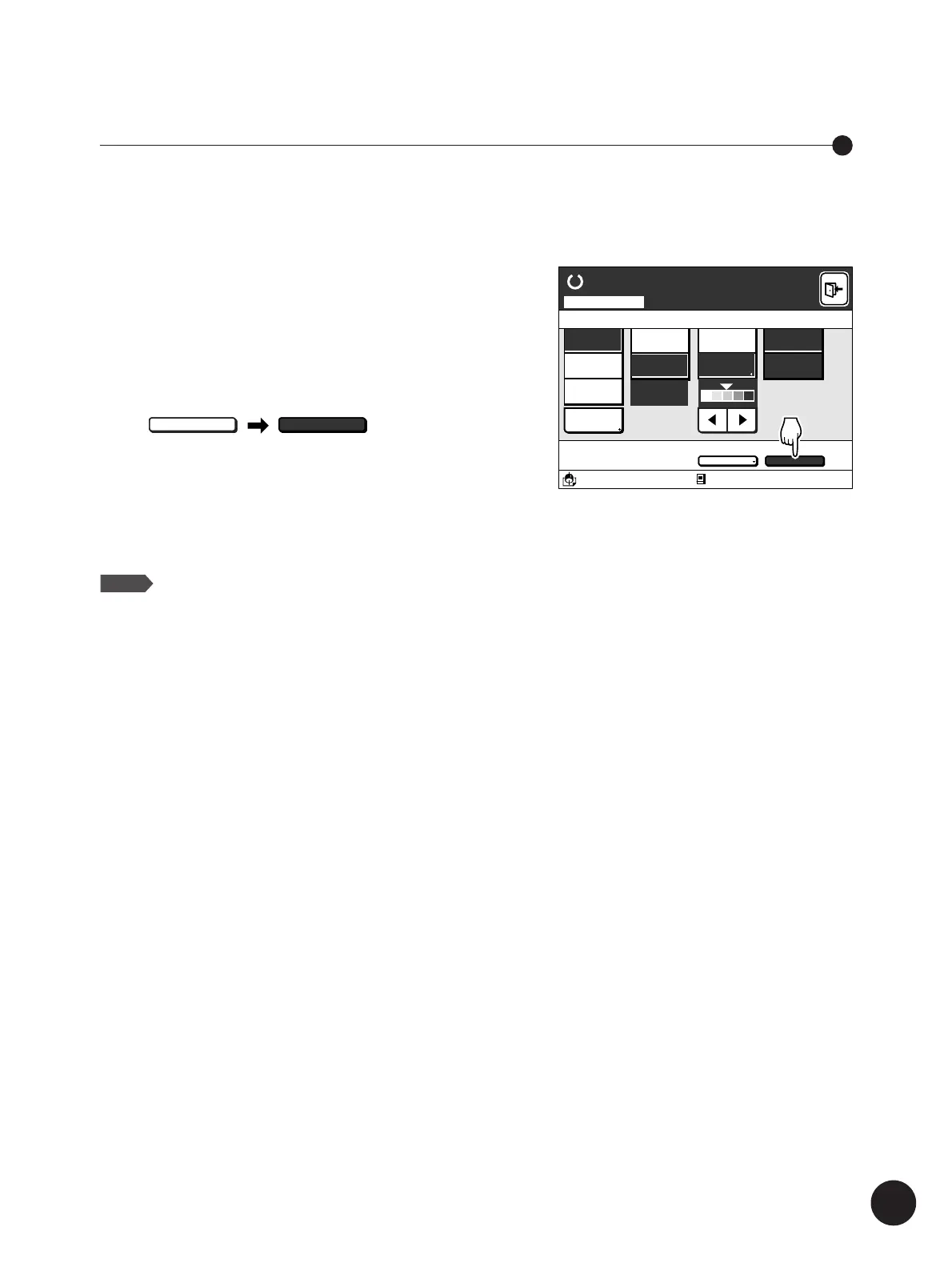
Touch the [Preview] button on the
scanning mode basic window.
The [Preview] function will be set at [ON], and the display
above the button will change from [OFF] to [ON].
When scanning is performed with the [Preview] function set
at [ON], the master-making operation simultaneously
starts, and a test print will be output. The test print allows
you to check the finished result of the data created in the
Scanning mode.
NOTE
Touch the button once again to deactivate the
function.
A 4
Standard
Advanced
Line
Duo
Photo
Options
100%
Ready to Scan Data
Image Size Contrast Paper
A3/Black
13:59
Advanced Preview
ON
Scanning Mode
Blocked
80%
Manual
Auto
Expanding Functions with the Document Memory Card
You can check the scanning result with an actual printout (a test print) by activating the
[Preview] function.
Preview
OFF
Preview
ON



 To Next Page