82
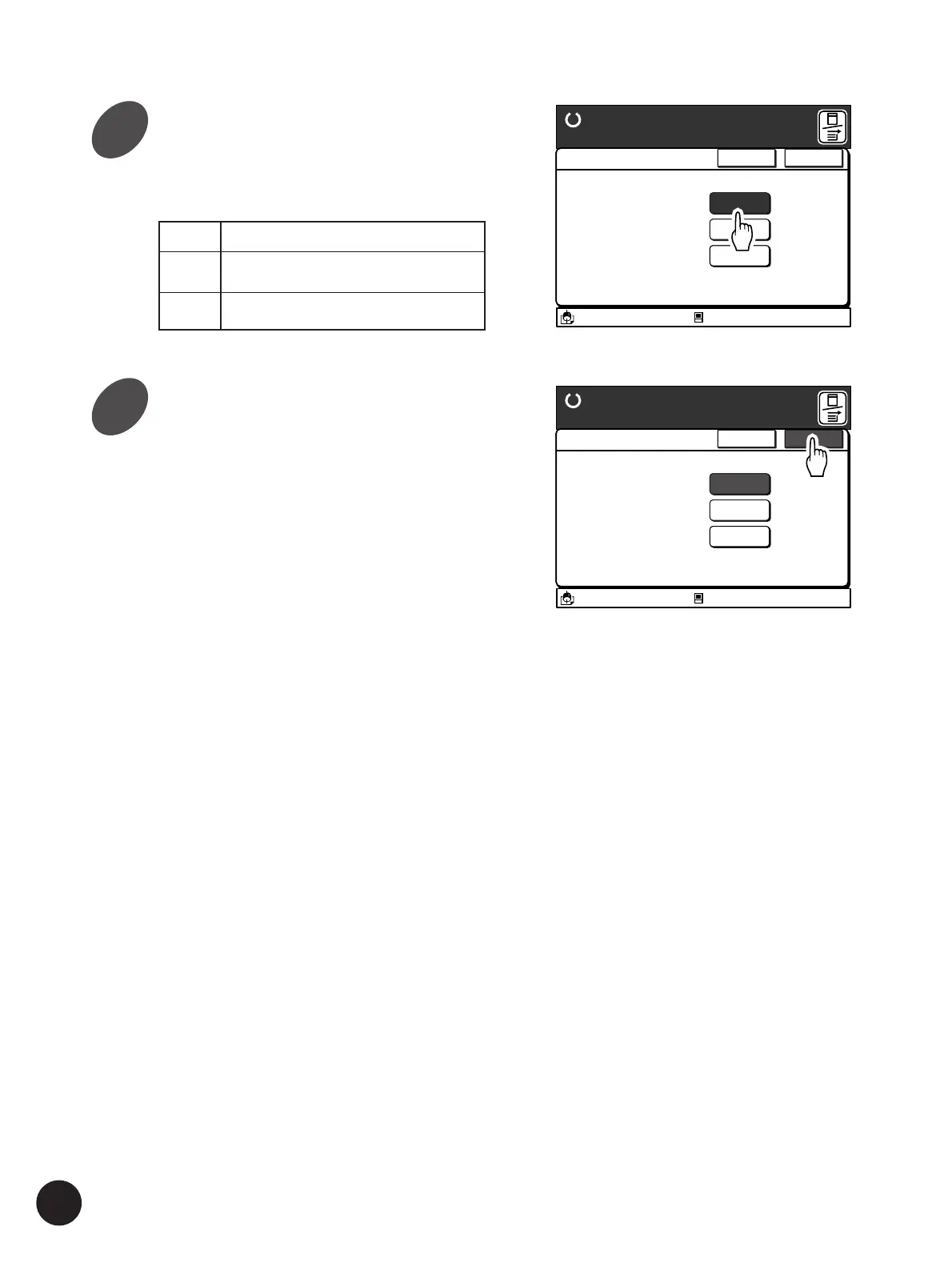
Select the process mode desired.
Touch the [Erase] button or the [Halftone] button.
A 3/Black
13:59
Cancel OK
Book Shadow Editor
Ready to Make Master
The spine shadow of
an opened book original
can be erased or
lightened
Erase
Halftone
O F F
Idle
M
A 3/Black
13:59
Cancel OK
Book Shadow Editor
Ready to Make Master
The spine shadow of
an opened book original
can be erased or
lightened
Erase
Halftone
O F F
Idle
M
Reproducing Bound Documents
Inactivates book shadow editor
processing
Erase
Halftone
OFF
Erases the book spine shadow
Prints the book spine shadow lightly
with halftone processing
3
4
Touch the [OK] button.



 To Next Page