74
Changing Print Job Flow
You can change the Print job flow specified when the current document data was sent to the
printer according to the current print job requirements.
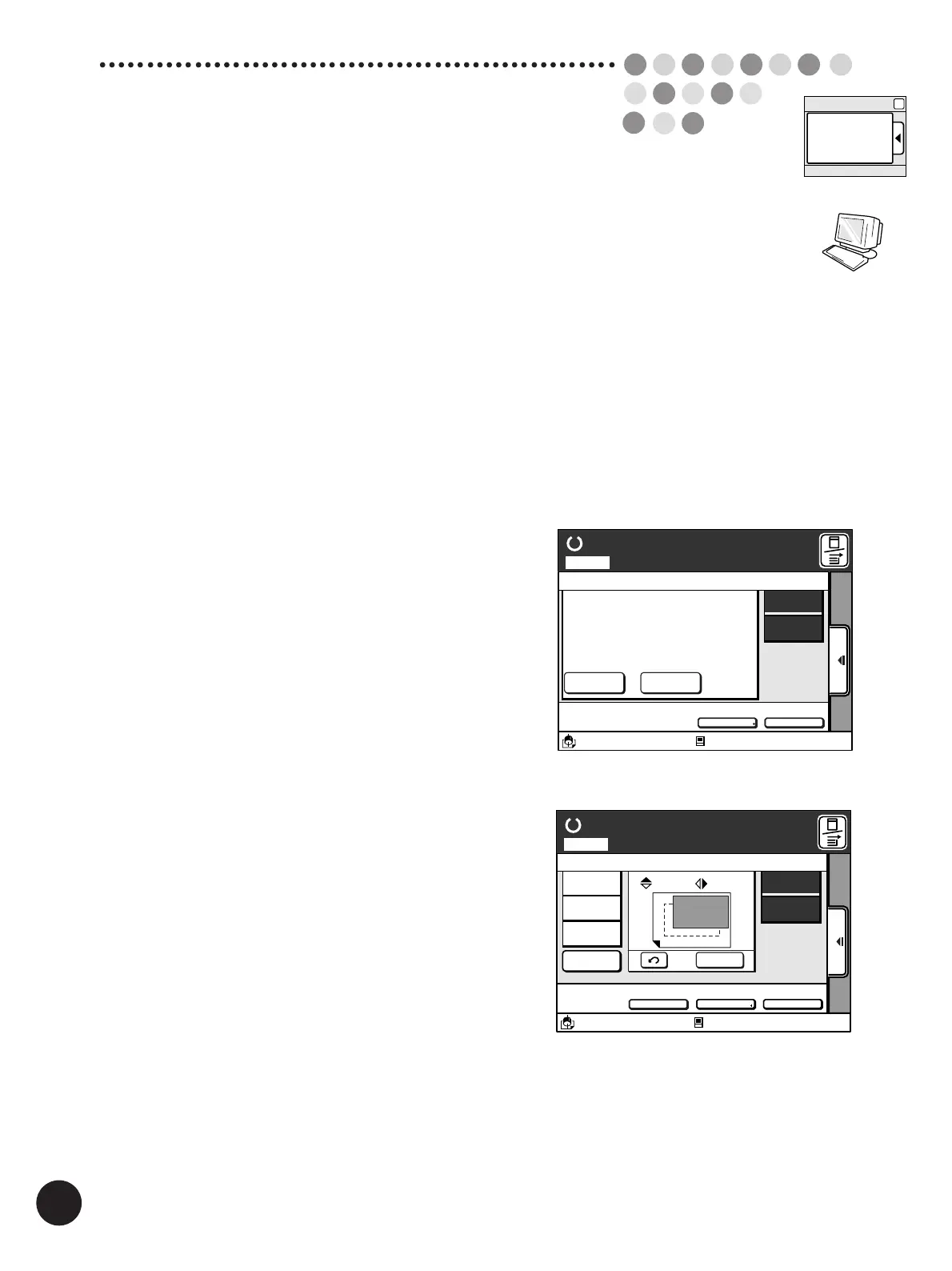
The following job flows are available for the current print job in the Data mode.
[Renew Page]
Cancels the print job of the current page and starts to make another master for the current page.
[Skip Page]
Cancels the print job of the current page and starts to make a master for the following page.
[Clear All]
Cancels the total print job of the multiple pages specified for the current document data.
Important!
This feature is available only when [Full auto process] or [Semi-Auto
(Master)] is not selected as process flow with the printer driver.
The print job flow can be changed in both process modes,
“master-making” and “printing”.
Main-panel window
(Master-making)
Main-panel
Aux. Menu
A3/Black
Idle
13:59
SORTER>
OFF
AUTO-GO>
OFF
Ready to Make Master
Page No. 1Local
Owner
Page Count
Receipt Time
Page Size
RISO
10Page
09/31/00 15:30
A 4 (210X297)
Skip Page Clear All
˚Document1
Paper
A 4
Standard
M
Main-panel window
(Printing)
A3/Black
13:59
SORTER>
OFF
AUTO-GO>
OFF
Reserved
Fine
10. 0
mm
A
10. 0
mm
D-CHECK>
OFF
Aux. Menu Print Position Paper
Idle
M
Ready to Print
Page No. 1Local
Renew Page
Skip Page
Clear All
A 3
Standard



 To Next Page