41
Expanding Functions with the Document Memory Card
Specifying the Output Range
You can specify the range of the pages (odd/even page only) and the output
sequence (ascending/descending order). It is also possible to specify only the page to
be output.
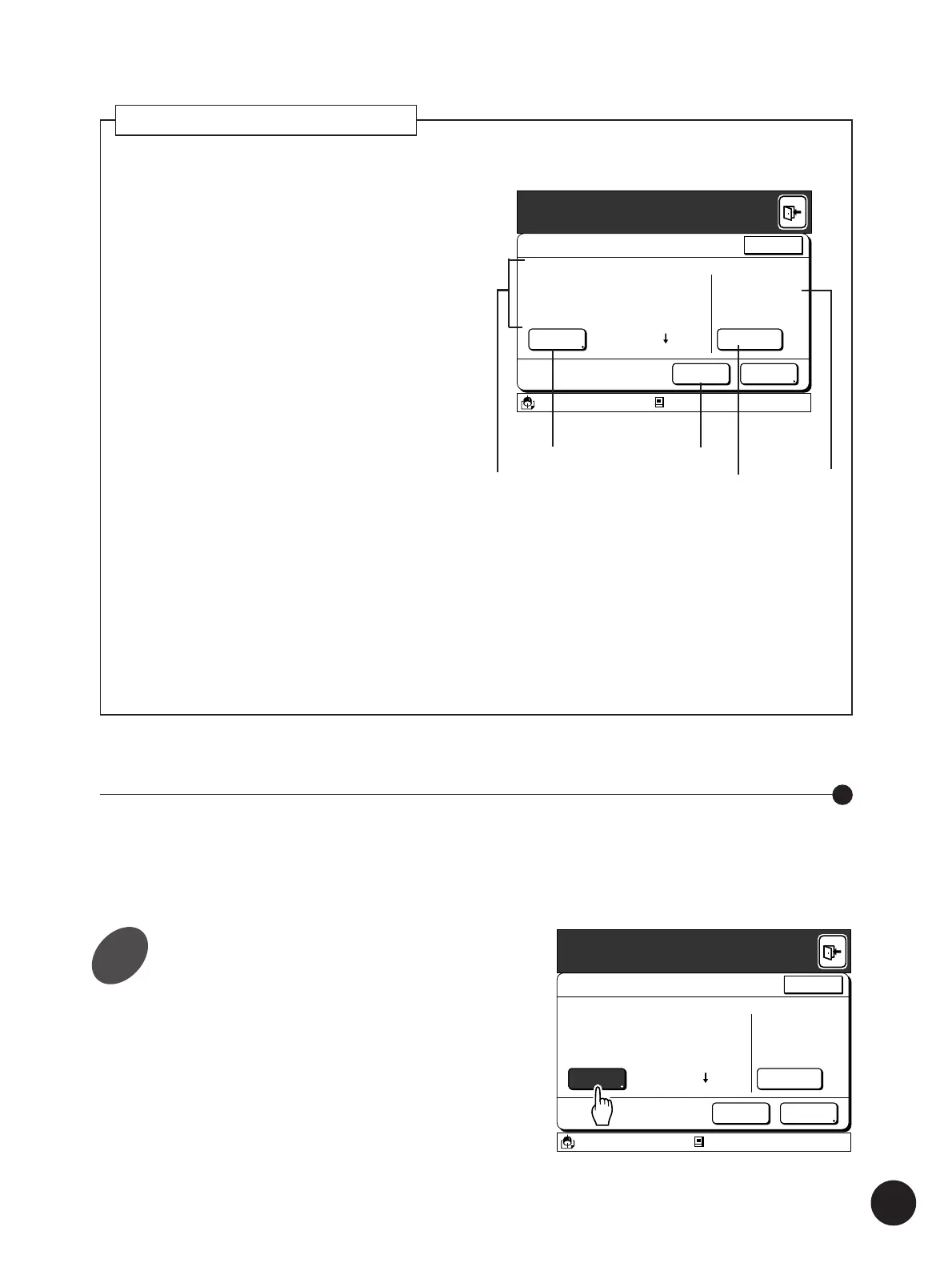
Touch the [Retrieval] button on the
[File Properties] window.
The [Output Range Change] window appears.
Refer to steps 1 and 2 in the section “Recalling the
Storage File” (page 39) for details on the
displaying the [File Properties] window.
File Properties
Storage File Selection
RotateRetrieval
OutputDelete
Owner
Form1
All Pages
2
1
Receipt Time
Page Count
RISO
02/11/00 15:30
Page Size A4 210X297
10Page
A3/Black Blocked
13:59
Cancel
About the [File Properties] window
The following details relating to the storage file can be
confirmed on the [File Properties] window.
1File details
Displays the file name, the owner’s name, the total
page count and other document details stored, as well
as the date when the storage file was created.
2[Rotate] button
Activates the 180-degree image rotation function.
When this function is activated, the button color is
reversed.
3Status display
The status of the file data will be displayed in the
following cases.
• When the [RMT Error Transact] setting in
[Properties] window has been set to [Pause] and a
communication error occurs in the Remote
transmission mode.
☞ p.154...Customizing the Initial Settings
• When the [Protection] setting has been set to [ON]
on the data transmission side and a communication
error occurs in the Remote transmission mode.
4[Retrieval] button
Changes the output range of page data.
☞ p.41...Specifying the Output Range
5[Delete] button
Erases selected unwanted storage files.
☞ p.43... Clearing File Data from the Storage
Memory
File Properties
Storage File Selection
RotateRetrieval
OutputDelete
Owner
Form1
Receipt Time
Page Count
RISO
02/11/00 15:30
Page Size A4
All Pages
2
1
10Page
Error Recorded
Protected
A3/Black Blocked
13:59
Cancel
5
3
4
2
1
1



 To Next Page