40
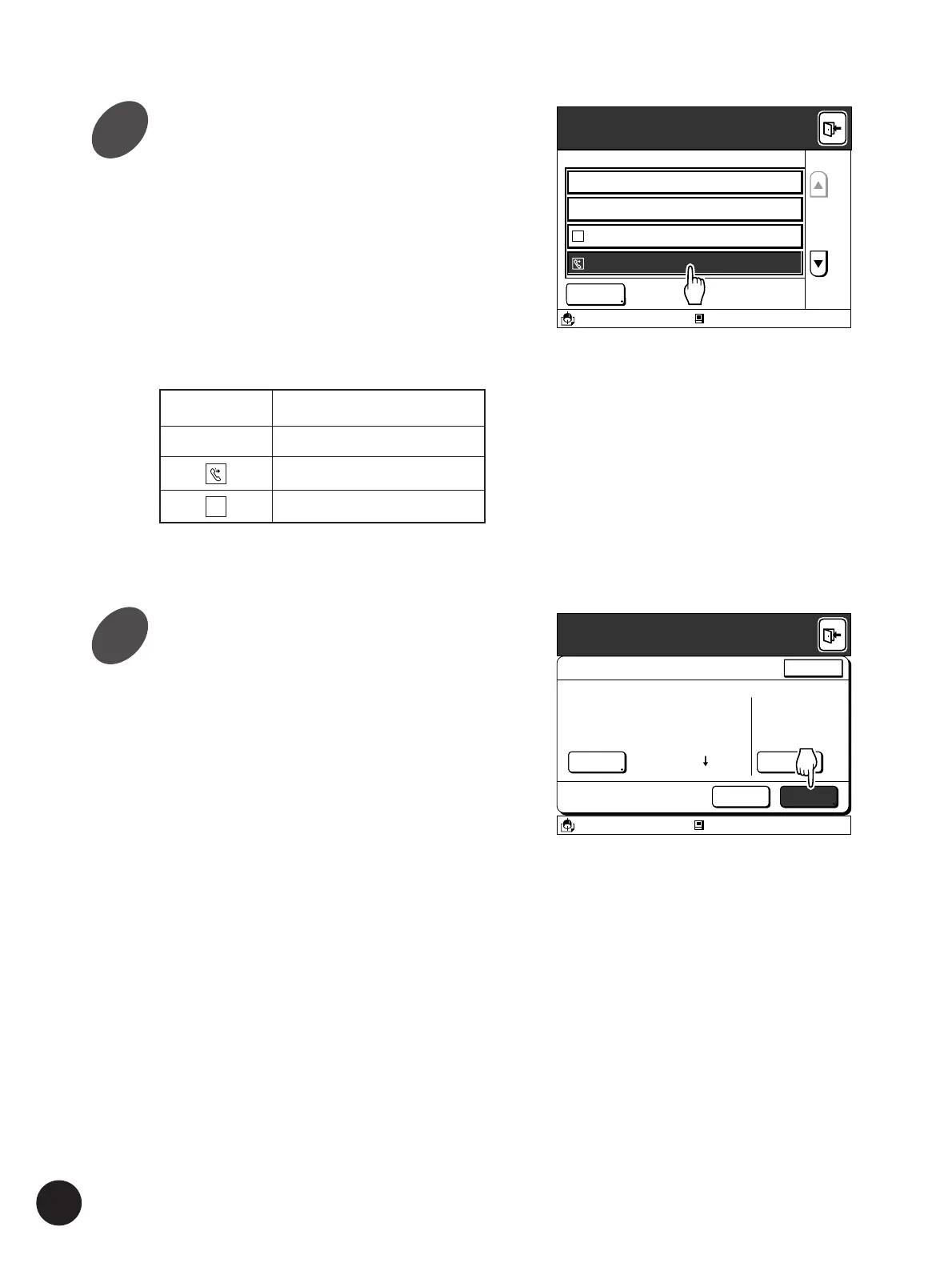
Select the desired file data.
A list of the stored data will be displayed on the
window.
The name of the data (file), the owner’s name and
the date and time when the data was stored will
also be displayed in each line of the list.
• If the required file name is not displayed on the
screen, touch the [
c
] or [
d
] button to scroll
through the list.
• The mode in which the storage file was created
will be displayed as an icon on the left of the
File Name.
A3/Black
Blocked
13:59
S
Storage File Selection
Select a Storage File
Leaf
Form1
Test
Form2
RISO
RISO
RISO
RISO
01/31/00
02/11/00
02/03/00
01/31/00
Free Area: 18
MB
(57%)
Scan
Touch the [Output] button.
The storage file will be recalled and the data
information is displayed on the [File Properties]
window.
Touch the [Cancel] button to cancel recalling and
return to the basic window.
Touch the [Exit] button on the upper right corner of
the window to terminate the operation.
File Properties
Storage File Selection
RotateRetrieval
OutputDelete
Owner
Form1
All Pages
2
1
Receipt Time
Page Count
RISO
02/11/00 15:30
Page Size A4 210X297
10Page
A3/Black Blocked
13:59
Cancel
Expanding Functions with the Document Memory Card
Local connection mode
Remote transmission mode
Scanning mode
Icon
Mode
(None)
S
2
3



 To Next Page