65
Main-panel
Paper
Selecting
Printing Paper
(For RP3790 and RP3590)
Desired paper can be automatically selected for printing when several types/sizes of
paper are loaded in the Multi tray paper feeder. You can also select a desired paper
size manually.
A3/Black
13:59
MULTIUP>
OFF
SORTER>
OFF
AUTO-GO>
OFF
Line
Duo
Photo
Ready to Make Master
Manual
Auto
Options
Auto
100%
Image Size Contrast Paper
Idle
Advanced
M
Manual
Auto
[Auto]
Automatically selects a paper feed tray (Standard Tray, Tray 1 or Tray 2) depending
on the combination of the reproduction size and original size .
[Manual]
Allows you to select a Paper size or feed tray.
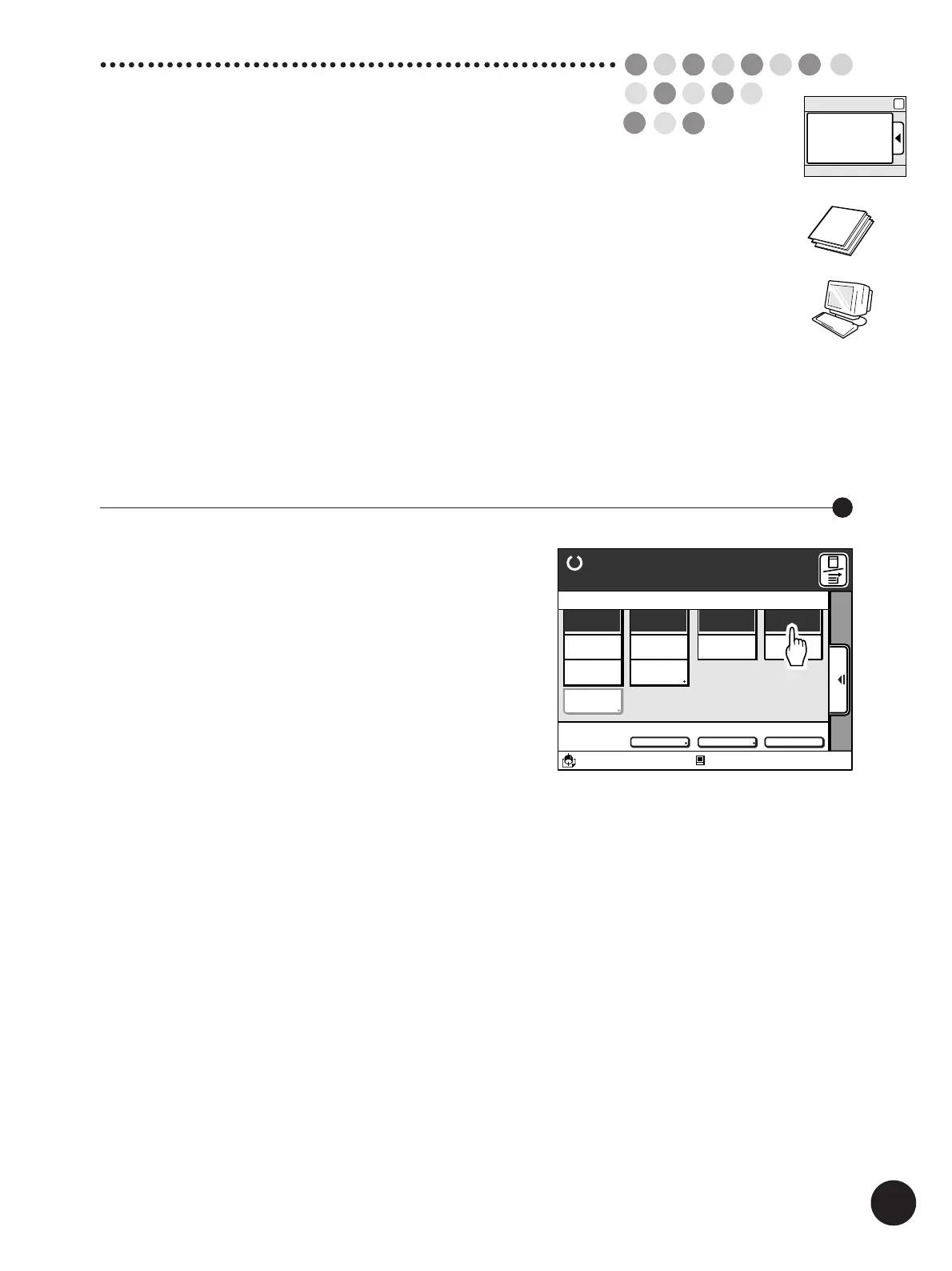
Touch the [Auto] button in the [Paper]
column on the Main-panel window.
Important!
• When the auto paper size selection mode is selected,
the Multi-Up printing and the [Auto] reproduction size
selection mode are not available.
• When the [Triple-Tray Source] function is not activated,
the Standard Paper Feed Tray will not be included in the
auto paper size selection mode.
• The Paper Feed Tray with non-standard-size paper
cannot be selected in the auto paper size selection
mode.
Selecting Paper Automatically



 To Next Page