124
Storing Settings
in Memory
The Print Job Memory feature is a flexible tool for automating frequently used or
complicated combinations of settings for print jobs.
You can store up to 24 combinations of frequently used or complex print-job settings
and apply them to new print jobs whenever necessary.
The settings of the following print job elements can be registered in memory for quick recall.
• Image Processing • Scanning Contrast • Reproduction Size
• Auto Process • Sorting* • Print Quantity
• Print Position Adjustment • Print Position Fine Adjustment • Print Speed
• Print Density • Multi-Up Printing • Book Shadow Editor
• Semi-Auto (Master)* • Job Separation* • Double Feed Check*
• Jump Wing Control • Registration Mark Skip • Side Margin Change
• Halftone Curve Adjustment* • Mirror Image Print • Margin+
• Feed Tray • Paper Size Entry • Paper Type Entry
• Paper Finish Entry
* .... The items whose memory registration depends on the printer model and the configuration of the optional
devices.
Saving the Current Print Job Setting
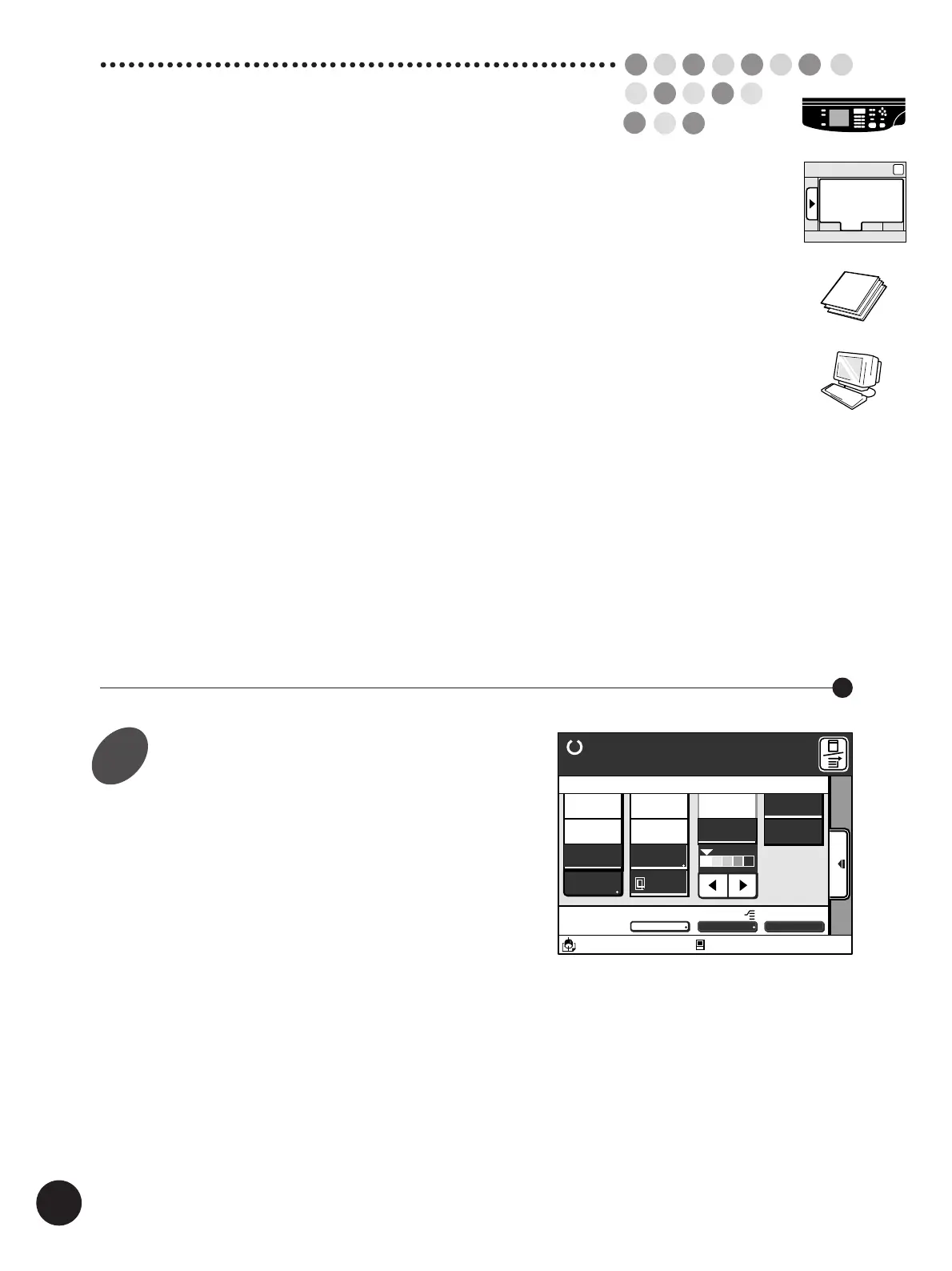
Set up desired settings.
A3/Black
13:59
MULTIUP>
OFF
SORTER AUTO-GO>
ON
Line
Duo
Photo
Ready to Make Master
Auto
Options
Auto
100%
Image Size Contrast Paper
Idle
80%
Manual
Advanced
M
A 3
Standard
Sub-Panel
Job List
1



 To Next Page