27
Basic Processes
The basic processes of your RISO Printer can be divided into two stages: making a
master of an original/PC data (master-making), and then printing copies from the master.
Your RISO Printer has been designed so that these two processes flow smoothly from
one to the other, with the current action shown clearly in the display.
Master-Making
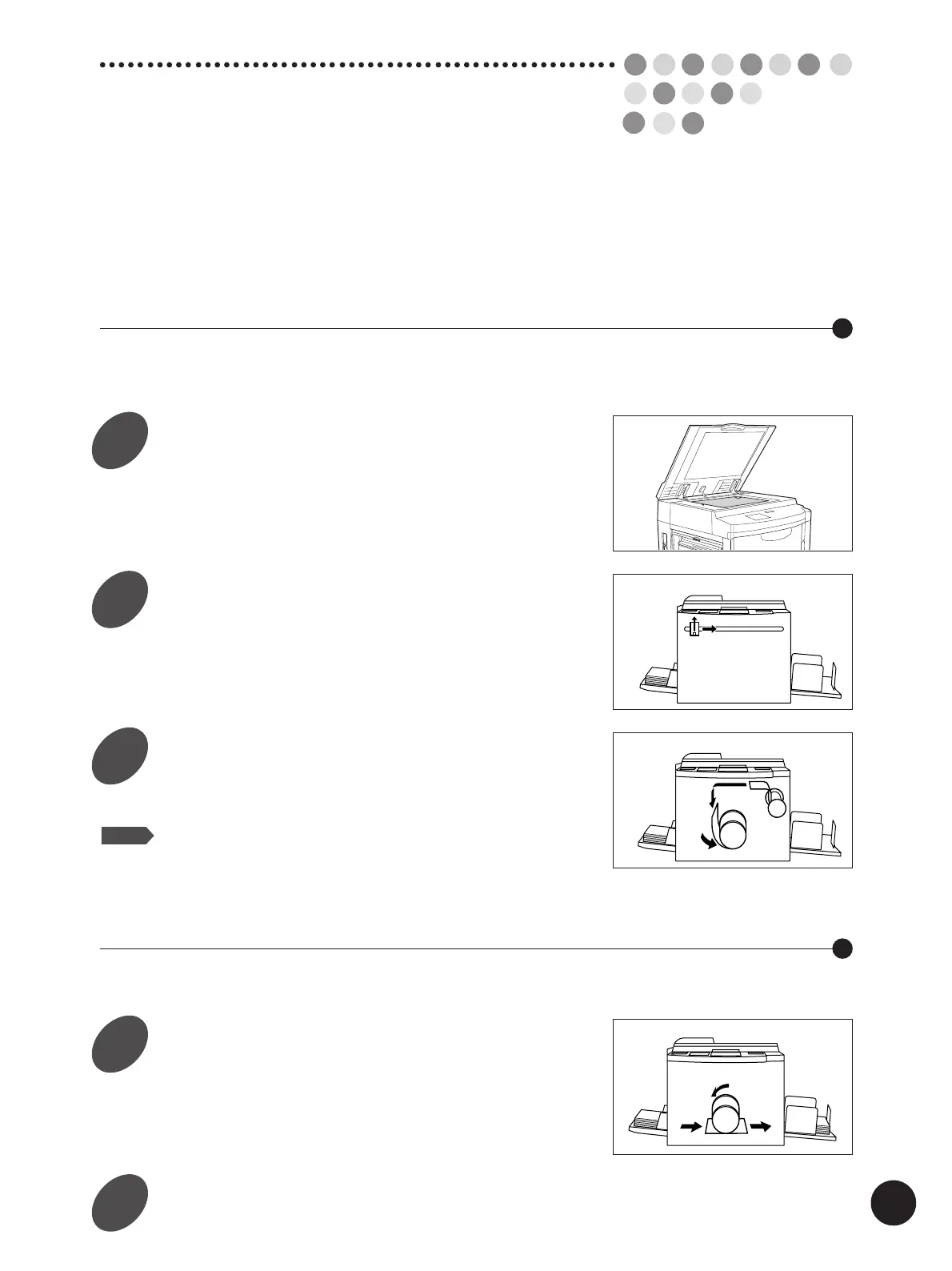
When you create a master, an original is scanned. The master is imaged and then
automatically placed on the Print Cylinder (Drum).
Set an original in place.
Scan the original.
Create a master.
The master is placed on the Print Cylinder (Drum)
and a proof copy is produced.
NOTE
When document data is sent from a PC to your RISO Printer,
the first 2 steps (original scanning) are skipped.
Printing
When you print, the Print Cylinder (Drum) rotates to print the specified number of copies.
Enter the number of copies you
want.
Start printing.
1
2
3
4
5



 To Next Page