129
Erasing a Saved Print Job Setting
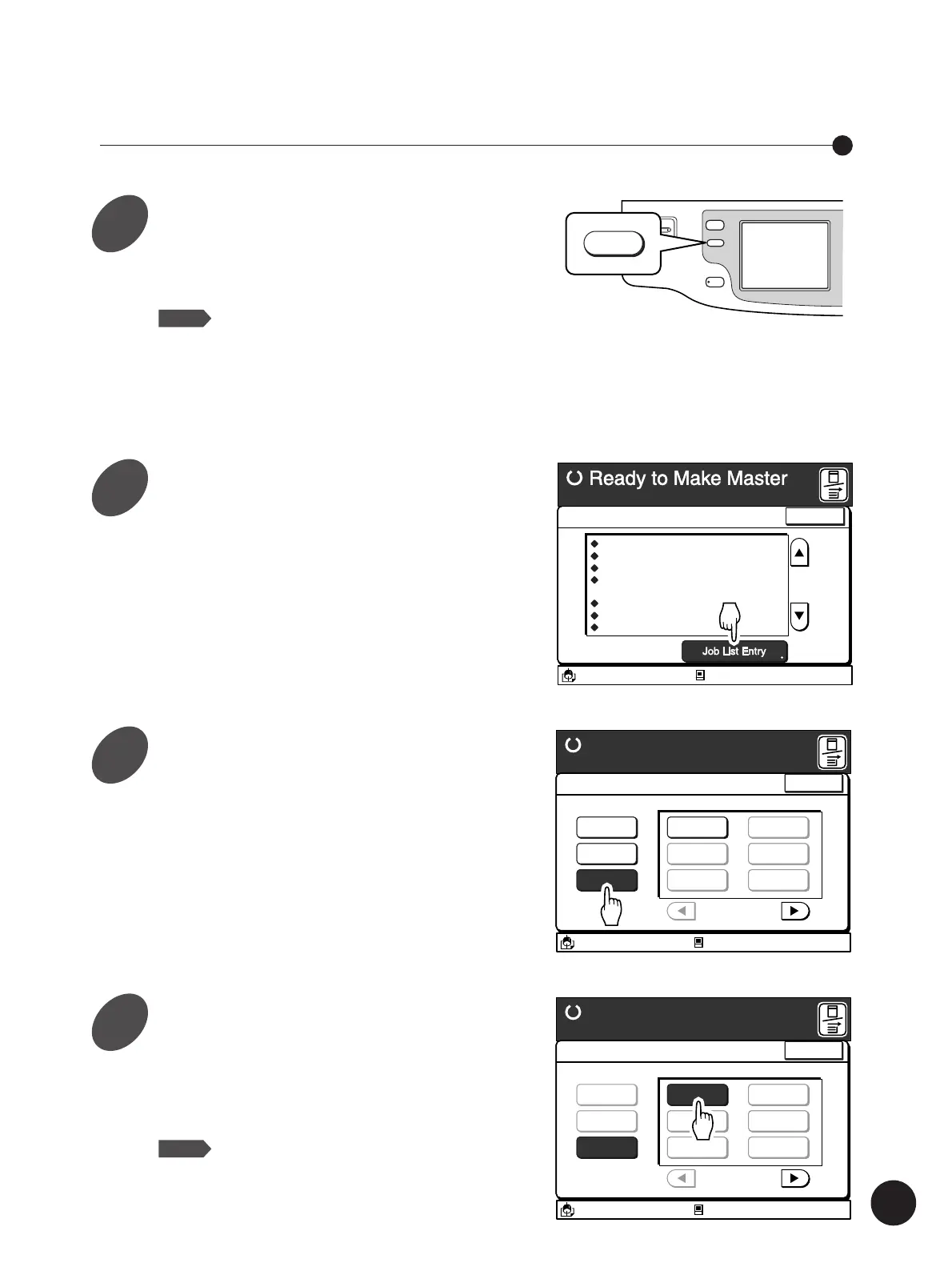
Press the Properties key.
The [Current Job Design] window appears.
NOTE
The settings displayed here are the
current settings and have no relationship
with the job setting to be deleted. A
message stating [Same as Default] will be
displayed if all settings keep the default
status.
Touch the [Job List Entry] button.
The [Job List Entry] window appears.
WAKE UP
PROPERTIES
PROPERTIES
DATA/COPY
Image Processing
Scanning Contrast
Reproduction Size
Margin+
Image Editing
Auto Process
Sorter
Print Quantity
Photo
Level 1
80%
x90%
ON
ON
Group
100Sheets
A3/Black
13:59
Close
Current Job Design
M
Idle
Storing Settings in Memory
Touch the [Clear] button.
A message [Select a Memory Frame to be
Cleared] appears.
• Only the Memory Frame buttons which are
occupied with print job settings can be selected.
• If desired Memory Frame button is not
displayed on the window, scroll through the list
by touching the [
h
] or [
j
] button.
A3/Black
13:59
Close
Job List Entry
Ready to Make Master
Select a Memory Frame to be Cleared
P.1/4
Register
Rename
Clear
RISO NEWS
M-2
M-3
M-4
M-5
M-6
Idle
M
Touch the Memory Frame button
whose print job setting you want to
erase.
The confirmation message box appears.
NOTE
Touch the [Cancel] button to cancel this
operation.
A3/Black
13:59
Close
Job List Entry
Ready to Make Master
Select a Memory Frame to be Cleared
P.1/4
Register
Rename
Clear
RISO NEWS
M-2
M-3
M-4
M-5
M-6
Idle
M
1
2
3
4



 To Next Page