128
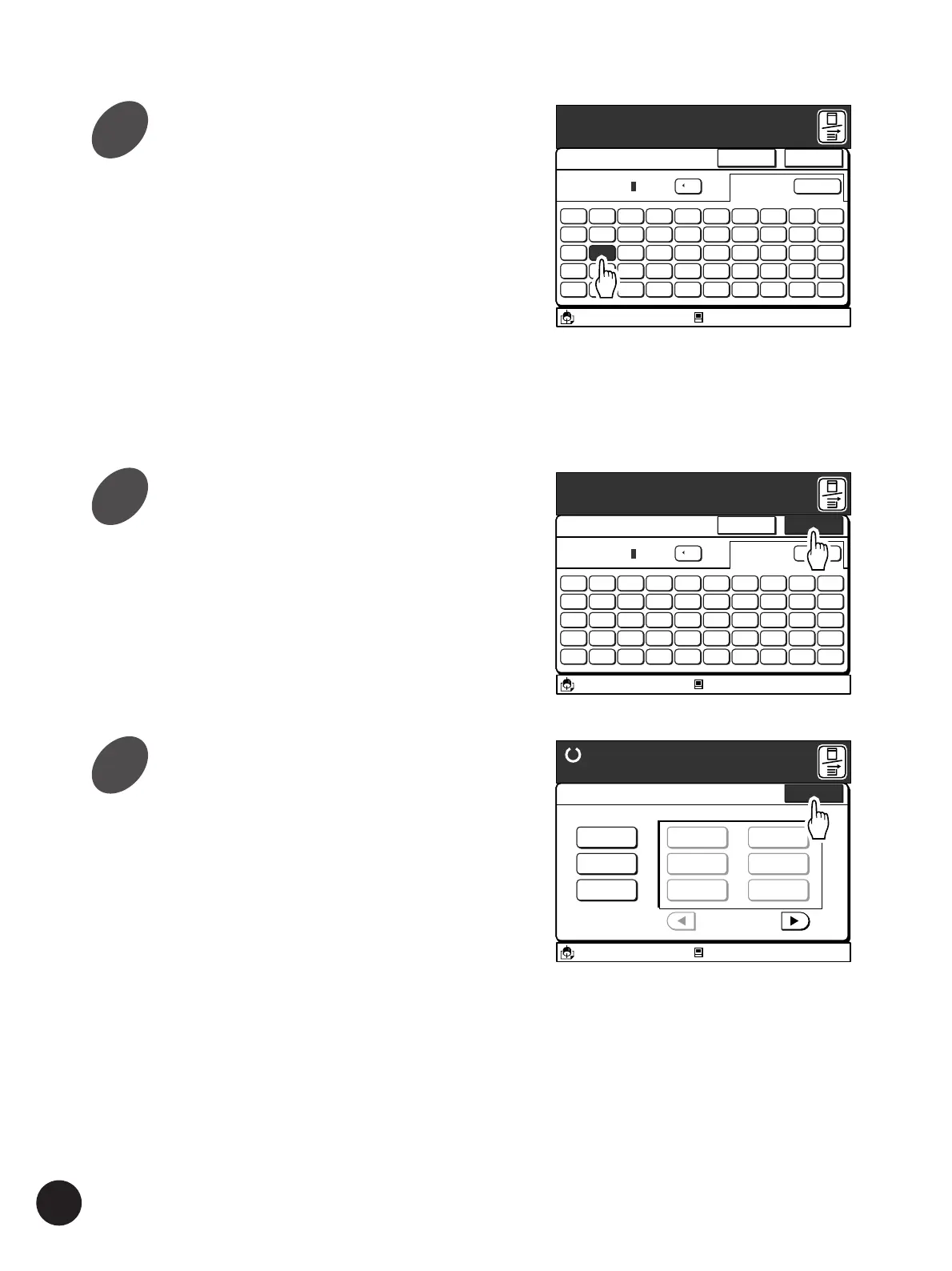
Touch the [OK] button.
The window returns to the [Job List Entry] window.
The name of the selected print job setting now
changes to the new one.
Touch the [Close] button.
The window returns to the [Current Job Design]
window.
Enter a new name for the selected
print job setting.
The [Rename] window can be switched between
the uppercase window and the lowercase window
by touching the [Shift] button.
• Up to ten spaces can be entered.
• Numerals can also be entered with the Print
Quantity keys.
• Touch the [
h
C] button to erase an entered letter
(one letter will be erased each time this button
is touched).
A3/Black
13:59
Shift
5 6 7 8 9 04321
T Y U I O PREWQ
G H J K L :FDSA
B N M < > :VCXZ
( ) [ ] ~/-
+
Cancel OK
Rename
C
[RISO NEWS
Idle
M
A3/Black
13:59
Shift
5 6 7 8 9 04321
T Y U I O PREWQ
G H J K L :FDSA
B N M < > :VCXZ
( ) [ ] ~/-
*
+
Cancel OK
Rename
C
[RISO NEWS
Idle
M
A3/Black
13:59
Close
Job List Entry
Ready to Make Master
RISO NEWS-Renamed
P.1/4
Register
Rename
Clear
RISO NEWS
M-2
M-3
M-4
M-5
M-6
Idle
M
Storing Settings in Memory
5
6
7


 To Next Page
 Loading...


