149
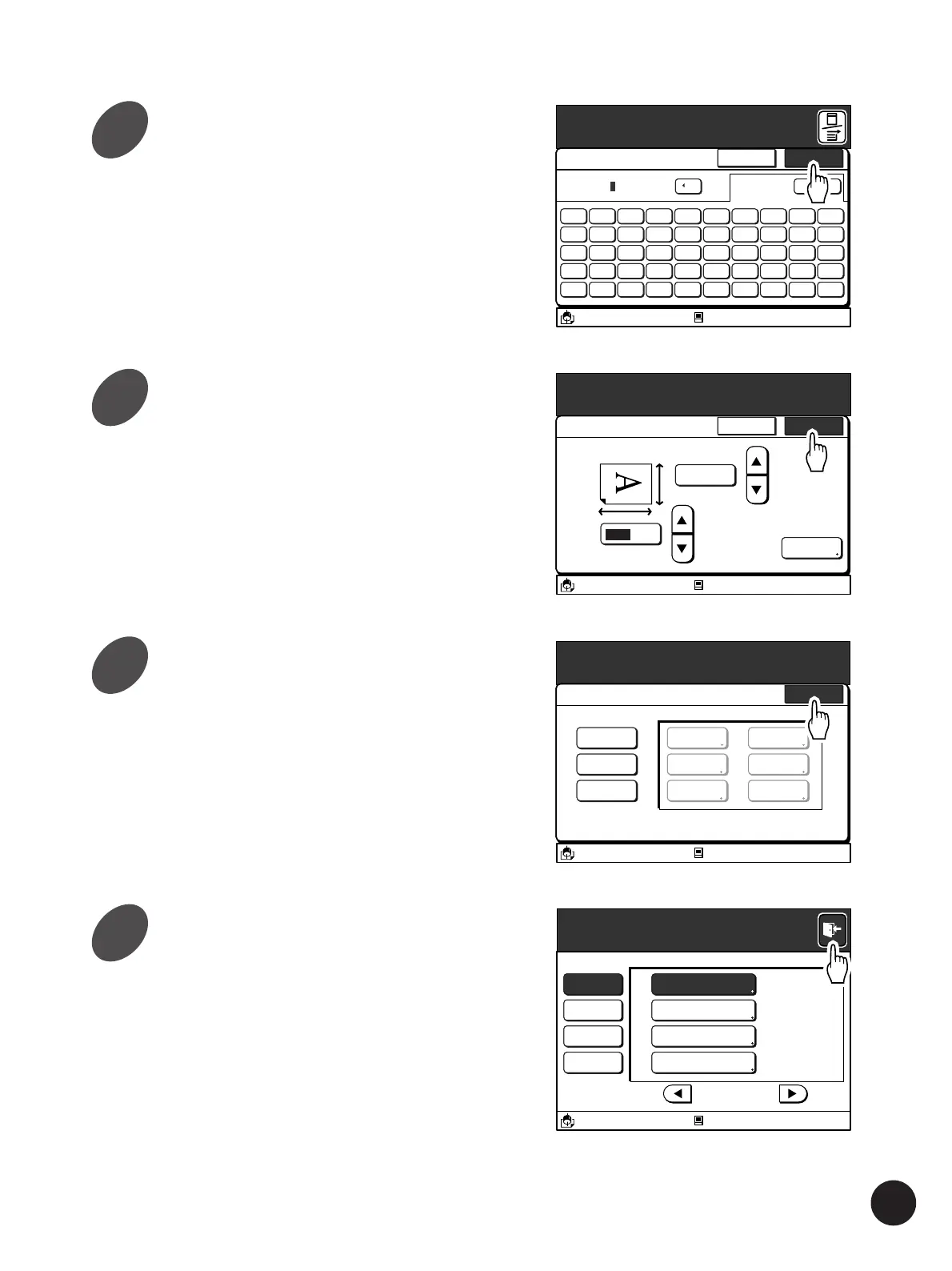
Touch the [OK] button again.
The window returns to the main [Custom Paper
Entry] window.
Touch the [OK] button.
The window returns to the [Custom Paper Entry]
window.
The name of the selected paper size now changes
to the new one.
Using Custom Paper
A3/Black
13:59
Shift
5 6 7 8 9 04321
T Y U I O PREWQ
G H J K L :FDSA
B N M < > :VCXZ
( ) [ ] ~/-
*
+
Cancel OK
Rename
C
[Card A
Blocked
M
A3/Black
13:59
Cancel OK
Cutom Paper Entry
(90mm
~
340mm)
103
mm
Rename
Card A
(140mm
~
555mm)
182 mm
Properties
Blocked
Touch the [Close] button.
The window returns to the [Properties] window.
Touch the [Exit] button on the
upper right corner of the window.
Properties
A3/Black
13:59
Close
Custom Paper Entry
CardA - Changed
Register
Change
Clear
U-2
U-3
U-4
U-5
U-6
CardA
Blocked
Properties
A3/Black
13:59
P.7/10
System Idling Action 12 hour
=
Data Mode Power-OFF Schedule 22:00
=
Copy Mode Energy Saving Mode 5 mn
=
All Custom Paper Entry
Blocked
9
10
11
12



 To Next Page