156
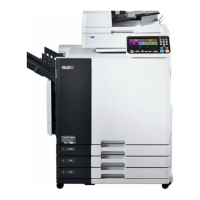
Touch the [Exit] button on the
upper right corner of the window.
The new initial settings are applied to the selected
functions.
Properties
A3/Black
13:59
P.1/10
System Reproduction Size 1-to-1
=
Data Mode Scanning Contrast Auto
=
Copy Mode Image Processing Photo
=
All Copy-Md-Selections
Blocked
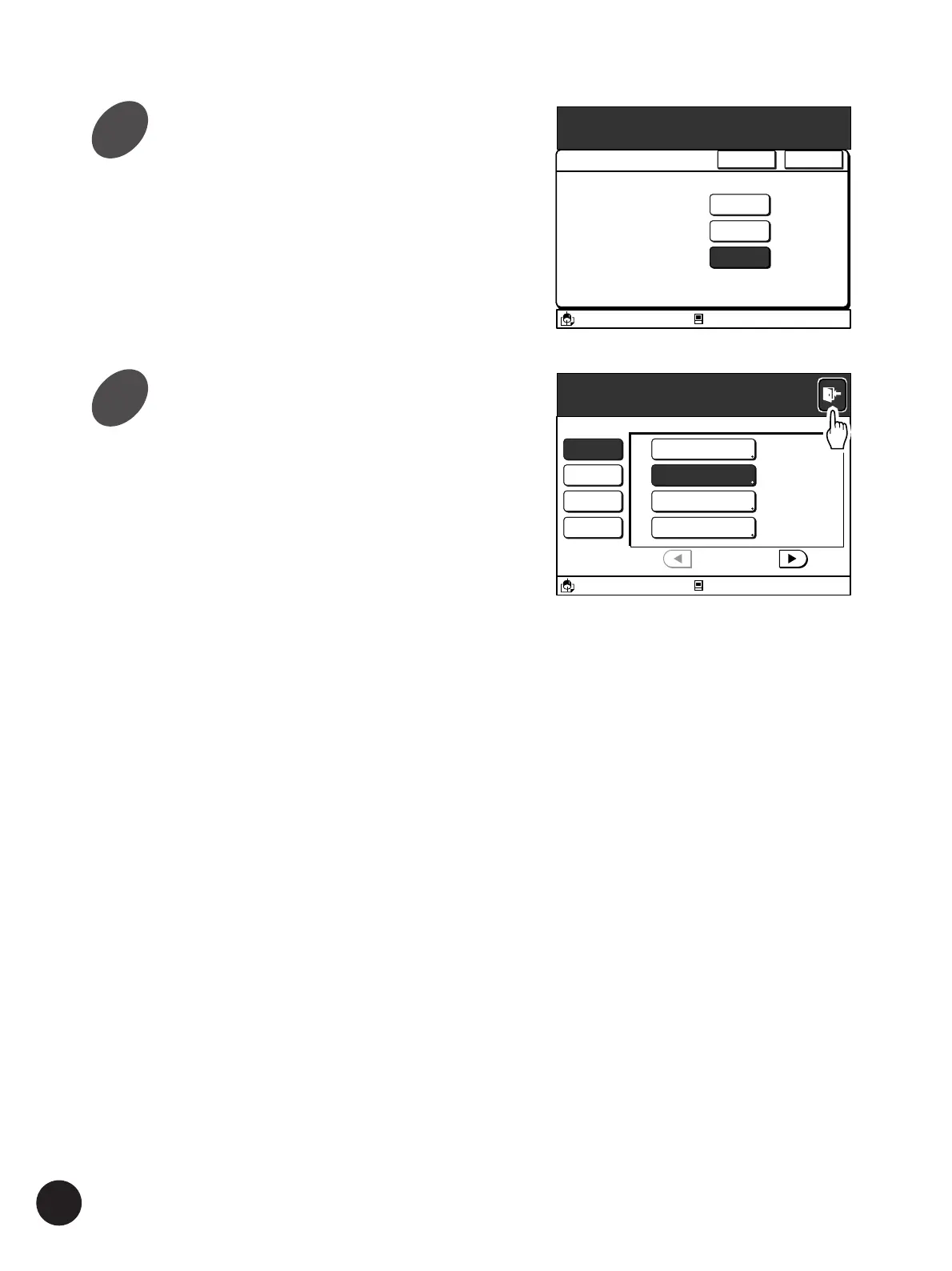
Change the initial settings.
The setup method varies depending on the
function.
• Touch the [
h
] and [
j
] buttons or directly touch
one of the option buttons displayed in the
window.
• Touch the [OK] button after changing the initial
setting of the selected function.
• Touch the [Cancel] button to cancel
amendment and close the current window.
Customizing the Initial Settings
Properties
Blocked
A3/Black
13:59
Cancel OK
Image Processing
This configuration is applied
as initial machine status.
Line
Duo
Photo
4
5



 To Next Page