45
A 4
Standard
Advanced
Line
Duo
Photo
Options
100%
Manual
Auto
Ready to Scan Data
Image Size Contrast Paper
Blocked
13:59
Advanced Preview
OFF
Scanning Mode
A3/Black
80%
Page Size Entry
A3
Specify the Page Size
Scanning Mode
A4
B4
A4
P.1/1
B5
B5
Postcard
U-1
A3/Black Blocked
13:59
OKCancel
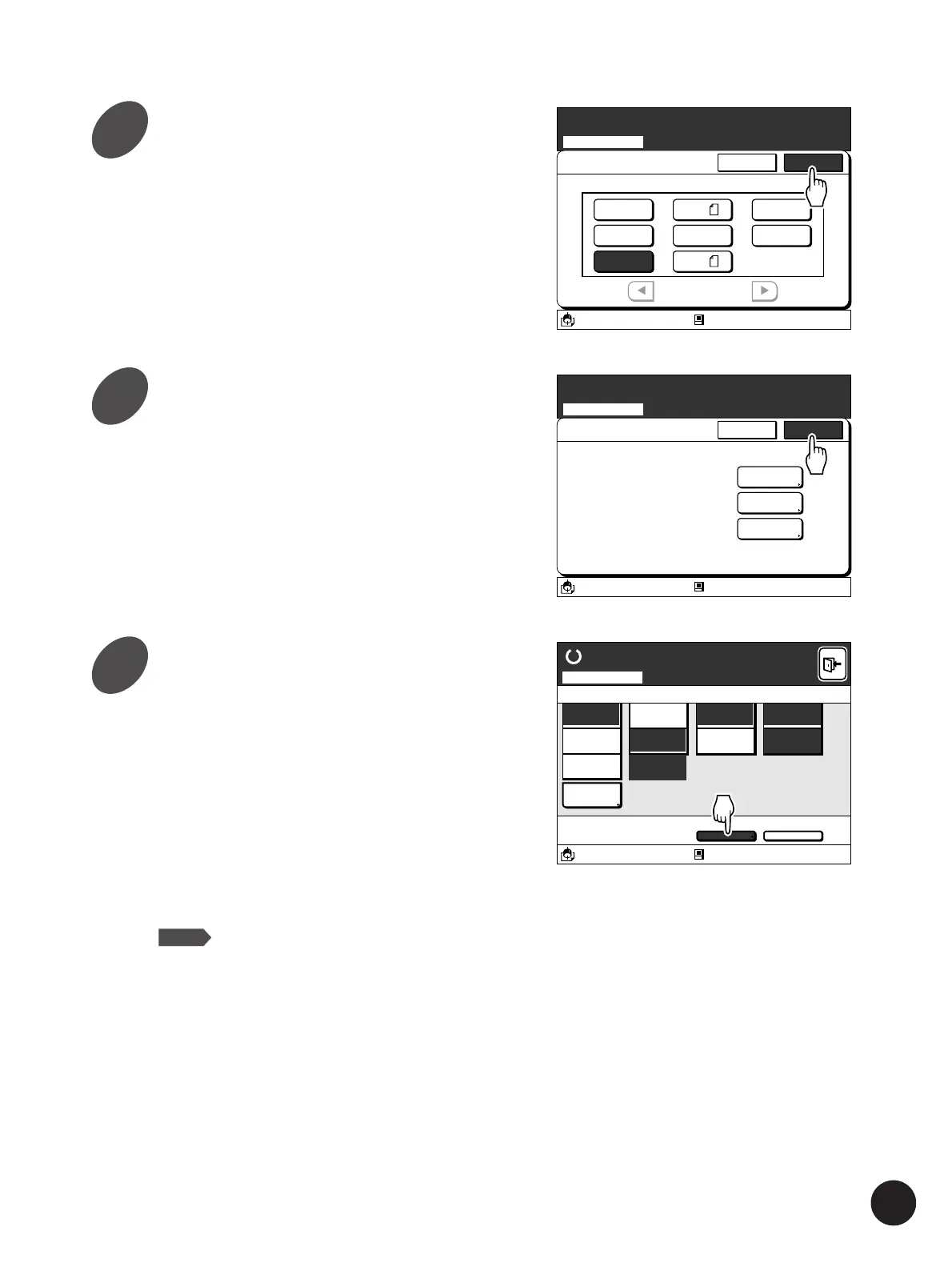
Touch the [OK] button.
The [File Storage Stage] window appears again.
Touch the [OK] button again.
The scanning mode basic window appears.
File Storage Stage
Rename
Specify the File Properties for Scanning
Scanning Mode
Page Size
Rename
File Name
Page Size
Owner
SCAN000001
A4
RISO
A3/Black Blocked
13:59
OKCancel
Change the settings for scanning
if necessary.
The following settings can be changed in the
scanning mode.
Refer to the relevant page for details of the
settings concerned.
•
Image Processing mode… [Line], [Duo], [Photo]
☞ p.56
•
Reproduction size… [Margin +], [Zoom], [Free]
☞ p.59
• Scanning Contrast… [Auto], [Manual]
☞ p.64
NOTE
• The reproduction options [Auto] and
[Standard] are not available in the
Scanning mode.
• In addition to the above settings, it is
also possible to select the [Book
Shadow Editor], [Regist. Mark Skip]
and [Halftone Curve Adjustment]
functions on the [Advanced Options]
window.
☞ p.48...Setting up the Advanced
Options in Scanning
Expanding Functions with the Document Memory Card
4
5
6



 To Next Page