58
A3/Black
13:59
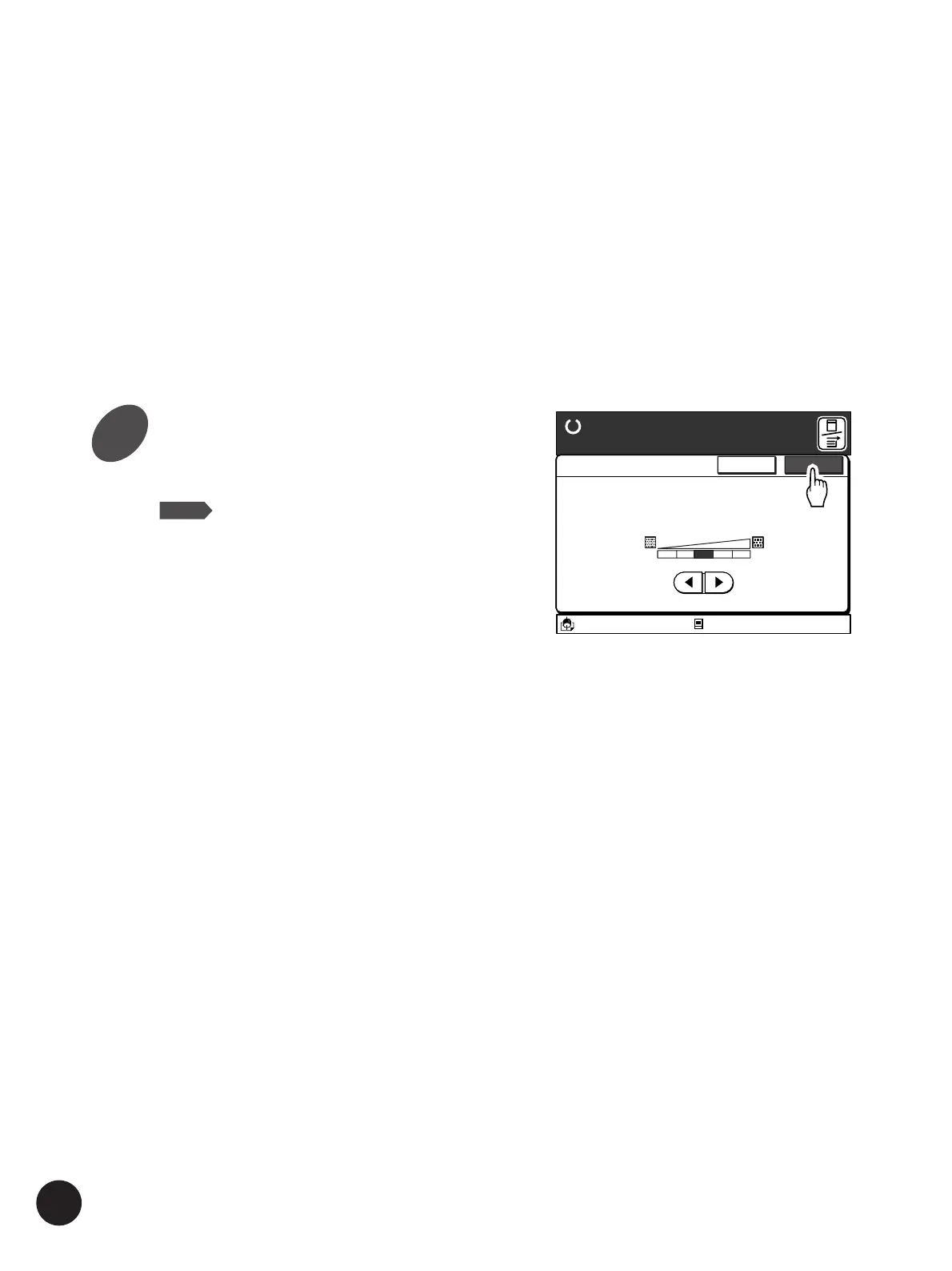
<Dot Process>
Photo or half-tone
images can beprocessed
with a dot screen.
Cancel OK
1234OFF
Duo-Advanced
Ready to Make Master
Idle
M
Photo/Half-Tone Processing
[Lighter]
For photographs that have too dark shades, select
this setting.
The contrast in the dark-shade areas will be
enhanced to reproduce clearer images.
[Darker]
For photographs that have too light shades, select
this setting.
The contrast in the light-shade areas will be
enhanced to reproduce clearer images.
3
Touch the [OK] button
The window returns to the Main-panel window.
NOTE
• To cancel this operation, touch the
[Cancel] button.
• The Reproduction pattern of the
gradation can also be adjusted when
[Duo] or [Photo] is selected as the
image processing mode.
☞ p.110... Producing Enhanced
Photo Images
• You can customize initial settings.
☞ p.154... Customizing the Initial
Settings



 To Next Page