3. Jobname / PIN / Account
Jobname: Here you can define a user defined jobname which helps the
identification of the print job in the job list.
PIN: Here you can define a PIN / password for protecting the printjob against
other users. If set, the printjob is set to „stopped“ and will not be printed until
you start it from the job list which is only possible by re-entering the correct
PIN (also known as „follow me printing“ or „secure printing“).
Account: If you have purchased the COST CENTER APP you can select the
account / cost center
4. Banner: Here you can select whether and/or which banner to be printed in which
position.
5. Miscellaneous:
5a. Fallback: See Fehler! Verweisquelle konnte nicht gefunden
werden..
5b. Priority: Define behavior of job in printer job list.
Normal: The job is added to the job list normally.
Low: All print jobs with a higher priority are prioritized.
High: The print job is started as soon as possible.
Suspended: For the time being, the drawing is not printed but the
job has to be started manually on the printer
5c. Info texts: With info texts you can include user defined text
information into a print job. Those texts can be integrated dynamically
into stamps for example.
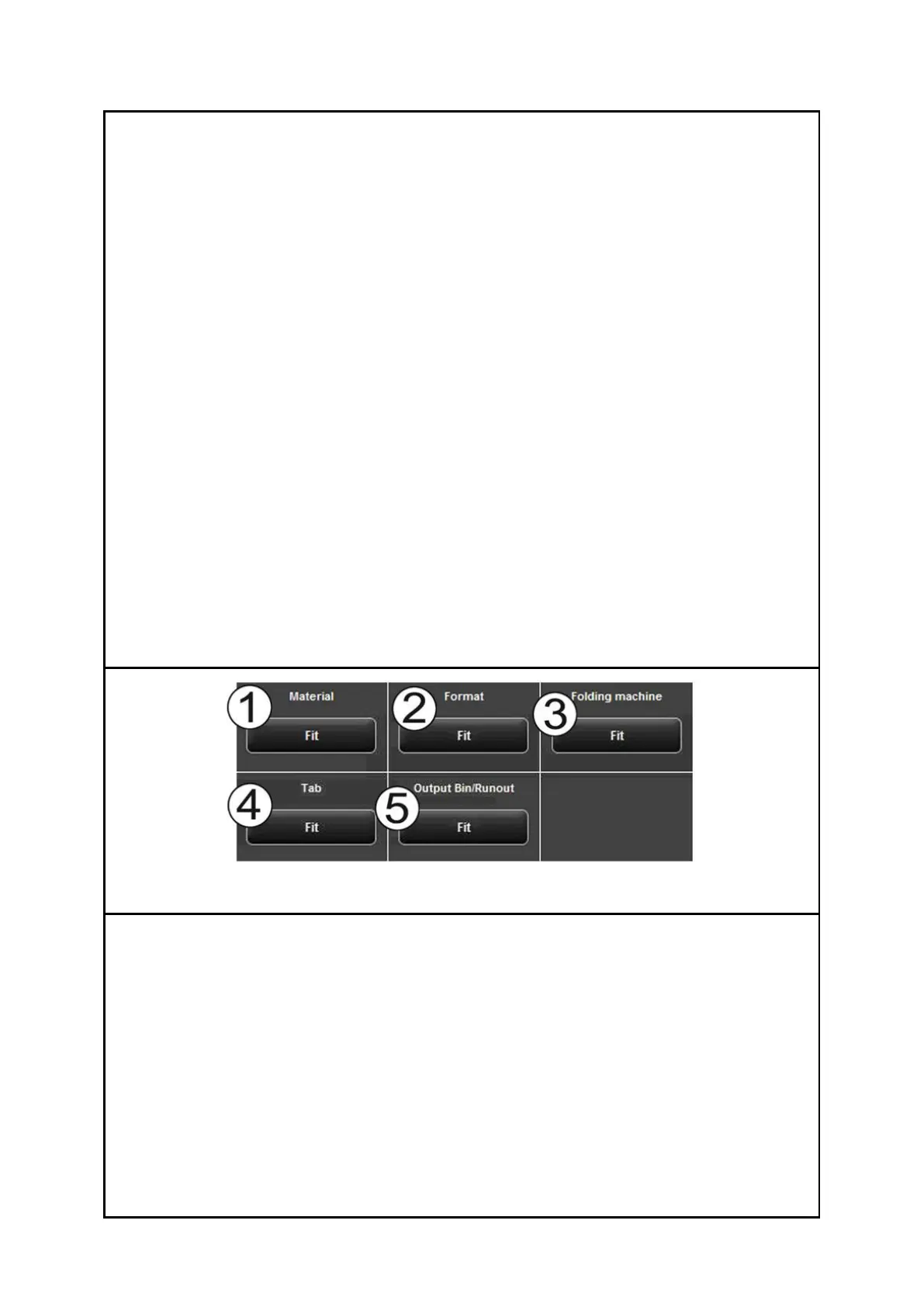
By means of the fallback option you can define the action if a resource required for the
print job is not available.
1. Material: Response to missing material (e.g. transparent medium).
Fit: Printer does not print and requires the respective material giving a
message.
Ignore: Printer uses the material available (e.g. paper instead of
transparent)
2. Format: Response of printer to missing roll format
Fit: Printer does not print and requires the respective roll format giving a
message.
Larger: Printer uses the larger format available next (e.g. ISO A0 instead of
A1).


 To Next Page
 Loading...


