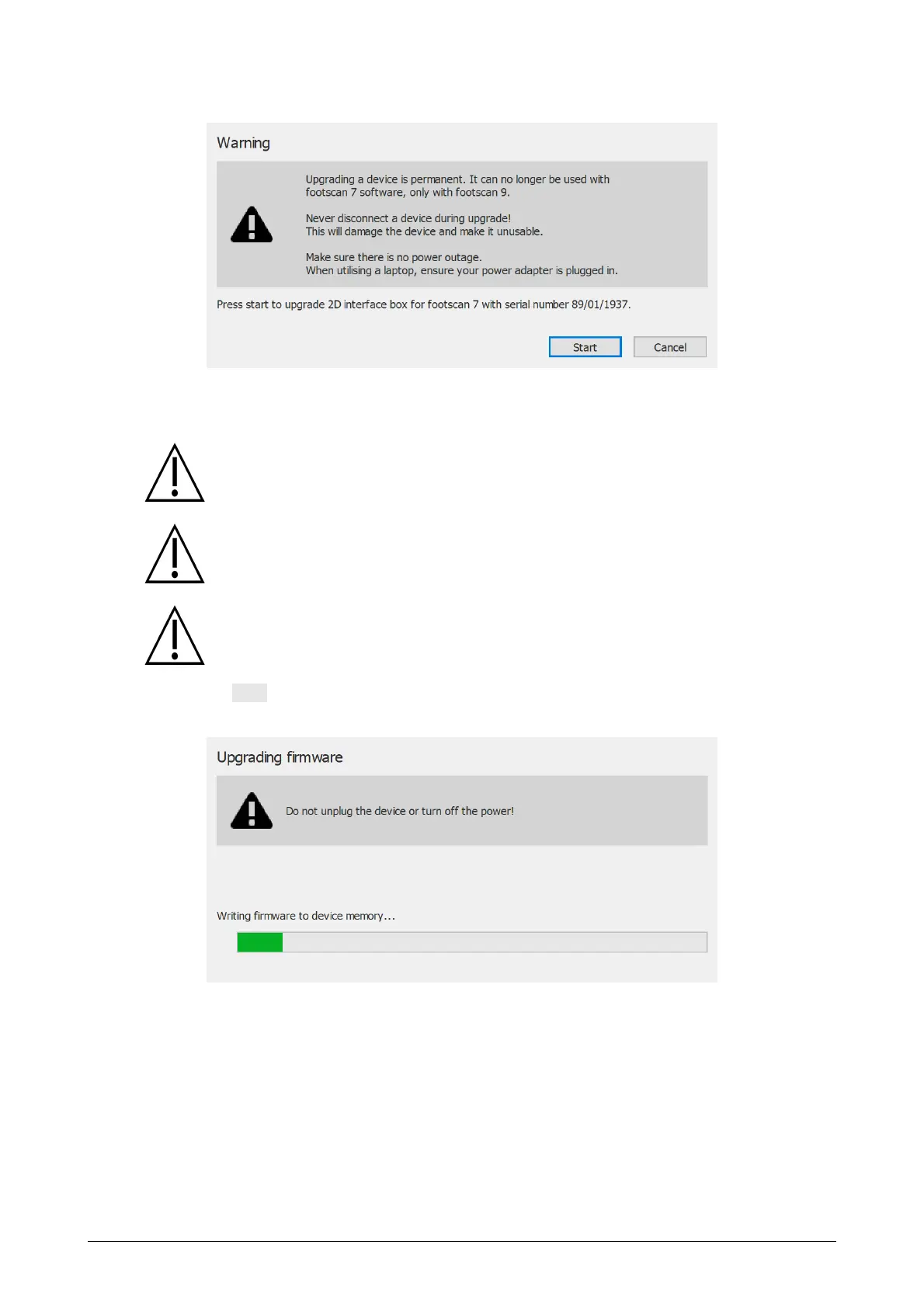
the following screen is shown:
Figure 95: Upgrade plate dialog intro.
Please read the following warnings carefully before upgrading your device:
Upgrading a device is permanent. It can no longer be used with the footscan
7 software, only with footscan 9.
Never disconnect a device during the upgrade! This will damage the device
and make it unusable.
Never cut power or shutdown the computer during an upgrade. When
utilizing a laptop, ensure its power adapter is plugged in.
Clicking the Start button will start the conversion, the following screen will be shown
during the conversion:
Figure 96: Upgrade plate dialog upgrading.
When the upgrade is finished, the following screen is shown:
®
®



 To Next Page