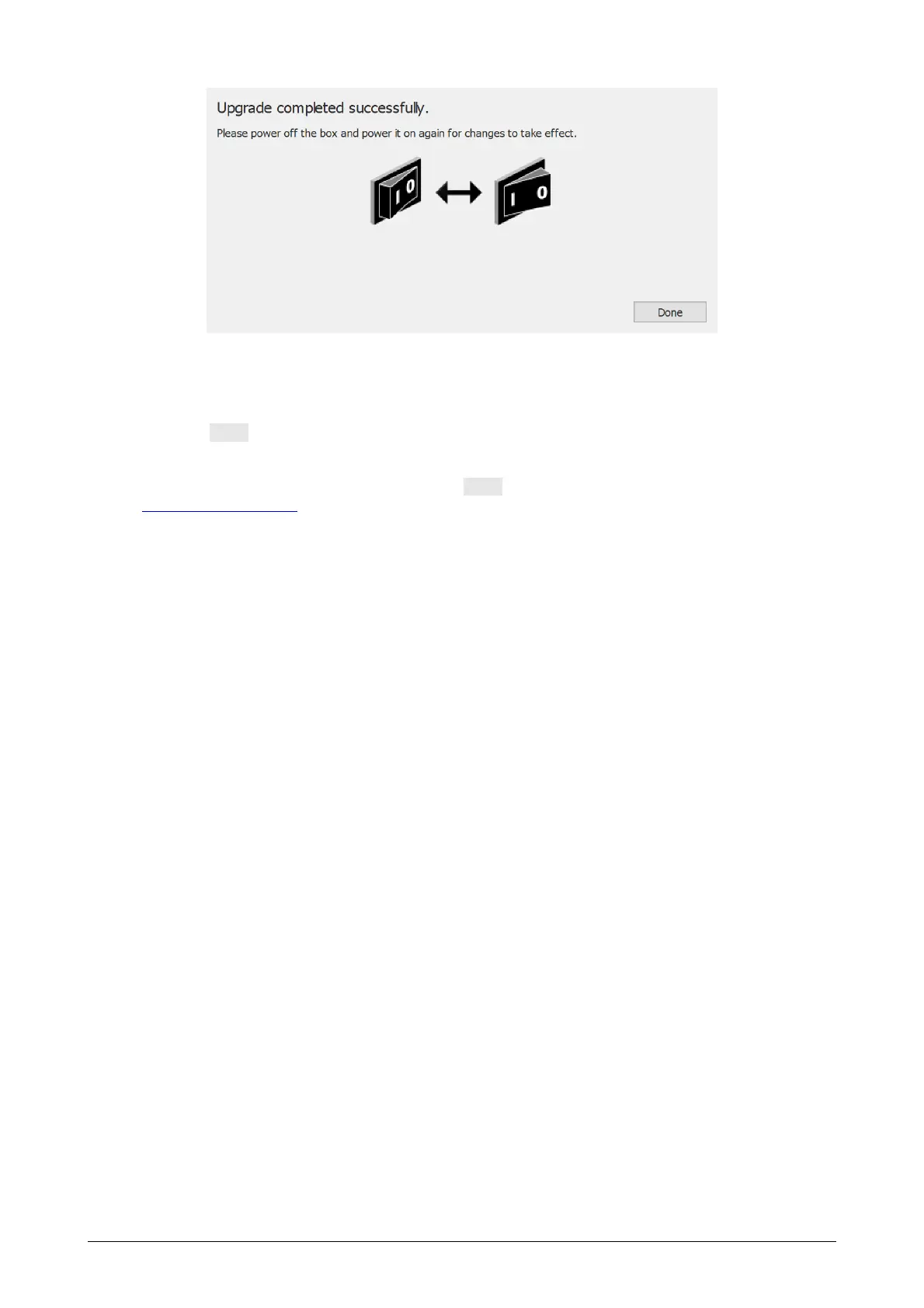
Figure 97: Upgrade plate dialog done.
If your setup contains an interface box, then you need to turn the power of the interface
box off and on. If your device is a USB plate, you need to unplug and re-plug the plate.
Click the Done button to finish the upgrade.
If there was an error during the upgrade of your device, there will be an error screen.
You need to close the dialog by clicking the Done button. Please contact
support@rsscan.com if problems during plate conversion persist.



 To Next Page