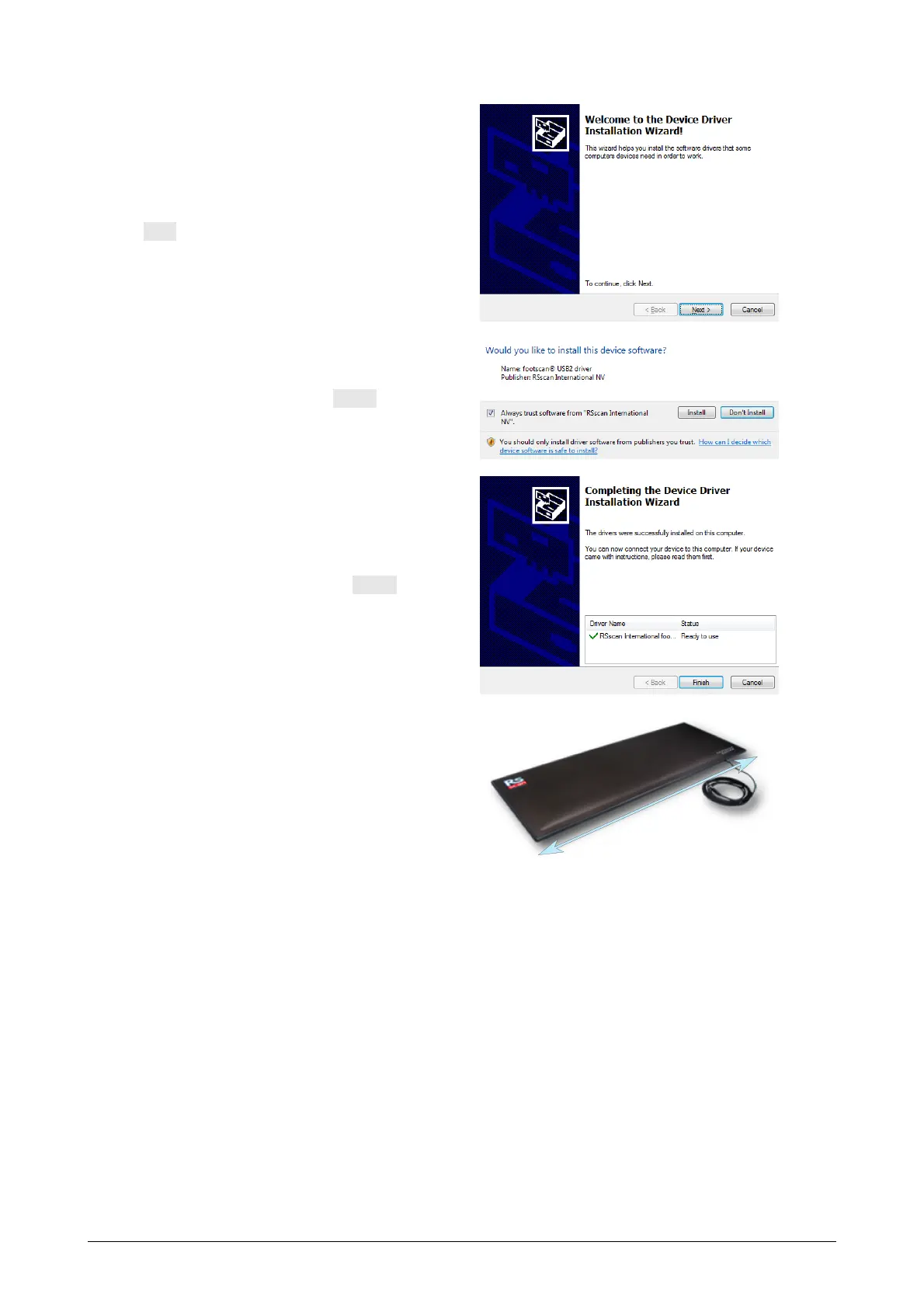
The installer proceeds with the
footscan USB device driver. Click
Next to continue.
Windows may ask for permission
to install the driver. Click Install to
continue.
The footscan USB device driver is
installed successfully. Click Finish
to continue.
Place the plate on the floor, the
measurement surface facing up
(serial number label facing down).
Align the plate according to the
gait direction (see arrow).
®
®
®



 To Next Page